Published Aug 18, 2026 · Updated Nov 19, 2026 · 15 min read
Integrate AI Support with Your Existing Helpdesk
A phased plan for adding AI resolution to Zendesk, Freshdesk, Intercom or Salesforce Service Cloud without replacing the helpdesk: integration patterns by helpdesk type, a deflect/draft/escalate/auto-resolve decision table, a 25-item readiness checklist and cost math.
 Written by Andrew Hall, Editor
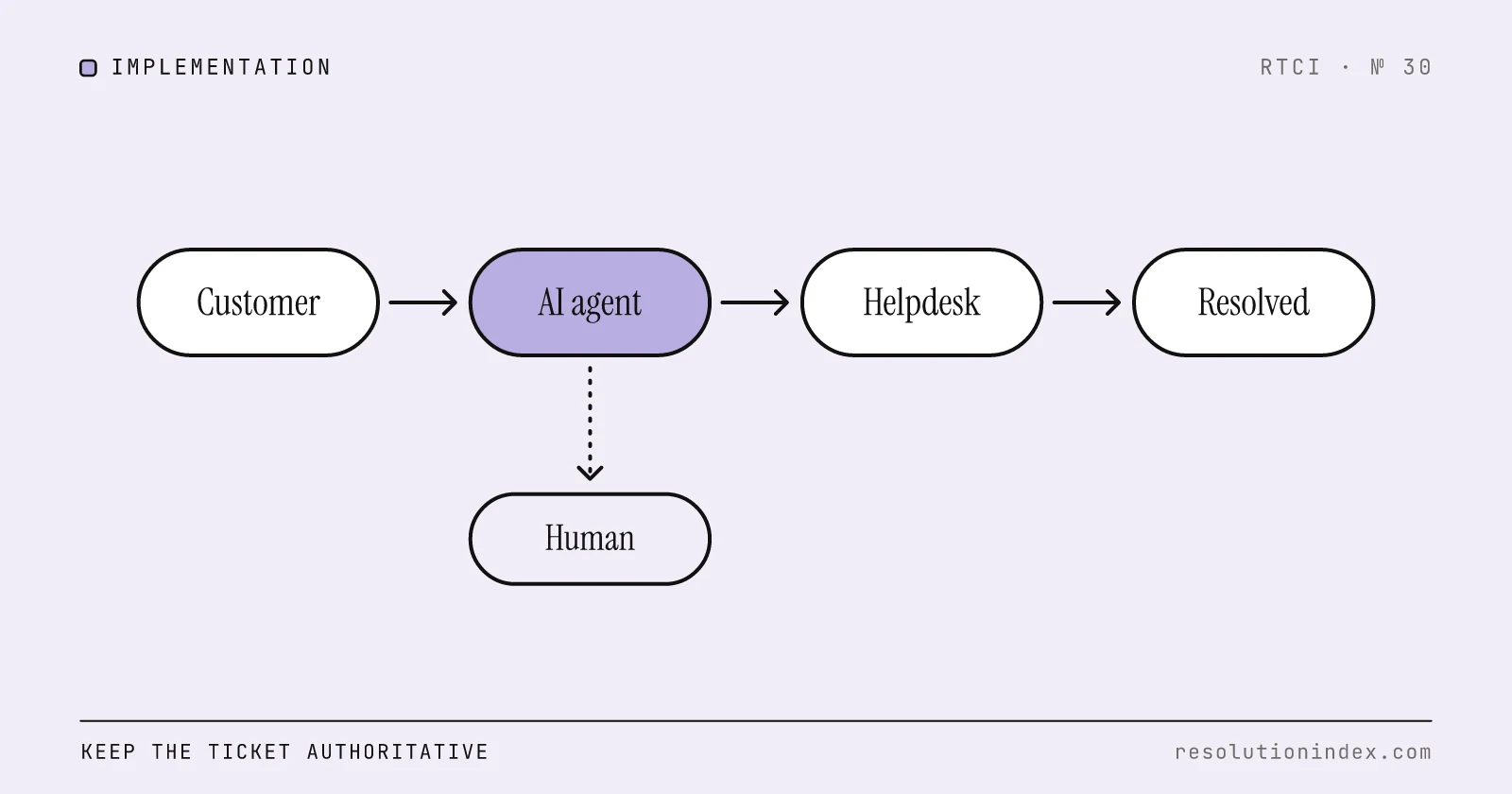
Keep your helpdesk as the system of record and add AI as a layer on top. Most major helpdesks now support this: Zendesk has native AI agents, Freshdesk has Freddy AI Agent, and Fin and Forethought both run on top of other helpdesks. Pick the pattern for your helpdesk type (ticket, conversation or CRM-native), connect read-only first, run shadow mode before any customer sees an answer, and enable auto-resolve one intent at a time with a kill switch for each.
The plan below is vendor-neutral. Use it with the 90-day pilot playbook for experiment design and the contract-to-go-live checklist for governance after signature.
Why not replace the helpdesk?
A helpdesk migration means rebuilding macros, routing, SLA tooling, reporting and every integration, and retraining agents, before the AI has resolved anything. If the goal is AI resolution capacity, layering keeps tickets, history and reporting where they are, and if the AI underperforms you switch off an intent while the helpdesk keeps running.
Vendors sell for this. Zendesk's AI agents run inside Zendesk, and Forethought, owned by Zendesk since March 26, 2026, sells "Forethought AI Agents by Zendesk" for other helpdesks too. Fin (the company formerly known as Intercom, owned by Salesforce since September 10, 2026) lists Fin for platforms support for Salesforce, Zendesk, HubSpot and Freshdesk; off Intercom it carries a 50-outcomes-a-month minimum. Freshdesk's Freddy AI Agent is configured inside Freshdesk. The Zendesk AI, Intercom Fin, Forethought and Freshdesk Freddy reviews have pricing and realistic resolution ranges for each.
Which integration pattern fits your helpdesk?
Identify the architecture before you evaluate tools. The wrong pattern produces unclear ownership, double handling and split reporting.
| Architecture | Examples | System of record | AI placement | First 90-day scope |
|---|---|---|---|---|
| Ticket-based | Zendesk, Freshdesk, Zoho Desk | Ticket (status, assignee, macros) | Inside the helpdesk: draft or resolve against tickets, write back status and tags | A handful of informational intents, one channel, shadow then live |
| Conversation-based | Intercom, Gorgias, Front | Conversation thread | In the messaging path: resolve or hand off in the same thread | Order status, FAQ, shipping updates on web chat |
| CRM-native | Salesforce Service Cloud, HubSpot Service Hub | Case plus CRM record (entitlements, Flows, assignment rules) | Assist layer that follows existing routing and gates actions by Flow | Agent assist and knowledge-grounded answers, no write-actions |
Pattern A: ticket-based helpdesks
In Zendesk and Freshdesk the ticket holds status, assignee, macros, tags and SLA timers, so the integration must keep the ticket authoritative. The AI can play three roles: draft responder (suggests a reply an agent sends), auto-resolver (solves the ticket and writes a summary, only for intents that passed shadow mode) and triage assistant (tags, routes and links macros with no customer-facing output).
In Zendesk, AI agents use your help center, macros and ticket data, and Admin Center bot management lets you run third-party bots alongside native ones. In Freshdesk, Freddy AI Agent is set up in AI Agent Studio, and the API Actions library lets it call your REST endpoints, for example an order lookup.
Write-back rules:
- Every AI write must be idempotent: re-running it must not duplicate a ticket or comment.
- Every AI action appears in the audit log under a distinct actor.
- The AI never closes a ticket unless a policy rule allows it for that intent.
- A resolved ticket gets a customer-visible summary and an internal note.
Pattern B: conversation-based platforms
In Intercom, Gorgias and Front the conversation is the unit, and tickets, if any, are created downstream. The AI sits in the messaging path: it greets, identifies intent, and resolves or hands off. The handoff packet is the critical design artifact, because an agent who inherits a conversation with no summary has more work than if the AI had never answered.
Bridge rules:
- Every escalated conversation carries the structured handoff packet (template below).
- A ticket created on handoff includes the AI summary, authentication state and escalation reason.
- The person continues in the same thread; the AI never opens a new one on handoff.
- Resolution and re-contact are measured per conversation, so one issue is not split across two records.
Pattern C: CRM-native service clouds
In Salesforce Service Cloud and HubSpot Service Hub a case is linked to accounts, entitlements and contracts, and routing runs through Flows and assignment rules. Agentforce works inside that structure, using CRM context and permissions; RTCI's Agentforce review covers its meters, including $2 per Help Agent resolution. Fin on Salesforce follows existing case assignment rules and hands unresolved issues to the team in Service Cloud.
- The AI follows existing assignment rules; it does not re-route cases.
- Grounding is limited to approved knowledge articles and connected sources.
- Write-actions (refunds, account changes) run through approved Flows with the same field-level security as a human agent.
- Entitlement checks run before the AI attempts a resolution.
- The CRM's PII redaction and data residency rules apply to the AI without exception.
This is slower to deploy, and it is the right trade-off in regulated industries: the CRM's governance becomes the AI's guardrail.
Where can the AI sit?
| Placement | How it works | Risk | Primary metric | When to use |
|---|---|---|---|---|
| Front-door bot | Answers or routes before a ticket or case exists | Medium | Resolution without re-contact | High-volume, low-complexity intake |
| In-helpdesk assist | Drafts replies or suggests macros; an agent sends | Low | Agent acceptance rate, time saved per ticket | First, on any helpdesk |
| Autonomous resolver | Resolves end to end and sets status | High | Verified resolution, 72-hour re-contact, cost per verified resolution | Only on intents that passed shadow mode |
| Hybrid | Front door for intake, assist for complex tickets, autonomous for approved intents | Medium | All of the above, split by placement | After several months of pilot data |
Start with assist, because a bad draft costs an agent a minute while a bad autonomous action can refund the wrong customer.
Decision table: deflect, draft, escalate, or auto-resolve
Route every intent through this table before enabling it. The confidence values are starting settings to tune in shadow mode, not benchmarks.
| Decision | When | Starting confidence | Action risk | Cost if wrong |
|---|---|---|---|---|
| Deflect | Informational answer, current article, no system action | 85%+ | None (read-only) | Customer asks again |
| Draft | Needs personalization or a lookup; a person approves | 60 to 85% | Low to medium | Agent edits a bad draft |
| Escalate | Billing disputes, cancellations, complaints, VIPs, regulated actions, or below threshold | Below 60% or policy-blocked | High | Financial loss, churn, compliance exposure |
| Auto-resolve | Passed shadow-mode gates, tested write path, low re-contact | 90%+ after shadow validation | Medium (reversible, audited) | Reversal plus audit |
In order: (1) if the intent is not on the approved scope list, escalate; (2) if the customer is a VIP or on a sensitive list, escalate; (3) if confidence is below the deflect floor, draft (above 60%) or escalate (below); (4) if no write-action is needed, deflect; (5) if a write-action is needed, it must be on the allowlist and the intent must have passed shadow mode, otherwise draft; (6) only then auto-resolve, with an audit trail and a daily QA sample.
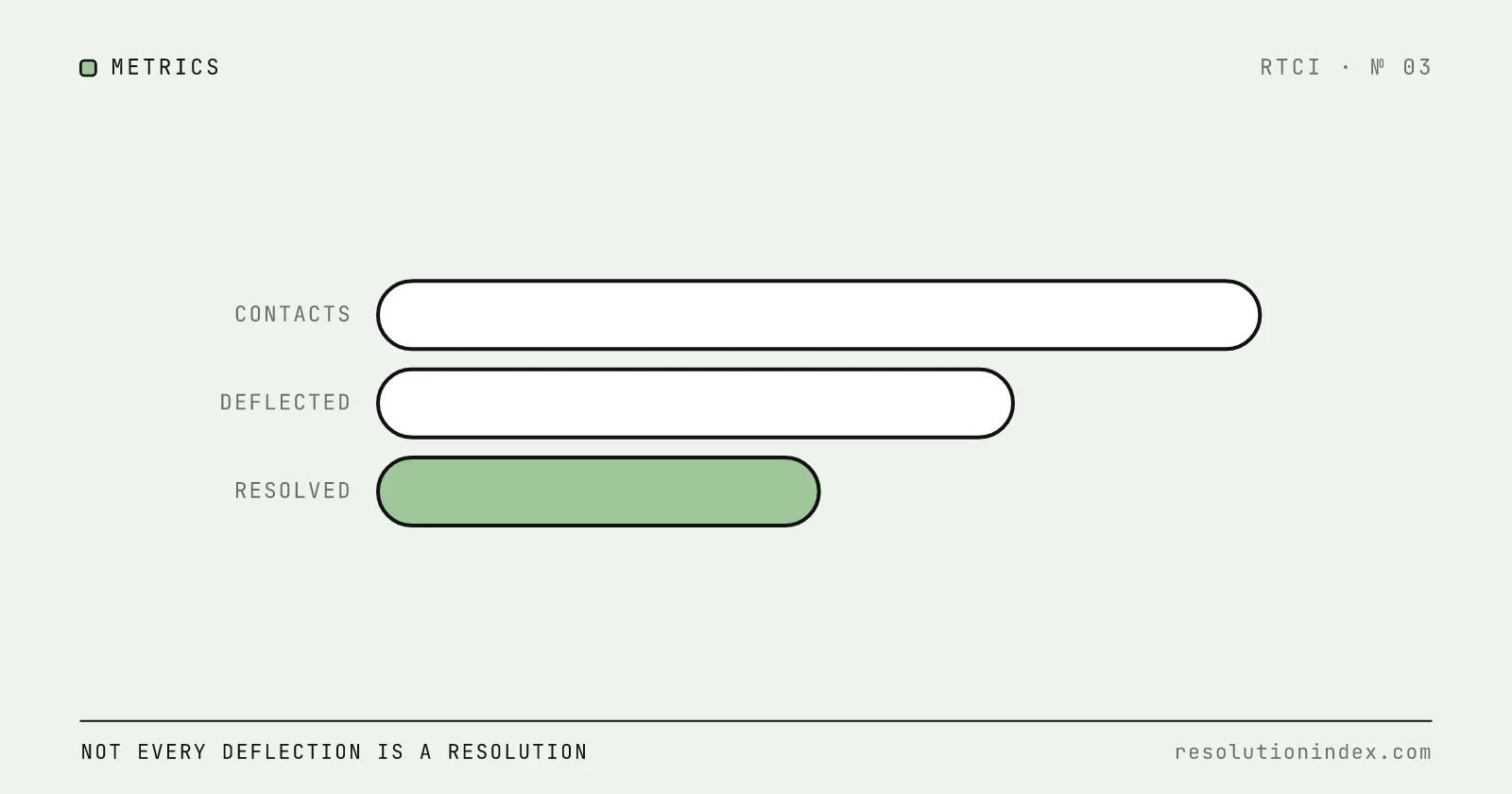
The difference between deflection and resolution is whether the customer's problem was solved, not whether the AI touched the conversation.
Phase 1: audit stack, intents, knowledge and baselines
Stack. List every system the helpdesk touches (CRM, billing, identity, order management, shipping, knowledge base, internal tools) with what the AI could read, what it could write, and how it authenticates.
Intents. Group the last 90 days of tickets by intent and rank by volume and risk. Shipping status and password resets are low risk; refunds, cancellations and billing disputes are high. Start with high-volume, low-risk intents.
Knowledge. For each candidate intent, confirm a current, consistent article or macro exists. If not, fix it first; the KB readiness guide covers how.
Baselines. Capture monthly volume, handle time, first-contact resolution, CSAT or CES, fully loaded cost per contact and 72-hour re-contact rate, all by intent. Without them you cannot show the AI changed anything. See how to measure AI resolution rate.
Phase 2: connect identity, data, actions and observability
Identity. Give the AI its own service identity via SSO or OAuth, never a shared admin account, scoped to the objects and fields its approved intents need.
Read before write. Connect lookups first. Write-actions come after shadow mode shows the AI's judgment holds.
Action allowlist. Each approved action has a name, endpoint, allowed parameter ranges, authorization rule, idempotency key and rollback path. Anything not on the list is unavailable to the AI.
Observability. Every AI action is visible in the helpdesk history, filterable by AI actor. Alert on failed actions, AI resolutions reopened within 72 hours and handoffs agents mark as bad.
Degraded mode. Disable the AI connector in a test and confirm tickets still route, SLA timers still run and agents can work normally.
Phase 3: ground the AI, encode policy, build a golden set
Grounding. Connect approved sources only: the help center, selected macros and named internal documents. No open-web retrieval.
Policy as tables. "Refunds under $50 within 30 days are approved; above $50 need a supervisor" becomes a row the AI checks before acting. Where policy is vague, the AI guesses.
Golden set. Pull 100 to 300 resolved tickets across candidate intents, with the customer message, the correct answer or action, and the quality criteria. Run every configuration change against it before promoting. Own this set yourself; a vendor's test set is built to show the product at its best.
Phase 4: pilot in shadow mode, then limited live
Shadow mode. The AI drafts for incoming tickets and no customer sees the output. Agents mark each draft agree or disagree with a reason. Set your gates before you start, for example an agreement rate of 80 percent or more and a low share of harmful suggestions, and fix grounding or policy until each intent clears them.
Limited live. One channel, a few low-risk intents, deflection and drafts only, no write-actions. Measure resolution without re-contact within 72 hours, post-handoff CSAT and agent ratings of handoff quality. Keep the per-intent kill switch live.
Scorecard review. Before expanding, review with named owners: verified resolution by intent against the pre-AI baseline, 72-hour re-contact, handoff quality, cost per verified resolution against the human baseline, and what broke and how fast you caught it. The cost per verified resolution framework covers the economics.
Phase 5: expand by intent, channel, then write-actions
Intents. Add them one at a time or in small batches, each through the decision table, golden set and its own shadow period.
Channels. Email after chat, because asynchronous replies can be reviewed before sending. Voice last, because customers hear mistakes immediately; limit it to intents with proven verified resolution.
Write-actions. Last, starting with low-value reversible actions such as an address update or subscription pause. Each needs a tested idempotency key, rollback path, daily QA sample and alert threshold. Do not start with refunds above a threshold or account deletion.
Governance. Every expansion has an owner, a gate and a rollback plan. If it fails the gate, revert to the previous scope.
Readiness checklist: 25 items before you connect
Every item needs a named owner and a sign-off date.
Stack and data
- Helpdesk architecture classified (ticket, conversation or CRM-native)
- Connected systems inventoried with read/write capability and authentication
- PII fields mapped (what the AI will see and write)
- Data residency requirements confirmed for storage and AI processing
- AI service identity configured with least privilege
Intents and knowledge
- Candidate intents ranked by volume and risk
- Articles reviewed for each candidate intent
- Stale or contradictory articles fixed or removed
- Policy decision tables written for each candidate intent
- Out-of-scope intents listed (billing disputes, fraud, VIP, regulated actions)
Guardrails and observability
- Write-action allowlist with parameter ranges and rollback paths
- Audit logging on for all AI actions
- Per-intent kill switch tested
- Degraded mode tested
- Alerts for failed actions, 72-hour re-contacts and bad handoffs
People and metrics
- Program, IT, security and frontline owners named
- Baselines captured (volume, handle time, FCR, CSAT, cost per contact, re-contact)
- Golden set of 100 to 300 real tickets built
- Pilot scorecard ready (verified resolution, re-contact, cost per verified resolution)
- Agents briefed on the handoff workflow and feedback tagging
Go-live gates
- Shadow mode passed your agreement gate
- Limited live beat the pre-AI baseline on resolution without re-contact
- Scorecard approved by program owner and executive sponsor
- Rollback plan documented and tested
- Daily QA sampling assigned
Three rollout plans by helpdesk type
These are illustrative plans with assumed volumes, not case studies. Use them to see how the phases change with the pattern.
A. B2B SaaS on Zendesk (ticket-based). Assume 15 agents and 4,000 tickets a month: password reset 800, feature how-to 700, billing questions 500, bug reports 300, account changes 200. Password reset and billing FAQs are high-volume and low-risk; bug reports and account changes are not. Connect read access to the help center and user directory only, through an OAuth-scoped service account. Policy table: password reset auto-resolves once the email is verified, billing FAQs deflect with an article, billing disputes escalate, feature how-to is drafted for review. Shadow the two low-risk intents, go live on web chat once they clear the agreement gate, then add email for billing FAQs. Refunds stay in shadow.
B. Ecommerce brand on Freshdesk (ticket-based with chat). Assume 12,000 conversations a month across chat, email and social: order status 4,000, shipping updates 2,500, returns 1,800, product questions 1,500, exchanges 800. Configure Freddy AI Agent in AI Agent Studio with read-only API Actions for order lookup and carrier status. Order status auto-resolves when the order is found and on time; delays deflect with the new ETA; returns are drafted for review; exchanges escalate. Because Freddy bills per session ($49 per 100 after the 500 included), measure cost per resolved session, not per session.
C. Financial services on Salesforce Service Cloud (CRM-native). Assume 80 agents and 25,000 cases a month: account access 3,000, transaction history 2,500, statement requests 1,800, fee disputes 1,200, fraud reports 400. Fee disputes and fraud never touch the AI. Agentforce reads approved Knowledge articles and case data; all actions go through Flows; entitlement checks run first. Statement requests can auto-resolve when entitlement is valid, transaction history deflects for verified accounts, account access is drafted for review. Run a longer shadow period because the industry is regulated, and keep anything that moves money out of auto-resolve.
What is the AI worth on your helpdesk?
Fill in your own values. The example column assumes a $8.50 fully loaded human cost per contact, a 60 percent verified resolution rate (inside Fin's 56–66% realistic range in the RTCI index) and Fin's published $0.99 per outcome.
| Input | Your value | Example |
|---|---|---|
| Monthly contacts | ______ | 10,000 |
| Share of contacts on approved intents | ______% | 40% |
| AI-eligible contacts | ______ | 4,000 |
| Verified resolution rate | ______% | 60% |
| AI-resolved contacts | ______ | 2,400 |
| Human cost per contact | $______ | $8.50 |
| Avoided human cost (resolved × human cost) | $______ | $20,400 |
| AI fee (resolved × $0.99) | $______ | $2,376 |
| Monthly net | $______ | $18,024 |
On per-session or per-conversation pricing, multiply the fee by all AI-eligible contacts instead of resolved ones. Off Intercom, Fin also has a 50-outcome monthly minimum, and on Zendesk the per-agent plan (plus the $50 Copilot add-on, if you buy it) sits on top. The cost per verified resolution calculator runs this with your numbers.
Handoff context packet template
If a required field is missing, the AI should not be able to complete the handoff.
| Field | Description | Required |
|---|---|---|
| Customer identity | Name, email, account ID, tier | Yes |
| Original intent | Classified intent label | Yes |
| Summary | Two to three sentences on what the customer needs and what the AI did | Yes |
| Actions taken | Lookups, drafts, attempted resolution | Yes |
| Escalation reason | Low confidence, policy block, customer request, VIP | Yes |
| Auth state | Whether and how the customer was verified | Yes |
| Confidence score | For the last attempted answer | No |
| Suggested next step | The AI's recommendation | No |
Agents flag handoffs that arrive without it, and bad-handoff rate becomes a pilot metric. The handoff training guide covers the agent side.
Failure modes and how to reverse them
| Failure | Symptom | Rollback | Prevention |
|---|---|---|---|
| Duplicate tickets | AI creates a ticket instead of updating one | Disable AI ticket creation, merge duplicates | Idempotency keys on every write |
| Wrong refund | Refund to the wrong amount or customer | Disable the action, reverse, audit recent AI refunds | Keep refunds draft-only with human approval |
| Context-free escalation | Agent must re-read the whole conversation | Flag as bad handoff, add to golden set | Enforce the packet |
| Metric theater | Dashboard deflection is high but re-contact rises and CSAT falls | Switch to verified resolution with a 72-hour window, pause expansion | Never use vendor-reported containment as the success metric |
| Knowledge drift | Outdated answers after a product change | Disable affected intents, update articles, re-run golden set | Tie article reviews to the release calendar |
Each failure has a rollback because the helpdesk is still there. That option is the main reason to layer rather than replace.
Frequently asked questions
Can I add AI support without leaving Zendesk?
Yes. Zendesk AI agents run inside your Zendesk instance on your help center and ticket data. Forethought, which Zendesk acquired in March 2026, and Fin both sell AI agents that run on top of an existing Zendesk account, so you can compare a native and a layered option without migrating. Start with read-only intents, shadow mode and a per-intent kill switch.
How do you integrate AI with Freshdesk?
Freddy AI Agent is configured in AI Agent Studio inside Freshdesk. You connect knowledge sources, define workflows and deploy to channels. To reach outside systems, the API Actions library lets the agent call your REST endpoints, for example to fetch order status. Start with read-only actions before enabling anything that writes.
Should AI sit in front of or inside the helpdesk?
It depends on the helpdesk type. In ticket-based systems the AI usually drafts or resolves inside the helpdesk so the ticket stays authoritative. In conversation-based platforms it sits in the messaging path and hands off in the same thread. In CRM-native service clouds it should follow existing case routing and Flows, starting as agent assist.
When should AI deflect, draft, escalate, or auto-resolve?
Deflect when the answer is informational, low-risk and backed by a current article. Draft when a person should review before sending. Escalate when confidence is below your floor or the intent is high-value, sensitive or regulated. Auto-resolve only intents that passed shadow-mode quality gates and have a tested, reversible action path.
How long does helpdesk AI integration take?
RTCI has no verified implementation-time data. What sets the pace is knowledge base readiness, how many write-actions you need, and how long shadow mode takes to show stable agreement on each intent. Plan around those gates rather than a vendor's headline go-live time.
What is the biggest risk when adding AI to an existing helpdesk?
Turning on auto-resolve before shadow-mode data shows the AI does not create rework. Silent wrong answers, duplicate tickets and context-free escalations all come from skipping that gate. Run shadow mode first, score verified resolution rather than containment, and keep a per-intent kill switch.
Change log
- Replaced invented pilot results in the three examples with rollout plans and gates, removed unsourced implementation timelines, updated Fin (now Salesforce-owned) and Forethought (Zendesk-owned) details to match RTCI reviews, and reworked the cost table around published prices.
- Published.
Read next
Keep reading
Picked for this article: the pieces it cites and the ones that answer the next question buyers usually ask.
Most related
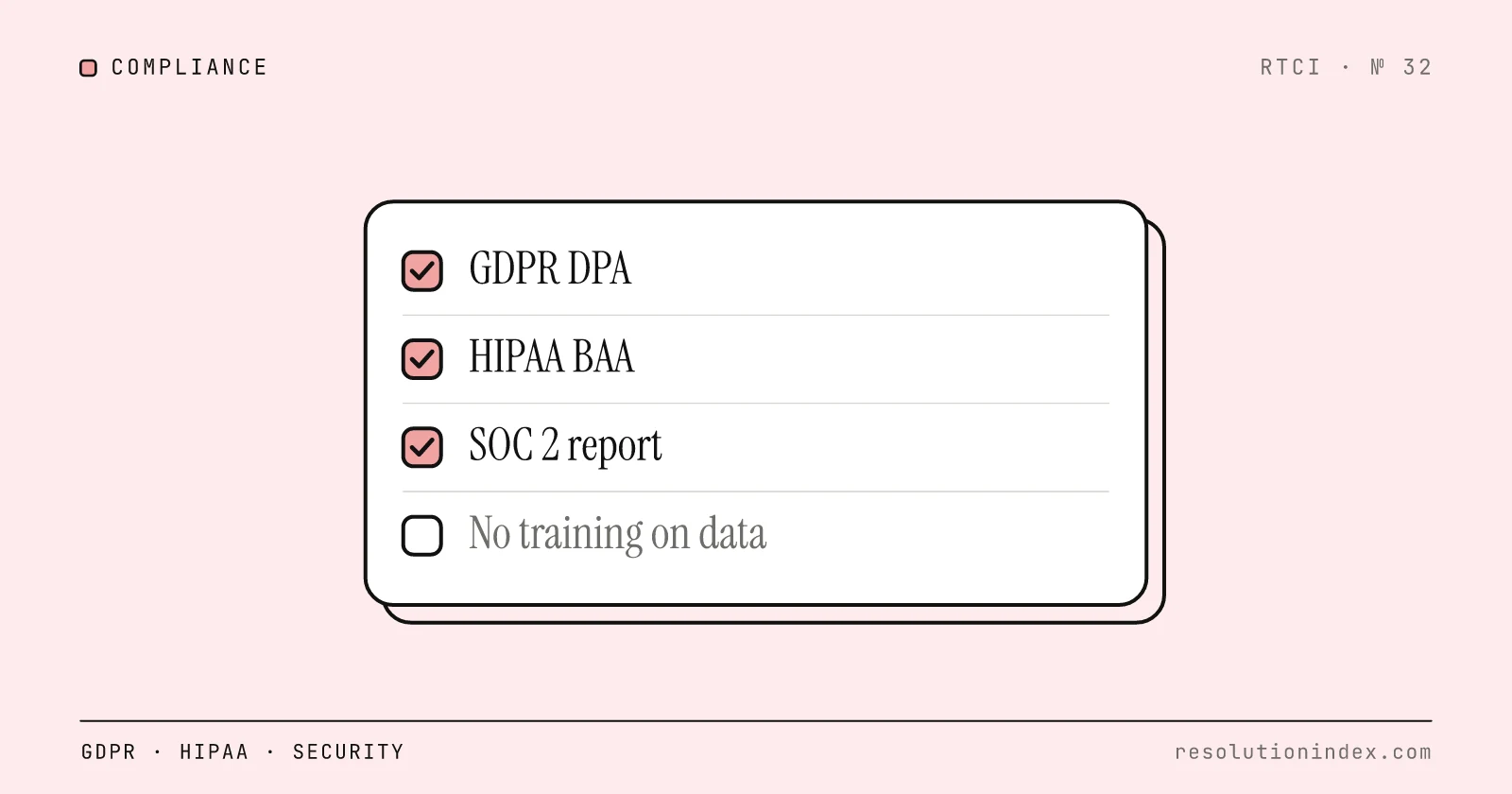
AI Support Compliance Checklist (GDPR / HIPAA / Security) (2026)
A buyer-side compliance checklist for AI customer support: GDPR DPA clauses, when HIPAA and a BAA actually apply, the EU AI Act chatbot disclosure rule, SOC 2 checks, the subprocessor chain and no-training contract language.
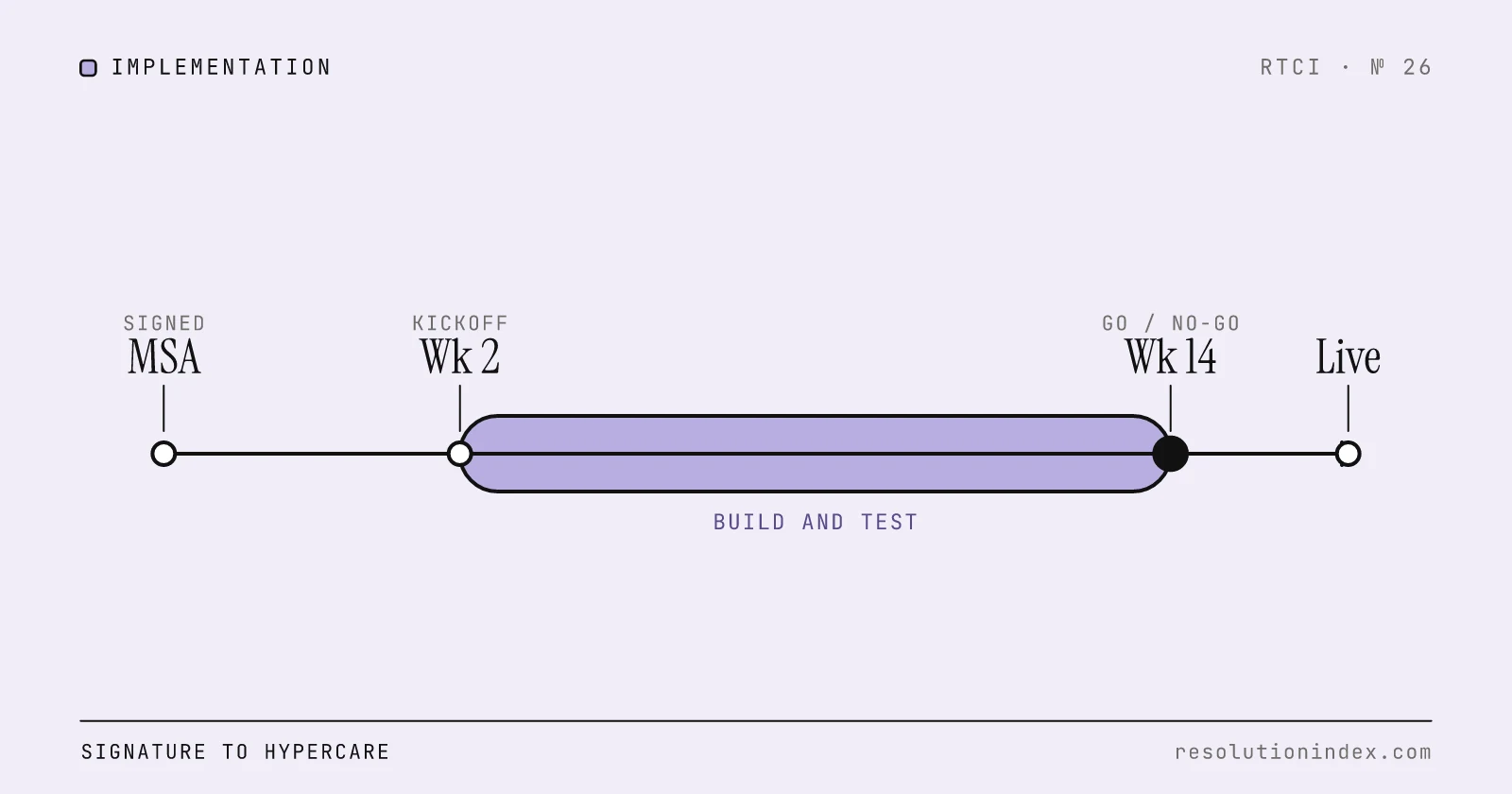
Implementation Checklist: AI Support Contract to Go-Live
A buyer-side checklist from signed contract to the first 30 days of production: seven gated phases, owners, a risk matrix, a go/no-go scorecard and a sample 12 to 16 week plan.
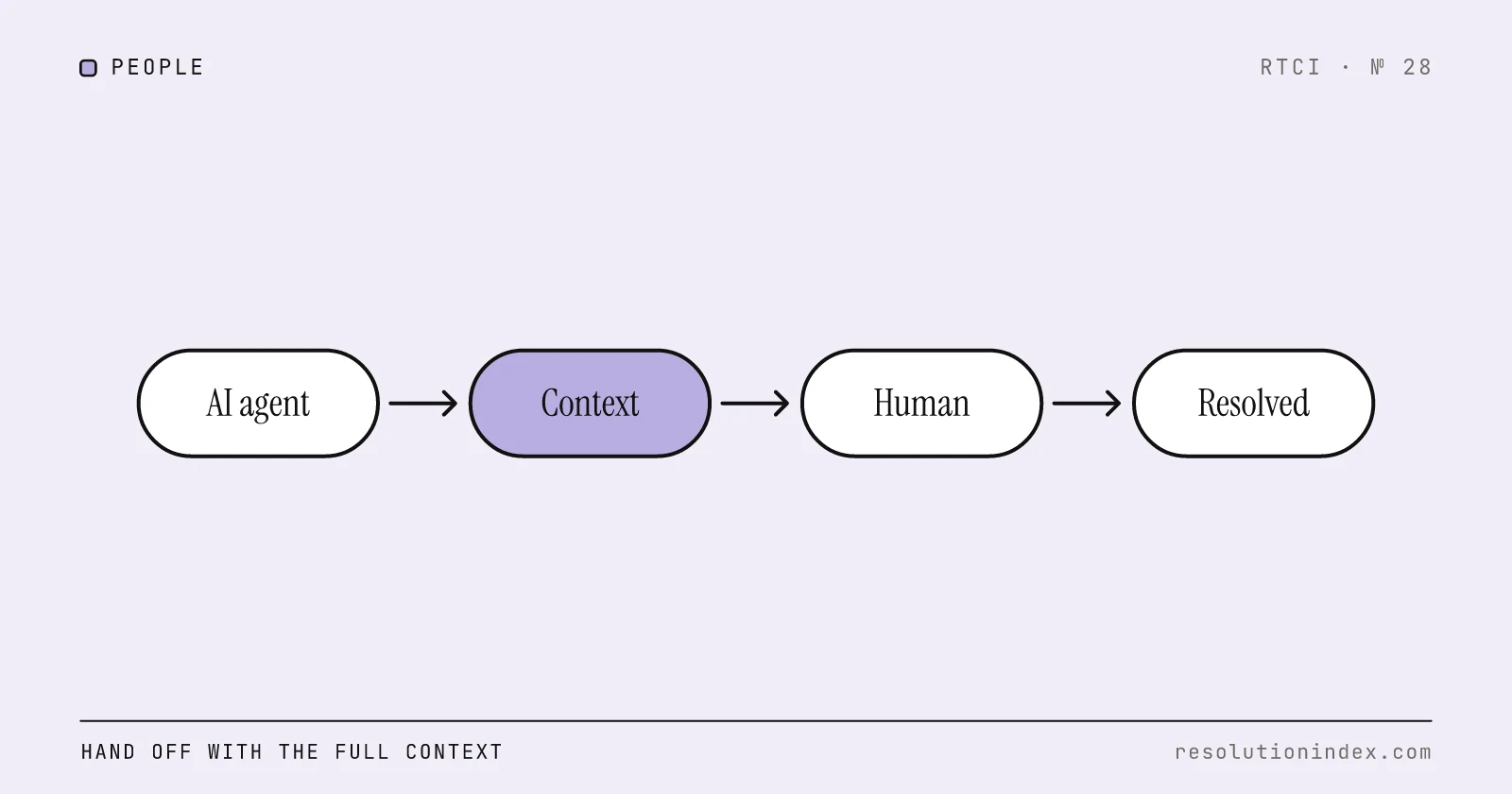
Train the Team on AI Handoff Workflows
What a clean AI-to-human handoff packet contains, how to measure handoff quality, what vendors bill when a conversation is handed off, and how handoffs move cost per verified resolution.
Resolution Rate vs. Deflection Rate: What's the Difference?
Resolution rate measures issues solved end to end; deflection rate measures contacts avoided. Learn the formulas, see examples, and stop vendors from blending them.
Intercom Fin vs. Zendesk AI: Which Resolves More?
Fin vs Zendesk AI on RTCI's index: realistic resolution rate, cost per resolution with worked bills, minimum commitment, pricing transparency, and what Salesforce's ownership of Fin means for buyers.