Published Aug 6, 2026 · Updated Nov 19, 2026 · 9 min read
How to Pilot an AI Support Agent: A 90-Day Playbook
A vendor-agnostic 90-day plan for testing an AI support agent against your real ticket queue, with go/no-go criteria at each phase and clear rules for when to stop.
 Written by Andrew Hall, Editor
How should you pilot an AI support agent?
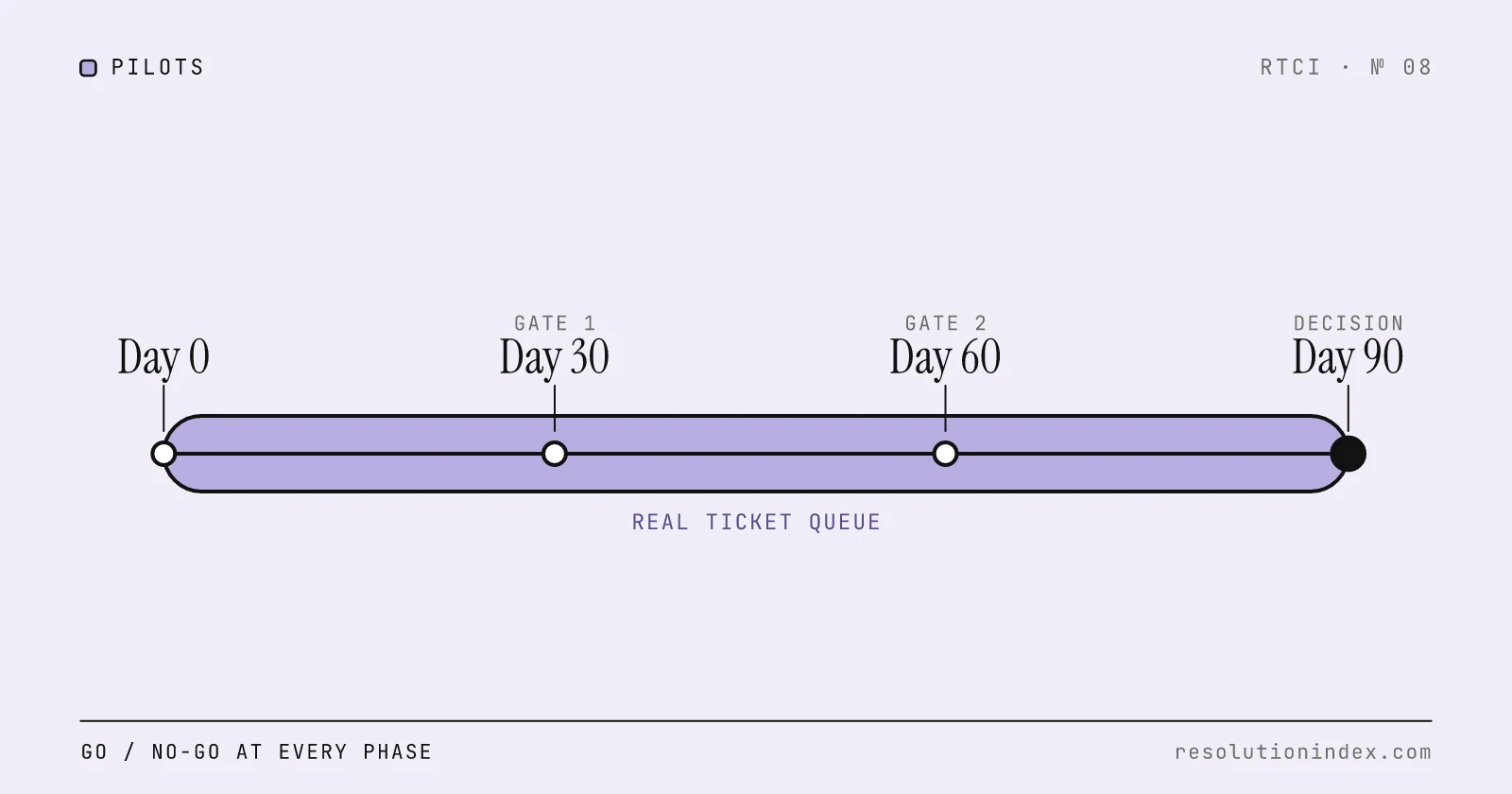
Run the pilot in four phases over 90 days on your own ticket queue: two weeks in shadow mode, where the AI drafts answers that never reach customers; a month on one simple ticket type with a person checking every answer; a month on three to five ticket types with spot checks; and two weeks of measurement that end in a go, iterate or stop decision. Write the pass criteria before day one, judge on verified resolution, re-contacts and CSAT rather than the vendor's dashboard, and fix your knowledge base before you start.
The question a pilot answers is narrow: does this AI, set up on your knowledge base and ticket mix, resolve enough tickets at acceptable quality to justify its cost? A demo or a vendor's average across other customers cannot answer that. Only your own tickets can.
The thresholds in this playbook are RTCI's suggested defaults, not industry benchmarks. Tighten them if your human baseline is strong, and write down whichever numbers you choose before the pilot begins.
What needs to happen before day one?
Two weeks before the pilot, run three workstreams in parallel: a knowledge base audit, a ticket data export and a written set of success criteria. None of them needs the vendor, and all of them decide whether the pilot produces a usable answer.
Knowledge base audit: export your help center, FAQs and internal docs. List your top 20 ticket types by volume and check whether each has a complete, current article that answers it. The Knowledge Base Readiness for AI Support guide walks through the audit. If fewer than 70 percent of the top 20 have complete articles, fix the gaps first, because otherwise the pilot measures missing content rather than the AI.
Ticket data export: pull at least three months of history with timestamp, channel, ticket type, resolution status, first-response time and CSAT. Record baseline first-contact resolution, cost per contact, CSAT, reopen rate and volume. Without a baseline you cannot tell whether the AI improved anything.
Success criteria: write them down and share them with stakeholders before day one. At minimum: a target verified resolution rate (use the bottom of your platform's realistic range in the RTCI index as the floor), a CSAT threshold within 10 points of your human baseline, a re-contact rate below 15 percent, and a maximum escalation rate. If these are set after the data arrives, the pilot becomes a moving target.
Name the team at this stage: the support lead, the knowledge base owner, an engineer for the integration, and the person who controls the budget. A pilot without a budget owner has no one to make the decision at day 90.
Phase 1, days 1 to 14: shadow mode
In shadow mode the AI reads incoming tickets and drafts responses, but nothing reaches customers. Drafts go to an internal review queue.
Shadow mode answers two questions. Does the AI produce accurate, relevant answers for your ticket types? And when it fails, is the cause missing content or the model?
Have the team review 50 to 100 drafts a day, scoring each for accuracy, completeness and tone. Log every failure in one of four buckets: KB gap (the answer does not exist), KB quality (it exists but is unclear or outdated), model limitation (it exists but the AI did not retrieve or use it), or out of scope (the AI should not handle this ticket type).
Review daily. A problem caught in shadow mode costs nothing in customer experience; the same problem found after a full launch reaches every customer at once.
Pass criteria for Phase 1: the AI runs without technical errors, at least 60 percent of drafts are rated accurate and complete, KB gaps are logged and prioritized, and no customer has seen an AI response.
Phase 2, days 15 to 45: one ticket type, every answer checked
Pick one ticket type that is high volume, low complexity and well documented, such as password resets, order status or return policy questions. The AI handles it end to end, but a person reviews every conversation before it closes and escalates any the AI got wrong.
Track daily: resolution rate on the scoped type, escalation rate, CSAT on AI-handled conversations (kept separate from human CSAT), and re-contact within 72 hours. Re-contact is the number that tells you whether resolved meant resolved, as How to Measure AI Resolution Rate explains.
Iterate fast. When the AI fails on a phrasing of the question, update the article. When it escalates a ticket it should handle, check whether the article is clear. In this phase the fix is usually content.
Keep the scope narrow. Adding ticket types before the first one works makes it impossible to tell what went wrong. Move to Phase 3 if resolution on the scoped type is at least 30 percent and CSAT is within 10 points of your human baseline. If resolution is below 30 percent or CSAT falls more than 15 points, stop and fix the knowledge base before expanding.
Phase 3, days 46 to 75: wider scope, spot checks
Expand to three to five ticket types and switch from reviewing every answer to reviewing a random 10 to 20 percent. The goal is to see which types the AI handles well enough to run without full review.
By the end of Phase 3 you should have enough conversations to calculate verified resolution with the 72-hour re-contact rule described in How to Measure AI Resolution Rate.
Set expectations from your platform's realistic range, not from vendor case studies. Sierra's WeightWatchers case study reports that its agent contained nearly 70% of cases in the first week while satisfaction stayed above 4.5 out of 5. That is containment as counted by the vendor, a wider measure than verified resolution, on a deployment the vendor chose to publish. RTCI's own November 2026 test measured 73% for Sierra AI; other platforms in the index have realistic ranges well below that.
Your weekly dashboard should show conversations reaching the AI, verified resolution by ticket type, 72-hour re-contact, escalation rate, CSAT on AI-handled conversations and cost per verified resolution. If any of these moves the wrong way for two weeks running, investigate before expanding.
Pass criteria for Phase 3: verified resolution on the expanded scope at or above the bottom of your platform's realistic range, CSAT within 10 points of the human baseline, re-contact below 15 percent, and escalation below 50 percent of AI-handled conversations. If you miss, narrow back to the Phase 2 types and fix the gaps, or assess whether the platform suits your ticket mix.
Phase 4, days 76 to 90: measure and decide
Phase 4 is for measurement, not expansion. The AI keeps the Phase 3 scope, and the work shifts from fixing to judging against the criteria you wrote before day one.
Run the full method from How to Measure AI Resolution Rate: export all conversations, separate AI-handled from human-handled, check escalations and 72-hour re-contacts, segment by ticket type, and calculate verified resolution per segment.
Check that each segment is big enough to judge. A 10 percent re-contact rate measured on 400 conversations has a 95 percent margin of about ±2.9 points (1.96 × √(0.10 × 0.90 ÷ 400)). On 100 conversations the margin is about ±5.9 points, so a segment that small cannot show whether you are under a 15 percent limit.
Calculate cost per verified resolution with the three-layer model in the Cost Per Verified Resolution framework: platform fees, per-resolution or per-conversation charges, and the human cost of escalations. Compare it with your baseline cost per human-resolved ticket.
The day-90 decision has three outcomes. Go: verified resolution meets the target, CSAT and re-contact are in range, and cost per verified resolution beats the human baseline. Scale with a roadmap for more ticket types. Iterate: resolution is close to target with specific gaps you can fix with KB work in 30 to 60 days. Set a second evaluation date. Stop: resolution is well below target, CSAT has dropped, or re-contact is above 20 percent. Either the platform does not suit your ticket mix or the knowledge base is not ready, and the pilot has answered its question.
What are the pass criteria at each phase?
| Phase | Proceed when | Stop or hold when |
|---|---|---|
| Pre-pilot | 70%+ of top 20 ticket types have complete articles; 3 months of baseline exported; criteria written and shared | Coverage below 70%: fix the KB first |
| 1: Shadow (days 1–14) | No technical errors; 60%+ of drafts rated accurate and complete; KB gaps logged | Drafts below 60% accurate: fix content, extend shadow mode |
| 2: One ticket type (days 15–45) | Resolution 30%+ on the scoped type; CSAT within 10 points of human baseline; re-contact below 15% | Resolution below 30% or CSAT down more than 15 points |
| 3: Wider scope (days 46–75) | Verified resolution at or above the bottom of the platform's realistic range; CSAT within 10 points; re-contact below 15%; escalation below 50% | Any metric moving the wrong way two weeks running: hold scope |
| 4: Decide (days 76–90) | Target met and cost per verified resolution beats the human baseline: go | Well below target, CSAT down, or re-contact above 20%: stop |
These are starting defaults. If your human CSAT is unusually high or your re-contact baseline is already low, tighten them to match.
Which red flags should stop a pilot early?
Some problems justify stopping before day 90, whatever the phase.
Escalation rate rising week over week. If more conversations reach people over time, not fewer, the AI is degrading, the ticket mix is shifting, or the knowledge base is going stale. The pilot is no longer testing what it set out to test.
AI CSAT more than 15 points below the human baseline. A 5 to 10 point gap can be worked on. A 15-point gap means customers are telling you the AI is not ready to face them.
Re-contact above 20 percent. Customers are coming back with the same issue within 72 hours, so the AI is closing conversations it did not resolve. This is the clearest sign the vendor dashboard's resolution rate is inflated.
Frequent wrong answers. If reviewers find fabricated or incorrect answers in more than 5 percent of sampled conversations, the knowledge base is incomplete or badly structured for retrieval. Stop, fix the content, and restart Phase 1.
Customers repeatedly typing human or agent. If people are trying to escape the AI, the handoff path is too slow or loses context, and the pilot is now hurting customer experience.
What if the pilot fails?
A failed pilot still tells you what to fix. Read the failure log by cause.
Knowledge gaps (the content did not exist): invest in the knowledge base. Run the audit in Knowledge Base Readiness for AI Support, fix the top 10 gaps, and re-run the pilot.
Model limitations (the content existed but the AI did not retrieve or use it): improve the structure of the content, such as splitting articles, adding metadata and simplifying formatting, or test a different platform on the same tickets to see whether the problem follows the content or the vendor.
Scope (the chosen ticket types are too complex): move to simpler, higher-volume, better-documented types and re-run.
Integration (the AI could not take real actions like refunds or order changes): this is an engineering timeline and budget question. Scope the integration work and decide whether it is worth it before piloting again.
What do you decide before scaling?
A successful pilot does not scale itself. Make three decisions first.
Scope: which ticket types come next? Rank by volume and knowledge base coverage, and add one or two at a time. Each new type should go through a short version of Phase 2, with every answer checked, before it runs on spot checks.
Staffing: at 60 percent verified resolution, 40 percent of tickets still need people, and they will be the harder ones. Plan for agents to take more complex work, and for some to move into knowledge base upkeep and AI tuning, because the knowledge base needs an owner after launch as much as before it.
Contract: what pricing fits production volume? A low-commitment pilot tier may not be the right production structure. Run your expected volume through the Cost Per Verified Resolution Calculator before signing.
Before you start, the AI Readiness Assessment checks whether your team is ready for a pilot, and the Support Ticket Volume Forecast Calculator estimates the volume a pilot scope will see. Too small a scope gives segments too small to judge, as the margin check above shows. Too large a scope puts customers in front of an AI that has not passed Phase 2.
Change log
- Removed unlinked third-party statistics and case studies, linked the one vendor case study kept, tied the Phase 3 target to each platform's realistic range instead of a fixed 50–70%, added a criteria table and a sample-size check.
- Published.
Read next
Keep reading
Picked for this article: the pieces it cites and the ones that answer the next question buyers usually ask.
Most related
Knowledge Base Readiness for AI Support
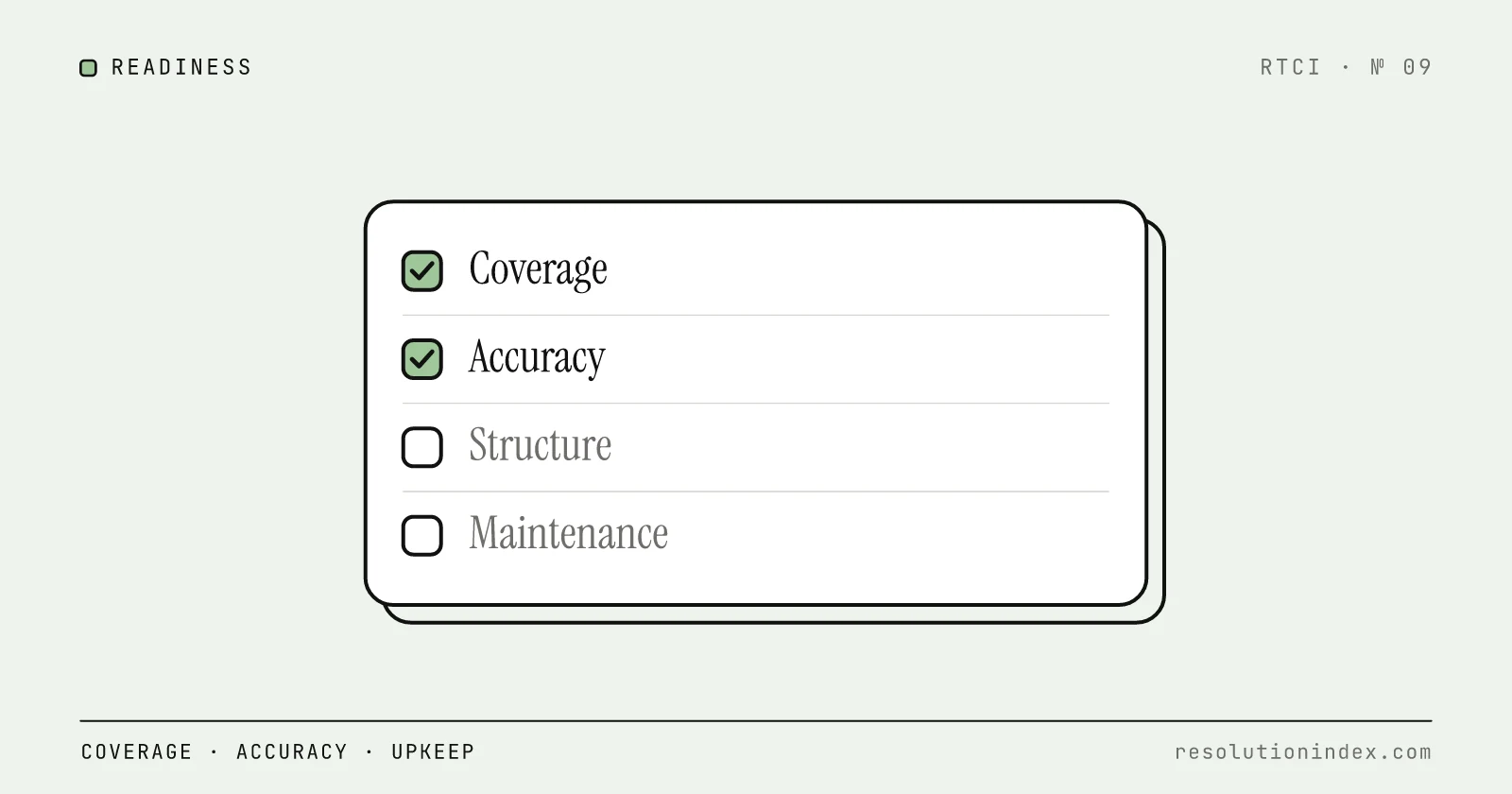
An AI support agent is only as good as the knowledge base it reads. This guide defines "ready" across coverage, accuracy, structure, maintenance and technical setup, with an audit and a weighted scorecard you can run on your own content.
How to Measure AI Resolution Rate Internally
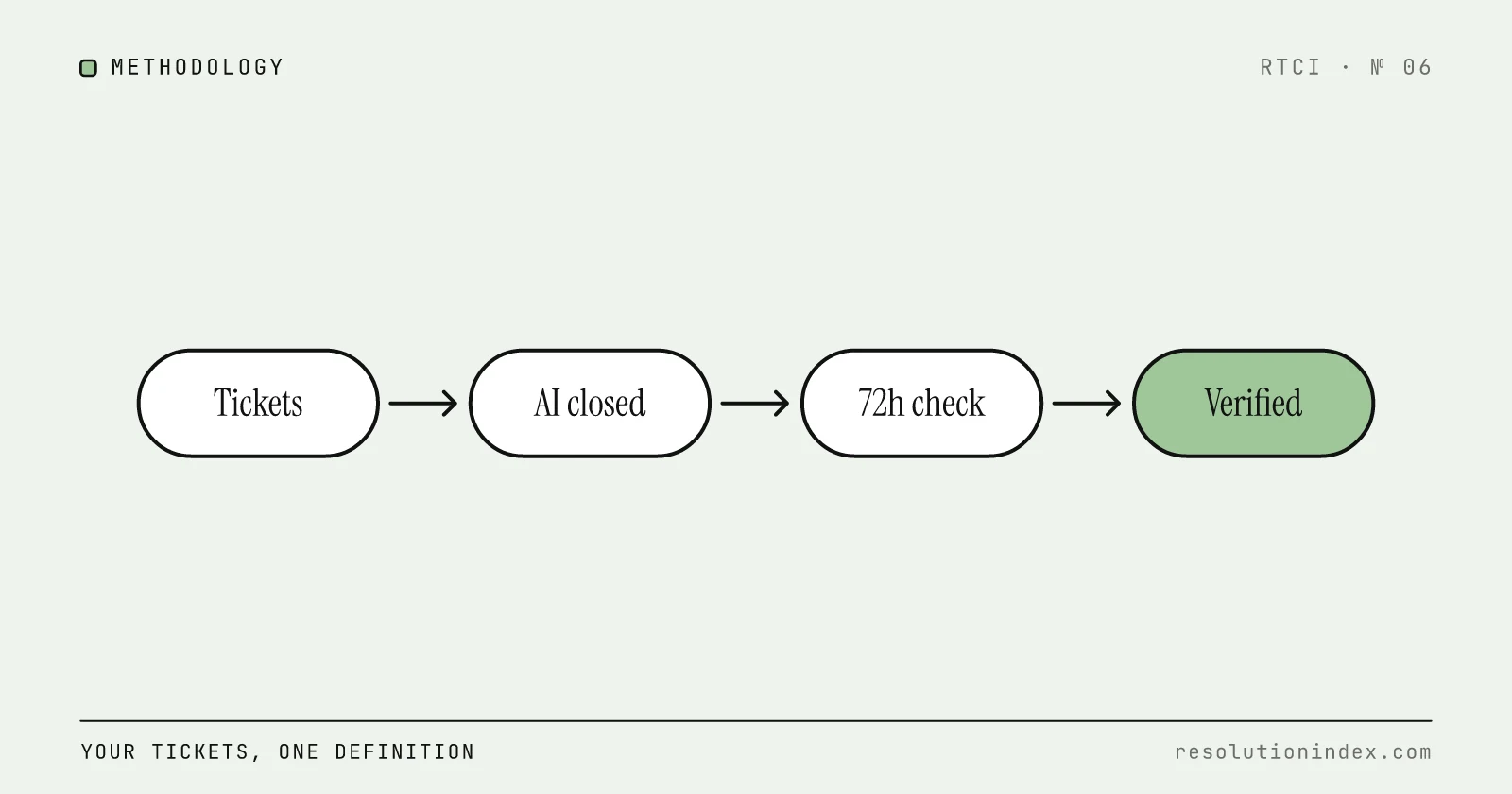
Vendor dashboards report resolution rates that no two vendors calculate the same way. This is a practical, vendor-agnostic methodology to measure your own AI resolution rate using your own ticket data, built on RTCI's 72-hour verified resolution standard.
Cost Per Verified Resolution: A New Framework
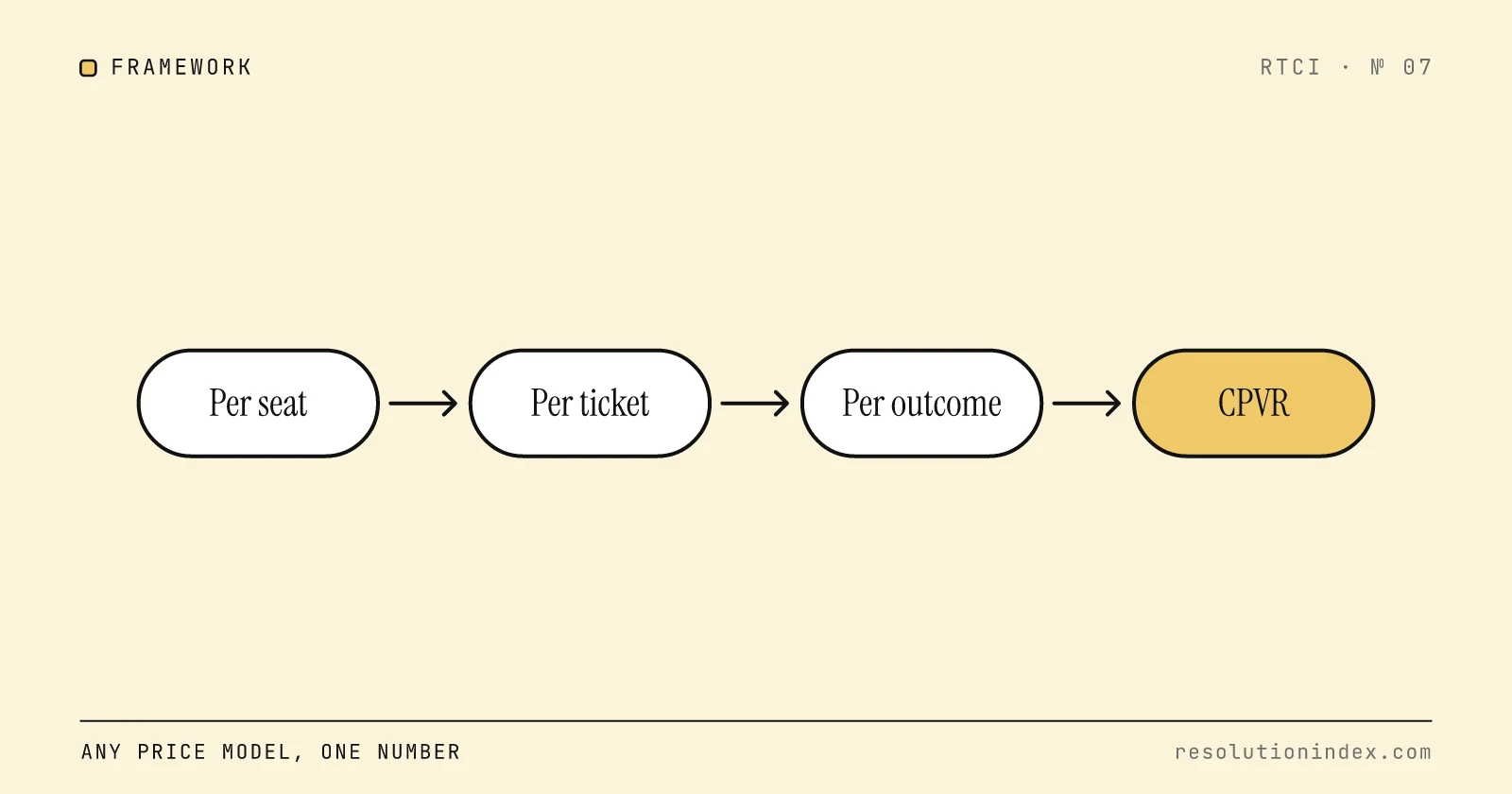
Per-seat, per-ticket, and per-resolution pricing models all produce different numbers for the same underlying cost. RTCI's three-layer cost model normalizes any vendor's pricing into a single comparable metric: cost per verified resolution.
How to Design a Fair AI Support Pilot Scorecard
A weighted scorecard with 8 dimensions, hard-stop gates, and copy-paste Week 1–4 templates for evaluating an AI support pilot honestly.
Best AI Support Platforms for Enterprise (2026)
Enterprise shortlist: Salesforce Agentforce, Zendesk AI, Intercom Fin, Decagon, Sierra, Cognigy, and Kore.ai compared on security, deployment options, RTCI score, cost per resolution, and contract terms. Includes a copyable RFP scorecard.