Published Aug 6, 2026 · Updated Nov 19, 2026 · 9 min read
Knowledge Base Readiness for AI Support
An AI support agent is only as good as the knowledge base it reads. This guide defines "ready" across coverage, accuracy, structure, maintenance and technical setup, with an audit and a weighted scorecard you can run on your own content.
 Written by Andrew Hall, Editor
When is a knowledge base ready for AI support?
A knowledge base is ready for AI support when complete articles cover at least 70 percent of your top 20 ticket types, those articles are current and have named owners, each one covers a single topic in plain language, and your platform can retrieve them and report the questions it could not answer. The audit below scores those five things and weights them into one number. An overall score of 80 percent or higher means you are ready to pilot; below that, fix the highest-volume gaps first.
Fin's AI knowledge base guide puts it plainly: "Every AI agent has a ceiling, and that ceiling is almost always set by the knowledge base behind it." Fin sells an AI agent, but the mechanism holds for any retrieval-based product.
Most AI support agents do not answer from what the model learned in training. They retrieve passages from your content, combine them into a reply and send it. If the content is missing, the agent escalates or guesses. If it is outdated, the agent repeats the old answer with full confidence. If it is badly structured, the agent pulls the wrong passage from the right article. That is why the knowledge base check comes before platform evaluation, before a pilot and before a contract.
What are the five readiness dimensions?
The scorecard measures five dimensions, and weakness in any one limits resolution however strong the others are.
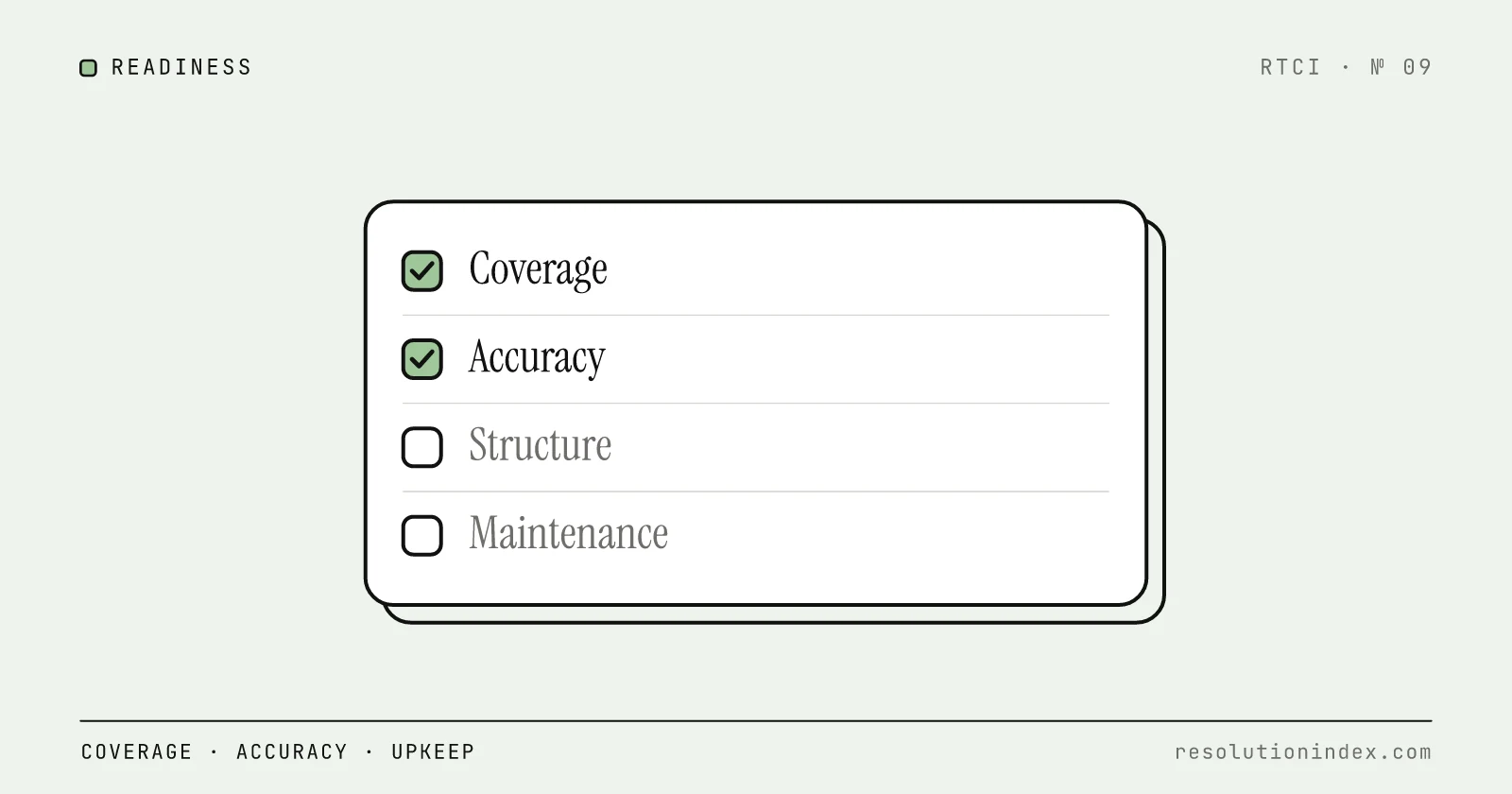
Coverage: does the knowledge base answer the questions customers actually ask? Accuracy and freshness: is that content current and correct? Structure: is it organized for retrieval, one topic per article, rather than for people browsing? Maintenance: does someone own each article and review it on a schedule? Technical readiness: can your platform search the content semantically, respect access rules, and feed unanswered questions back as gaps?
Language cuts across structure and accuracy. Content written for people browsing, with jargon, several topics per page and a narrative style, often fails retrieval even when the facts are right. Plain, modular, instruction-style content retrieves well. Write as if for a new hire who will follow every word literally.
Coverage: does the knowledge base answer your top ticket reasons?
Coverage matters most. For the top 20 ticket types your team handles, is there a complete, dedicated article that answers each one?
Start with your ticket export. Pull the last three months and categorize by type. Helpdesk auto-tags help, but a manual check of the top 20 categories improves accuracy. Record each category's share of total volume, and note what share the top 20 add up to, since that tells you how much of your queue the audit covers.
For each of the top 20, search the knowledge base for an article that directly and completely answers the customer's question, not one that touches on it or covers a neighbouring topic. Score each complete (dedicated, current, answers it), partial (exists but incomplete, outdated or tangential) or missing.
Coverage score = (complete + 0.5 × partial) ÷ 20. Worked example: 12 complete, 4 partial and 4 missing gives (12 + 2) ÷ 20 = 70 percent. RTCI suggests 70 percent as the minimum for a pilot. Below it, the AI fails on too many high-volume questions and the pilot measures content gaps rather than the AI.
Coverage decays. Products, policies and customer questions change, so a knowledge base that covers 14 of your top 20 at launch can cover fewer six months later if nobody maintains it, and the resolution rate flattens with it. The 45% plateau guide covers that failure mode.
Accuracy and freshness: is the content current and correct?
A missing article means the AI cannot answer. An outdated article means it answers confidently and wrongly, which does more damage to customer trust than an escalation.
For each article covering a top 20 ticket type, check three things. Last updated: within its review cycle (90 days for high-traffic content, 180 days for stable content)? Owner: is a named person responsible for it? Facts: does it still match current product behavior, pricing, policy and procedure?
Usage data flags stale content regardless of the date stamp. An article that is often retrieved in conversations that end in escalation, low ratings or a 72-hour re-contact is probably wrong or unclear, even if someone edited it last week.
Score accuracy and freshness as the share of top 20 articles that are current within their cycle and have a named owner. Below 50 percent is a red flag: the AI will give out-of-date answers on half of your highest-volume questions.
Structure: can the AI find what it needs?
Structure is where knowledge bases built for people browsing most often fail AI retrieval. Human-oriented help centers favor broad, multi-topic pages and keyword search. Retrieval works best with one topic per article, plain language, explicit statements and metadata.
Fin's guide gives the standard example: an article titled "Account settings" that covers billing, password resets and notification preferences. That is three topics competing for one retrieval, and the AI may pull the wrong section.
Practical rules. Split content at natural topic boundaries rather than at a fixed length. Cut marketing language. State facts concretely: "Plan A costs $30 per month", not "our plans are affordable". End procedures with an outcome line, such as "Outcome: the appointment is canceled and a confirmation email is sent." Use one template throughout: purpose, prerequisites, steps, outcome, exceptions.
Add metadata for owner, review cycle, version and applicability, for example "Return policy (California customers only)". Pull content out of silos such as SharePoint, Confluence, PDFs and wikis, and resolve duplicates and contradictions as you go. When the AI gives a wrong answer, find the exact passage it retrieved and fix or split it.
Score structure as the share of articles that are single-topic, follow the template, carry metadata and use plain language. RTCI suggests 60 percent as the floor. Below it, expect the AI to pull wrong sections from correct articles.
Maintenance: who keeps the knowledge base current?
Maintenance decides whether the AI gets better or worse after launch. The cost is mostly staff time, and the question that matters is whether someone owns it. An unowned knowledge base decays.
A workable model has three parts. Ownership: every article has a named owner. Review cadence: monthly for high-traffic content, quarterly for stable content, and immediately when the underlying product or policy changes. Feedback loop: questions the AI could not answer go to the owners as gap reports, and each recurring gap becomes a new article.
Track which articles sit behind escalations and re-contacts to decide where review time goes. If the AI drafts articles, have a person review them before publishing.
Score maintenance as the share of articles with a named owner, a defined review cadence and an update within that cadence. At 70 percent or higher the knowledge base should hold up through a 90-day pilot. Below that, expect accuracy to slip during the pilot itself.
How do you run the readiness audit?
You need your ticket export, your knowledge base and your helpdesk analytics.
Step one: export and categorize tickets. Pull three months of tickets, categorize by type, find the top 20 by volume, and record what share of total volume they represent.
Step two: map ticket types to articles. For each of the top 20, score complete, partial or missing, and record the article title, last-updated date and owner.
Step three: list the gaps. For each partial or missing article, note what needs writing or updating. Rank by volume: a missing article behind 15 percent of tickets comes before one behind 2 percent.
Step four: check structure. For each complete article: single topic, standard template, metadata, plain language, no overlap with other articles?
Step five: check accuracy and freshness. Last-updated date, owner and factual accuracy for every article covering a top 20 type.
Step six: check technical readiness. Can your platform search the content semantically? Does it respect access controls? Does it report questions it could not answer so they become gap signals?
Step seven: score each dimension and calculate the overall readiness score.
How do you score readiness?
Each dimension is scored 0 to 100 percent, and a weighted average gives the overall score.
| Dimension | Weight | How to score |
|---|---|---|
| Coverage | 30% | Top 20 ticket types: complete = 1, partial = 0.5, missing = 0. Weight by ticket volume for a finer score |
| Structure | 20% | Share of articles that are single-topic, templated, tagged and plain-language |
| Accuracy and freshness | 20% | Share of articles updated within their cycle (90 days high-traffic, 180 days stable) |
| Maintenance | 15% | Share of articles with an owner, a review cadence and an update within it |
| Technical readiness | 15% | Share of requirements met: semantic search, access controls, gap reporting, feedback loop |
Overall readiness = (Coverage × 0.30) + (Structure × 0.20) + (Accuracy × 0.20) + (Maintenance × 0.15) + (Technical × 0.15).
Worked example: coverage 70, structure 55, accuracy 60, maintenance 40, technical 60. That gives 21 + 11 + 12 + 6 + 9 = 59 percent.
Readiness bands, as RTCI suggests them: 80 percent or higher, ready to pilot. 60 to 79 percent, targeted fixes first. 40 to 59 percent, significant knowledge base work first. Below 40 percent, rebuild before any AI deployment. The example above lands at 59, so the next step is maintenance ownership and structure, the two weakest dimensions, before a pilot.
Treat the score as a hypothesis to test in your own pilot, not a predictor of any vendor's resolution rate. RTCI's November 2026 test of YourGPT measured 90%, but that result reflects YourGPT's test setup and content, and it does not tell you what another platform will reach on your knowledge base.
Which knowledge base problems should you look for first?
Five problems are worth checking in any audit.
Duplicate articles: several articles on the same topic with slightly different wording. Retrieval may pick an old version over the current one. Consolidate to one canonical article and redirect or archive the rest.
Conflicting answers: two articles give different answers to the same question, usually because one is out of date. Decide which is right and archive the other.
Orphan content: articles nobody owns that have not been touched in over a year. Assign an owner or archive them.
PDF-only documentation: content locked in PDFs that your platform cannot split into retrievable passages. Convert the important ones into structured articles.
Multi-topic articles: the "Account settings" page covering billing, passwords, notifications and account deletion, as in Fin's example. Split it into single-topic articles.
How do you go from audit to action?
If your overall score is below 80 percent, do not try to fix everything. Take the 10 gaps with the most ticket volume behind them.
For each gap, write the article from the template (purpose, prerequisites, steps, outcome, exceptions), in plain language that mirrors how customers phrase the question. Tag it with owner, review cadence and applicability. Then test it: ask the question through your AI and check that it retrieves the right passage.
Past tickets and conversation transcripts can fill gaps, and live data such as order status or account details can answer questions no article should try to. Each source still has to meet the same structure and freshness standards. A small, accurate knowledge base retrieves better than a large, messy one, so get the articles behind your highest-volume ticket types right before adding more.
When the top 10 are fixed, re-run the audit. Once coverage is at 70 percent or above and the overall score reaches 80 percent, start the pilot. If not, take the next 10.
Run the AI Readiness Assessment for a baseline before the knowledge base work, and use the 90-day pilot playbook once you pass. After launch, the escalation-reduction operating system turns knowledge gaps, routing errors and confidence failures into a weekly improvement loop. Knowledge base first, pilot second: a pilot run on an unready knowledge base measures the content, not the AI.
Change log
- Removed unlinked third-party statistics and cost estimates, linked the Fin guide quoted, aligned the pillars with the five scorecard dimensions, and added worked coverage and scorecard examples.
- Published.
Read next
Keep reading
Picked for this article: the pieces it cites and the ones that answer the next question buyers usually ask.
Most related
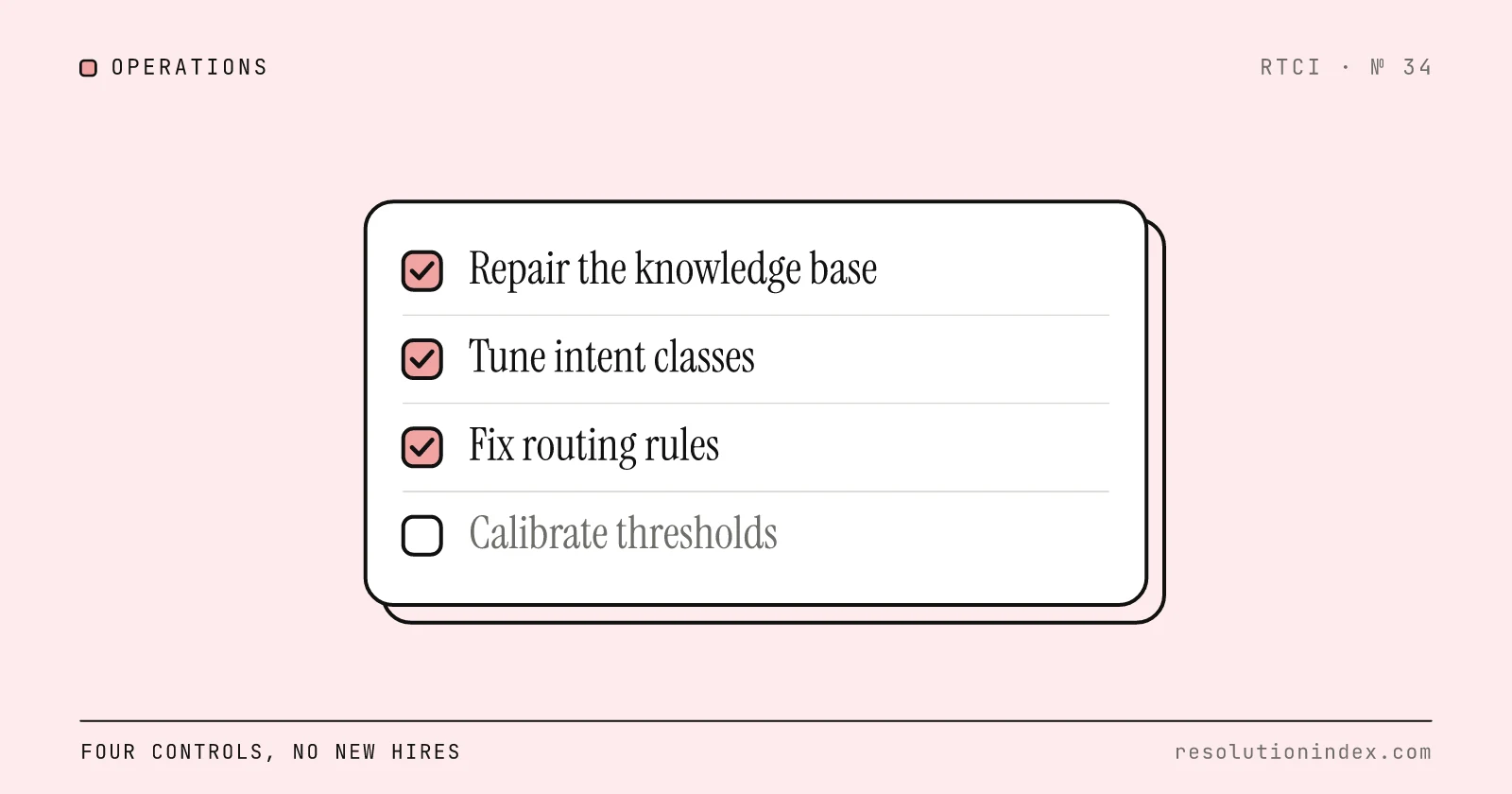
Reduce AI-to-Human Escalations Without Adding Headcount
Tag a sample of escalations by root cause, fix the knowledge gaps and routing errors behind the avoidable ones, then set confidence thresholds by risk. A four-step loop with an audit template, threshold table and worked cost math.
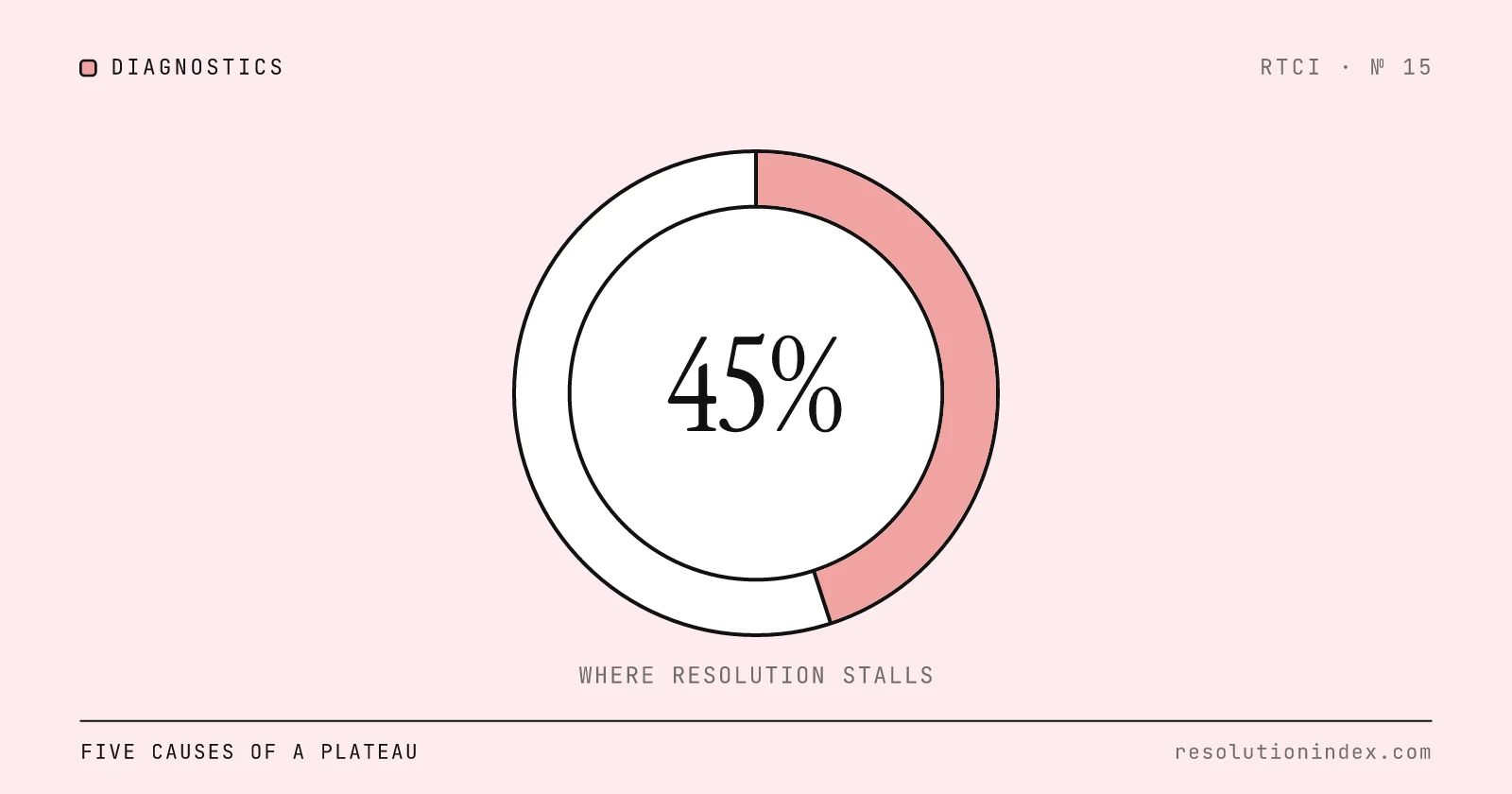
Why Resolution Stalls Around 45%: Diagnostics and Fixes
When verified AI resolution flattens in the 40s, the cause is usually one of five operational gaps. A five-question test finds yours, and each cause has its own fix.
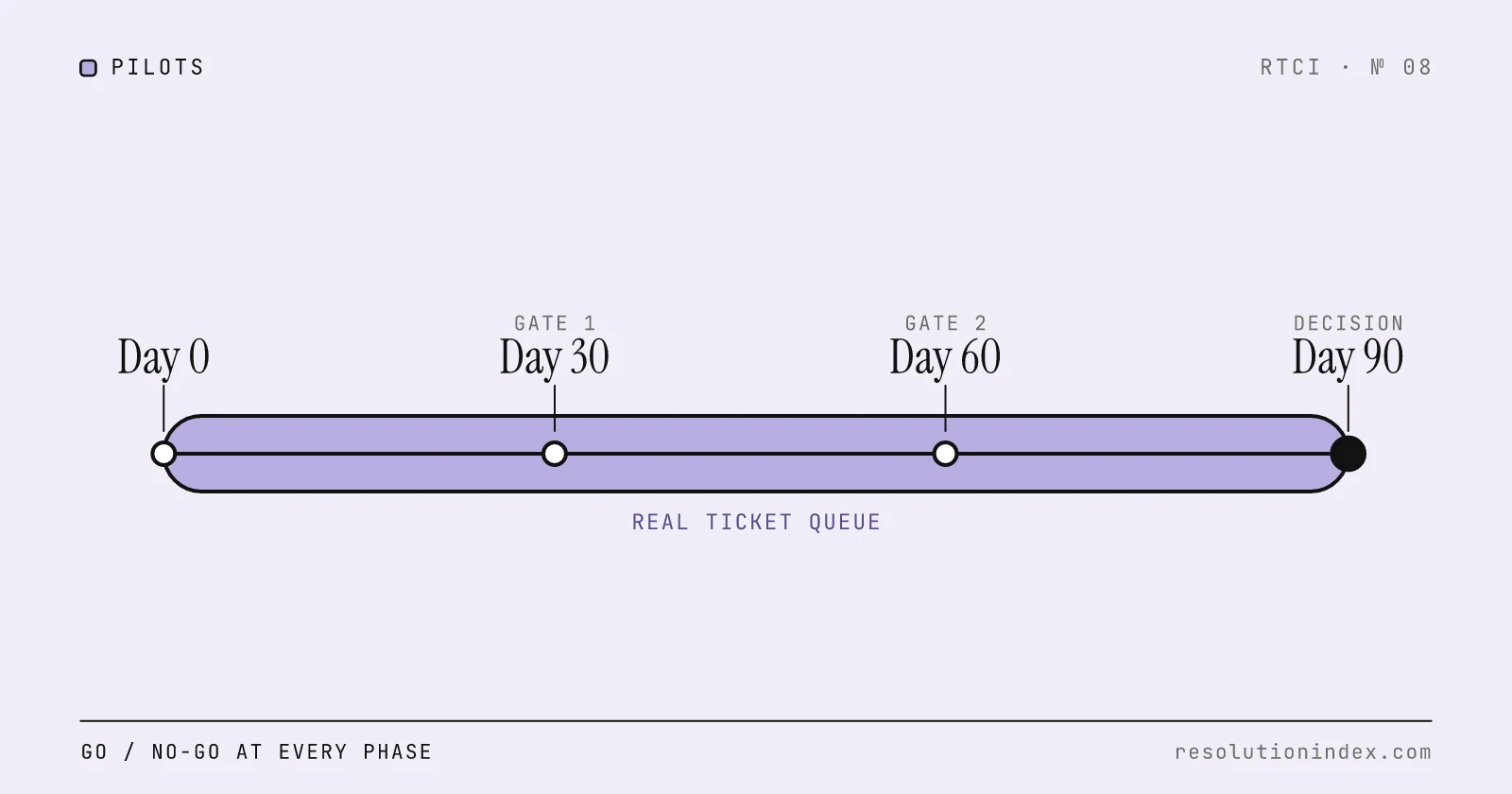
How to Pilot an AI Support Agent: A 90-Day Playbook
A vendor-agnostic 90-day plan for testing an AI support agent against your real ticket queue, with go/no-go criteria at each phase and clear rules for when to stop.
Integrate AI Support with Your Existing Helpdesk
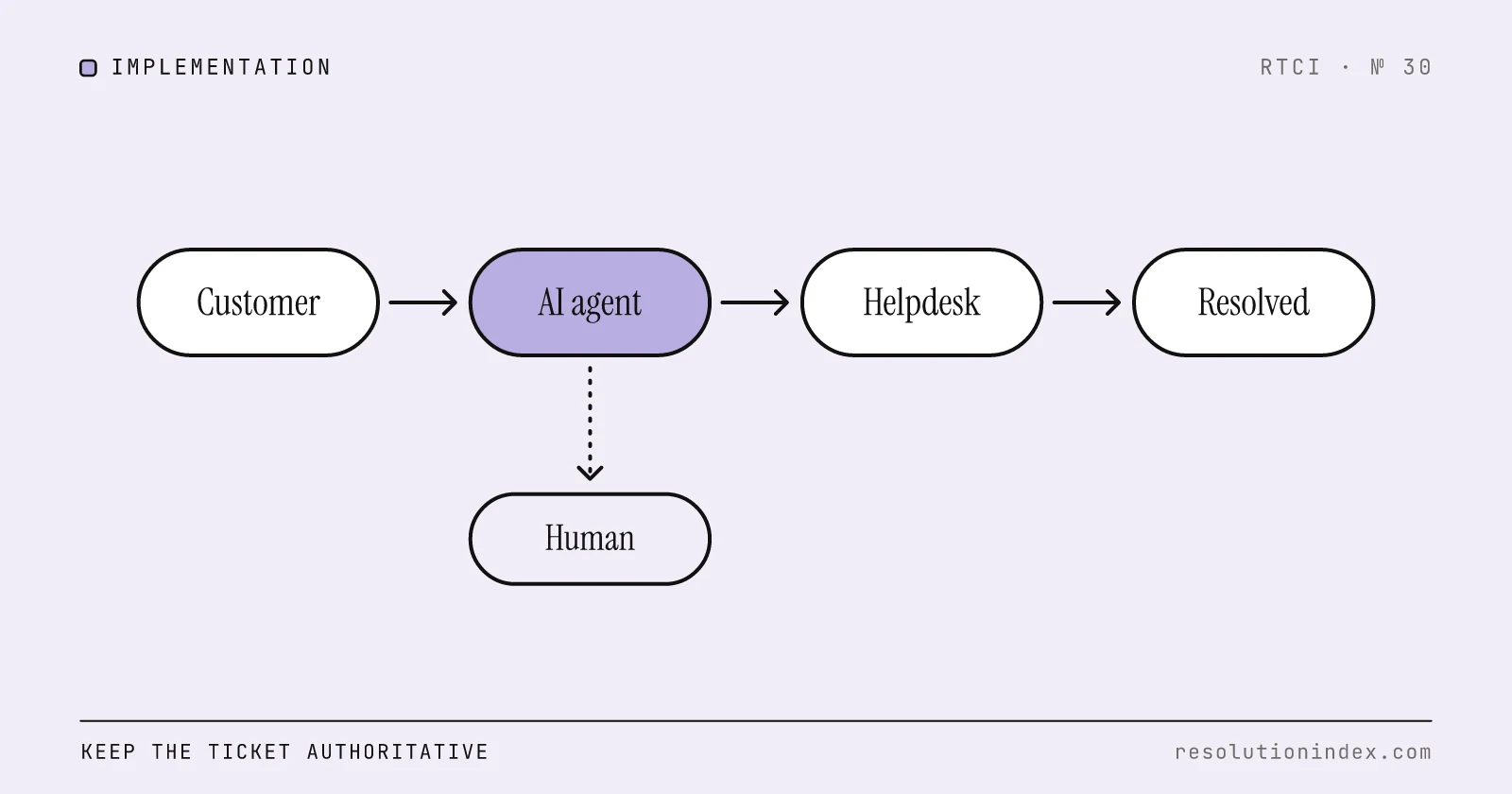
A phased plan for adding AI resolution to Zendesk, Freshdesk, Intercom or Salesforce Service Cloud without replacing the helpdesk: integration patterns by helpdesk type, a deflect/draft/escalate/auto-resolve decision table, a 25-item readiness checklist and cost math.
Train the Team on AI Handoff Workflows
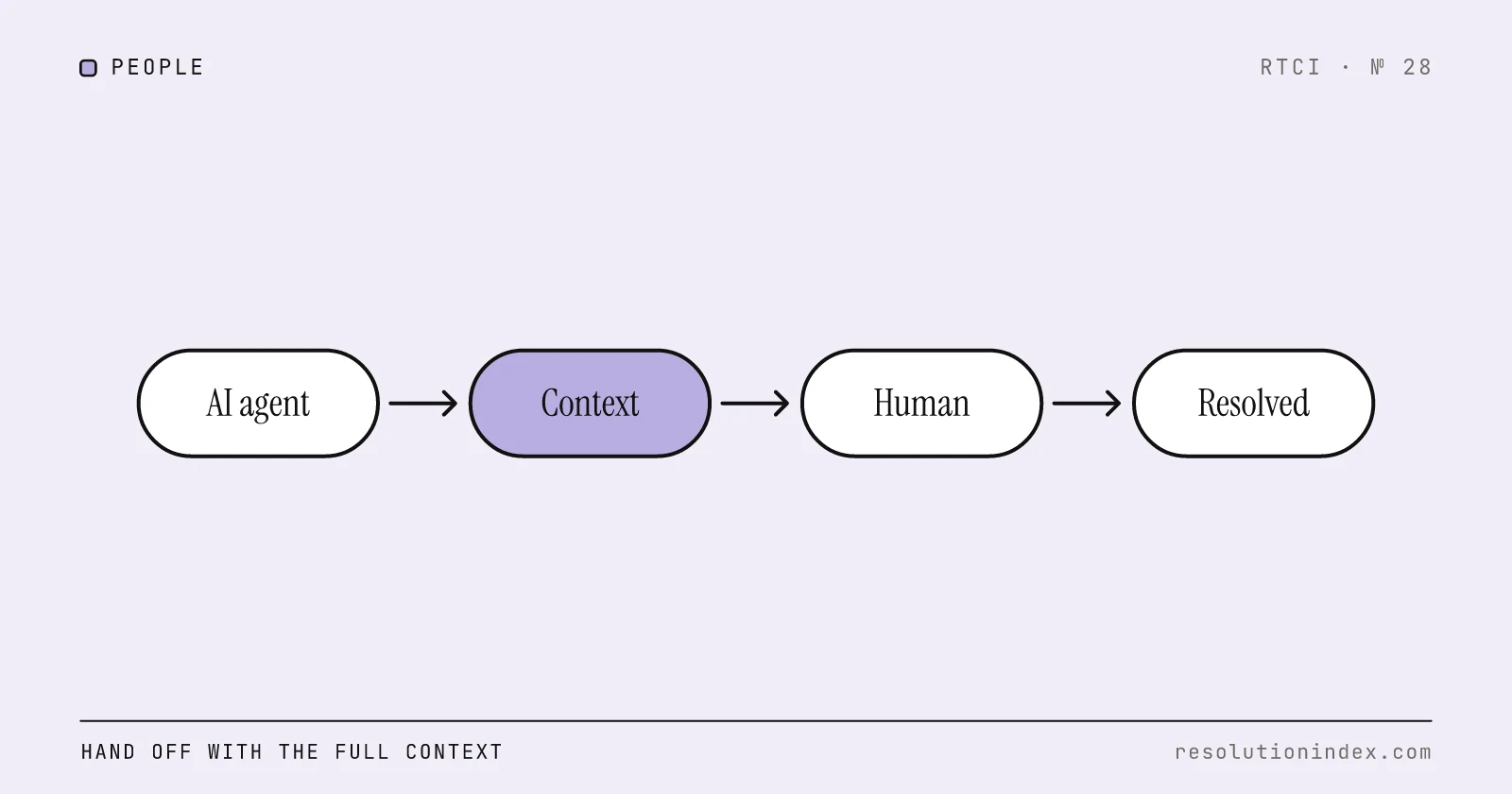
What a clean AI-to-human handoff packet contains, how to measure handoff quality, what vendors bill when a conversation is handed off, and how handoffs move cost per verified resolution.