Published Aug 20, 2026 · Updated Nov 19, 2026 · 11 min read
Reduce AI-to-Human Escalations Without Adding Headcount
Tag a sample of escalations by root cause, fix the knowledge gaps and routing errors behind the avoidable ones, then set confidence thresholds by risk. A four-step loop with an audit template, threshold table and worked cost math.
 Written by Andrew Hall, Editor
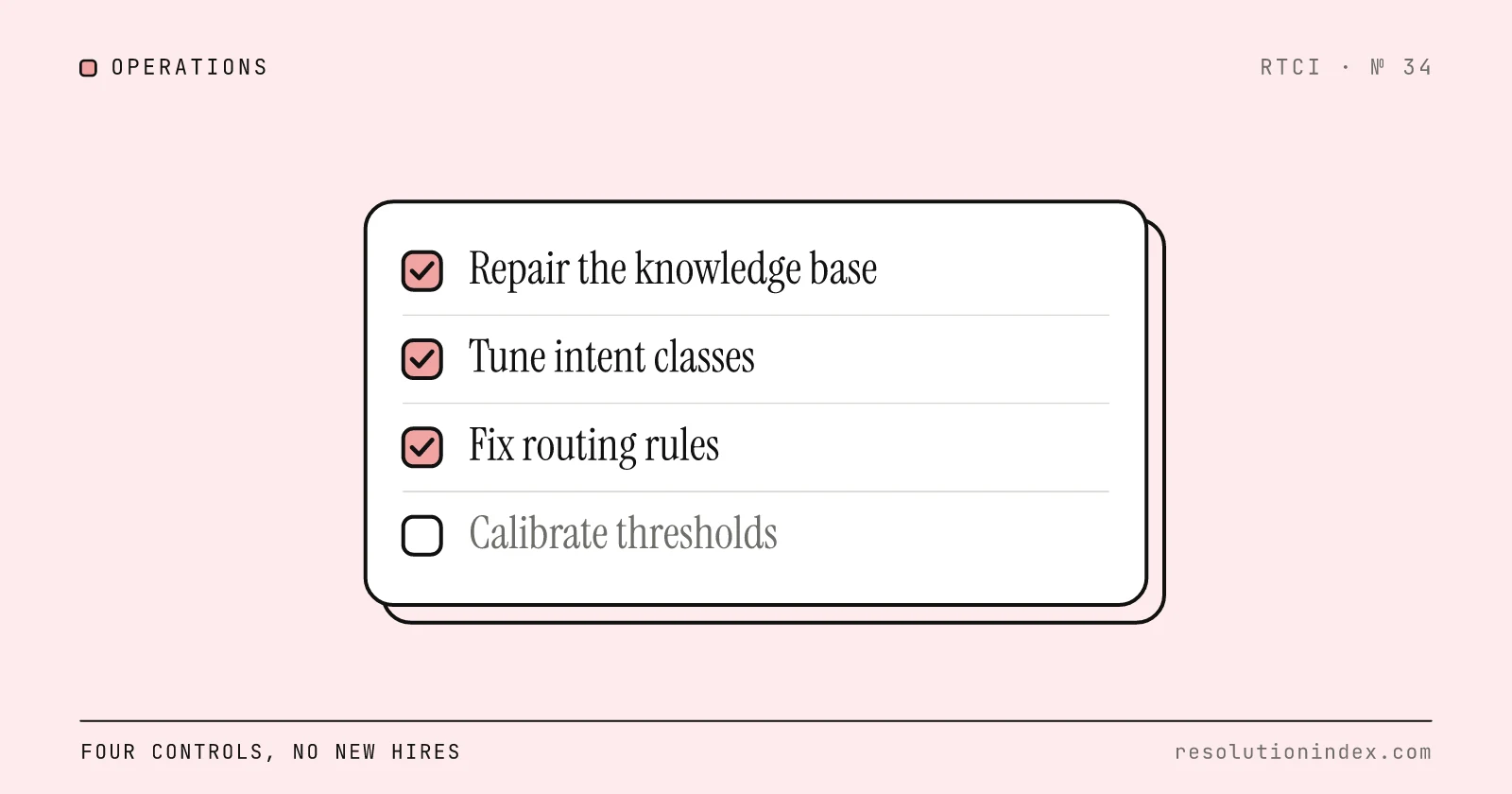
You reduce AI-to-human escalations without hiring by finding out why each escalation happened and removing the avoidable causes. Tag 200 to 500 recent escalations by root cause (knowledge gap, wrong intent, low confidence, routing error, or customer or policy request). Fix the knowledge base articles behind the biggest gaps, route by intent and risk instead of channel, and set confidence thresholds per risk level. Then repeat the review weekly so new gaps get fixed before they pile up in the human queue.
This playbook assumes an AI agent is already live or in pilot. For the prerequisite content work, see the knowledge base readiness guide; for the receiving side of the handoff, see train the team on AI handoff workflows.
How much do avoidable escalations cost?
Each escalation costs the human time to finish the ticket, and if you pay per conversation or session, you also paid for the AI attempt. Re-contacts and churn come on top and are harder to price.
Worked example: assume 50,000 AI-engaged conversations a month, a 28 percent escalation rate and a fully loaded $22 per escalated ticket. That is 50,000 × 0.28 = 14,000 escalations and 14,000 × $22 = $308,000 a month. At 18 percent the bill is 9,000 × $22 = $198,000, so each 10-point cut is worth $110,000 a month before any extra AI fees. Swap in your own volume and cost in the escalation cost calculator.
Not every escalation is avoidable. The vendor-claim-based realistic resolution ranges in the RTCI index run from 27–37% (Gorgias AI) to 62–72% (Forethought), so a large share of conversations will reach a person whatever you tune. The goal is to remove the escalations that a content fix, routing rule or threshold change would have prevented.
When is hiring the right answer?
Hire when the escalations left after the fixes below are complex, high-value or customer-requested and the team is saturated. Hiring is the wrong first move when the queue is full of tickets the AI should have answered: each new agent absorbs the same broken handoffs. If you need to size a live phone queue, the Erlang C calculator shows the agents a service-level target needs before and after AI takes part of the volume.
The test is simple. Tag 300 recent escalations by root cause. If more than half could have been prevented by a knowledge base update, a routing fix or a threshold change, fix those first and re-measure before opening a requisition.
Step 1: How do you diagnose why your AI escalates?
Pull four numbers for the last 90 days: escalation rate by week, escalation reason codes, re-contact rate within 72 hours, and post-escalation handle time. Measure escalation as a share of AI-engaged conversations, not total support volume, or a shift in channel mix will look like a change in AI quality. Segment by intent, channel and customer tier.
Then classify each escalation in a sample into one of five root causes. This taxonomy is the control language for the rest of the playbook.
| Root cause | Definition | Usual fix |
|---|---|---|
| Knowledge gap | No current, accurate article or fact existed for the question. | Write or update the article (Step 2). |
| Intent misclassification | The AI misread what the customer wanted. | Retrain or split the intent (Step 3). |
| Low confidence | The AI fell below its floor, or the floor is set wrong for the risk. | Recalibrate the threshold (Step 4). |
| Routing error | The AI understood the intent but sent it to the wrong queue or skill. | Fix the routing rule (Step 3). |
| Customer or policy request | The customer asked for a person, or a VIP, regulated or high-value rule required one. | Usually correct; make the handoff faster. |
Track the five separately. A single blended escalation number cannot tell you whether the prevention work is landing.
One-day audit template. Export 500 AI-engaged escalations. For each, record the first customer message, classified intent, confidence score, reason code, receiving queue, final resolution and 72-hour re-contact flag. Tag each with a root cause, sort by volume, list the top intents within each cause, and check knowledge base coverage for those intents. The top few patterns become the backlog for the next 90 days.
Step 2: Which knowledge base fixes cut escalations fastest?
Start from the audit, not from editorial priorities. For each knowledge-gap escalation, list the question the AI could not answer, match it to an existing article, and mark the article complete, partial, missing or stale. Rank fixes by escalation volume times cost. A missing article behind 8 percent of escalations beats a polished rewrite of a rarely asked question.
Write for retrieval rather than browsing. One topic per article, a title in the words customers use, and the answer stated first. An article called "Account Settings" that covers billing, passwords and notifications becomes three: "How to update your billing address", "How to reset your password" and "How to change email notifications". End each with an outcome line ("The password is reset and a confirmation email is sent") and add metadata for region, plan and product version so the AI only retrieves articles that apply to that customer.
Then keep it fresh. Every article gets a named owner and a review cadence: monthly for policy and pricing content, quarterly for stable how-to content, and immediately on any product or policy change. Feed every question the AI could not answer back to the owners as a candidate article.
Step 3: How should you classify intents and route escalations?
Build the intent list from your own transcripts, not from a vendor template. For each of your top intents, record volume, escalation rate, handle time when escalated, re-contact rate and knowledge base coverage. Then put each intent in one of three tiers.
| Tier | Criteria | Examples | AI behavior |
|---|---|---|---|
| Automate | Current article, low risk, no policy exception | Password reset, order status, standard how-to | Answers or acts on its own |
| Assist | Needs verification or partial data, medium risk | Plan change, troubleshooting with customer input | Drafts for agent review or runs a guided flow |
| Escalate | High risk, regulated, VIP or explicit human request | Billing dispute, refund approval, fraud, legal | Hands off at once with the full context packet |
Route by intent, tier and risk before channel. Apply rules in this order: hard escalation rules (VIP, regulated topic, fraud, account closure, explicit human request, repeated failure); then intent to the right skill queue; then confidence within the intent; and a general queue only when nothing else matches.
Measure classification per intent, not only overall. A good global accuracy figure can hide one high-volume intent that is wrong a large share of the time, and that one intent may be most of your misclassification bucket.
Write policy exceptions as rules the AI can apply. "Refunds are generally approved" forces a handoff; "Refunds under $50 within 14 days are approved automatically, $50 to $250 go to an agent, above $250 to a manager" lets the AI close the first band and escalate the rest with a reason.
Step 4: How do you set confidence thresholds and fallback?
One global threshold either over-escalates easy questions or lets risky actions through. Set floors by risk. The values below are starting points to test in shadow mode, not benchmarks.
| Risk level | Starting confidence floor | Examples |
|---|---|---|
| High | 90 to 95% | Refunds, billing changes, account closure, regulated topics |
| Medium | 80 to 90% | Plan changes, order changes, troubleshooting with customer data |
| Low | 70 to 80% | FAQs, order status, password reset |
| Assist only | 60 to 75% | Drafts for agent review, ambiguous intent |
Validate each floor against human judgment, not the model's self-reported score. In shadow mode, compare the AI's answer with what an agent would have sent, and keep an intent out of autonomous mode until the agreement rate clears the bar you set (80 percent is a common starting bar).
Combine confidence with hard triggers: explicit human request, repeated failure or a loop, negative sentiment, VIP tier, regulated intent, missing knowledge coverage, a flagged policy exception, or failed authentication. If any trigger fires, escalate.
Fallback copy. Say why and what happens next: "I am not confident I can solve this correctly, so I am connecting you with an agent. They will see this conversation, so you will not need to repeat yourself."
Context packet. Every escalation carries customer identity and tier, intent and confidence, a two-to-three-sentence summary, actions attempted, reason code, authentication state, suggested next step, account or order identifiers, channel and language, and any policy or VIP flag. Show it before the agent accepts the conversation, and track the rate of handoffs agents mark as incomplete.
Step 5: How do you keep escalations down?
Hold a 60-minute weekly review with the knowledge base owner, the intent and routing owner, the AI configuration owner and a frontline lead. Review a fresh sample of escalations, check the reason codes, pick the top recurring patterns, assign fixes and check last week's. Each fix follows the same loop: tag, change the article, rule or threshold, then measure that intent's escalation, resolution and re-contact rates for two weeks before calling it done.
For escalations that remain, agent assist (suggested answers, summaries, similar-case lookup) shortens the human part of the work. Measure its effect on your own post-escalation handle time rather than relying on a vendor's figure.
Which metrics show the work is real?
Escalation rate alone can be gamed by trapping customers in self-service loops. Read these together, segmented by intent and channel:
- Escalations per 1,000 AI-engaged conversations, split by root cause.
- Verified resolution rate, judged by people on a sample. See how to measure AI resolution rate.
- 72-hour re-contact rate. If escalation falls and re-contact rises, the AI is pushing customers away.
- Post-escalation handle time and CSAT. Low CSAT after handoff usually points at fallback copy or a missing context packet.
- Cost per verified resolution, total AI plus human cost divided by verified resolutions. See the cost per verified resolution framework.
- Escalated tickets handled per agent per shift, read next to quality scores.
Worked example: what a fixed audit backlog is worth
Assume 40,000 AI-engaged conversations a month and a 28 percent escalation rate: 11,200 escalations. Assume the 500-ticket audit tags 190 (38%) as knowledge gaps, 110 (22%) as intent misclassification, 90 (18%) as routing errors, 60 (12%) as low confidence and 50 (10%) as correct customer or policy handoffs. These shares are illustrative; use your own.
Now assume the knowledge base work removes half of the knowledge-gap escalations and the intent and routing fixes remove a third of theirs. Escalations removed: 11,200 × (0.38 × 0.5 + 0.40 ÷ 3) = 11,200 × 0.3233 ≈ 3,621. Remaining: 7,579, an escalation rate of 7,579 ÷ 40,000 ≈ 18.9%.
At $21 fully loaded per escalated ticket, 3,621 × $21 ≈ $76,041 a month in human cost. Those conversations are now resolved by the AI, so subtract the AI fee: at Fin's published $0.99 per outcome, 3,621 × $0.99 ≈ $3,585, for a net of about $72,456 a month. On per-session or per-conversation pricing you already paid for these attempts, so the full $76,041 is avoided cost. Check that re-contact did not rise before you count any of it.
Common mistakes that inflate escalations
- One global confidence threshold. A password reset can auto-answer at a floor that would be reckless for a $500 refund.
- Ignoring re-contact. An answer that looks resolved but brings the customer back tomorrow is a delayed escalation.
- Letting the knowledge base go stale. Without owners and review dates, gains reverse after the next product change.
- Routing by channel. A chat about a billing dispute and a chat about a password reset need different queues.
- Treating every escalation as a failure. A VIP asking for a person, a fraud case or a complex migration should escalate.
Where to go next
Price your own escalations with the escalation cost calculator, then model the full economics with the cost per verified resolution calculator. For plateau diagnostics, read why AI resolution stalls at 45 percent. If you are still running the pilot, the 90-day pilot playbook has the staged rollout plan.
Frequently asked questions
Why is my AI chatbot escalating so many conversations?
Usually one of five causes: the knowledge base has no current answer, the AI misread the intent, the AI fell below its confidence floor, the conversation was routed to the wrong queue, or the customer or a policy required a human. Tag a sample of 200 to 500 recent escalations by cause before changing anything; the mix in your own queue tells you which fix comes first.
What is a healthy AI-to-human escalation rate?
RTCI does not publish an escalation benchmark, because vendors define escalation differently. A useful reference is resolution: the vendor-claim-based realistic resolution ranges in the RTCI index run from 27–37% (Gorgias AI) to 62–72% (Forethought), so even a strong deployment leaves roughly a third of AI-engaged conversations to a person. Track your own trend, and read it next to verified resolution and 72-hour re-contact so a falling escalation rate is not hiding stuck customers.
How do I tune confidence thresholds for AI customer support?
Set them by risk, not as one global number. Reasonable starting floors to test are 90 to 95 percent for refunds, billing and account changes, 80 to 90 percent for standard informational intents, 70 to 80 percent for low-risk FAQs, and 60 to 75 percent for draft-only assist. Validate each against human-judged agreement in shadow mode, and add hard triggers for explicit human requests, repeated failure and VIP or regulated topics.
What should be in an AI-to-human escalation context packet?
Customer identity and tier, the classified intent and confidence score, a two-to-three-sentence summary, every action the AI attempted, the escalation reason code, authentication state, a suggested next step, account or order identifiers, and any policy exception. The point is that the agent never has to re-read the transcript or re-ask the customer.
How does knowledge base quality affect escalation rate?
Directly. If the AI cannot retrieve a current answer, it either escalates or guesses, and a guess that fails comes back as a re-contact. Splitting broad articles into one-topic articles with titles in the customer's words, adding metadata filters, and assigning owners and review dates are the cheapest fixes for knowledge-gap escalations.
Should I hire more agents if my escalation rate is high?
Not first. Tag a sample of escalations by cause. If most could have been prevented by a knowledge base update, a routing rule or a threshold change, hiring adds cost while the cause stays. Hire for the escalations that remain after those fixes, which should be complex, high-value or customer-requested.
How often should we review and retune AI escalation triggers?
Weekly during the first 90 days, then monthly, plus an extra review after any product launch, pricing change or policy change that alters what customers ask.
What metrics prove escalation reduction is working?
Escalation rate by root cause, verified resolution rate, 72-hour re-contact rate, post-escalation handle time and CSAT, and cost per verified resolution. Read them together: if escalation falls while re-contact rises, customers are being stuck, not helped.
Change log
- Removed unsourced benchmarks, root-cause shares and outcome claims (including the "28% to 16%" case), replaced them with worked examples that show their assumptions, and tied resolution ranges to the RTCI index.
- Published.
Read next
Keep reading
Picked for this article: the pieces it cites and the ones that answer the next question buyers usually ask.
Most related
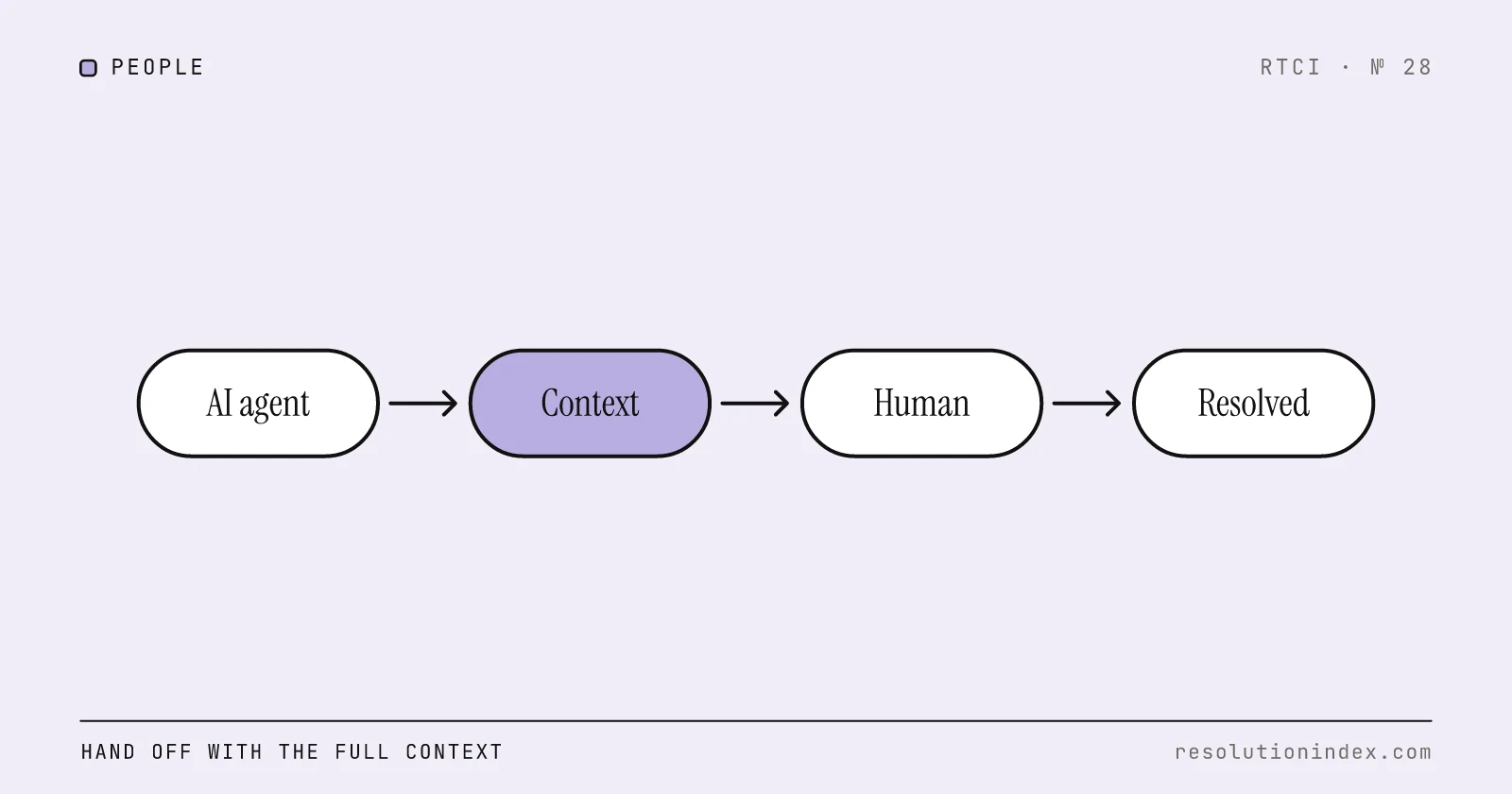
Train the Team on AI Handoff Workflows
What a clean AI-to-human handoff packet contains, how to measure handoff quality, what vendors bill when a conversation is handed off, and how handoffs move cost per verified resolution.
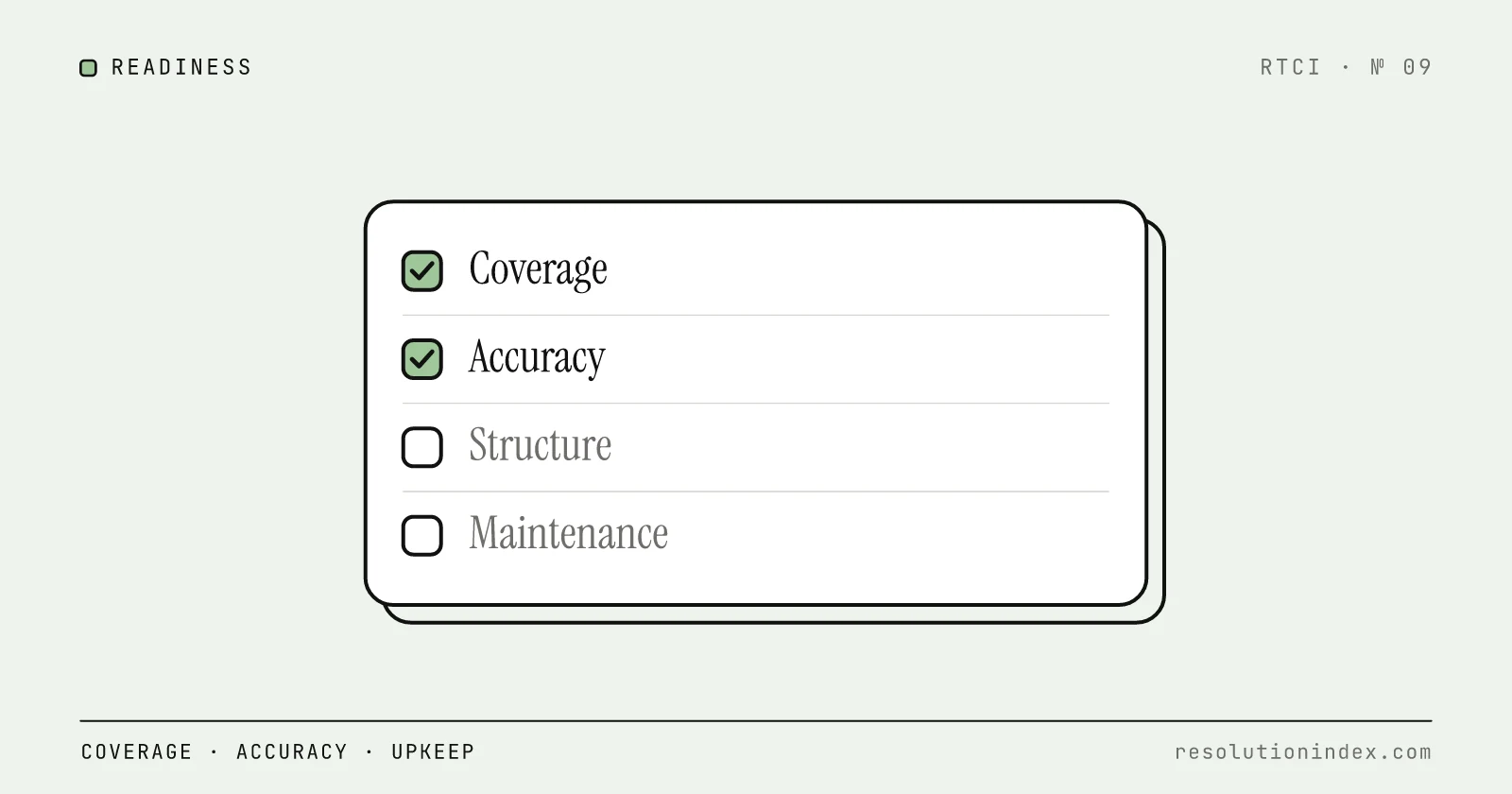
Knowledge Base Readiness for AI Support
An AI support agent is only as good as the knowledge base it reads. This guide defines "ready" across coverage, accuracy, structure, maintenance and technical setup, with an audit and a weighted scorecard you can run on your own content.
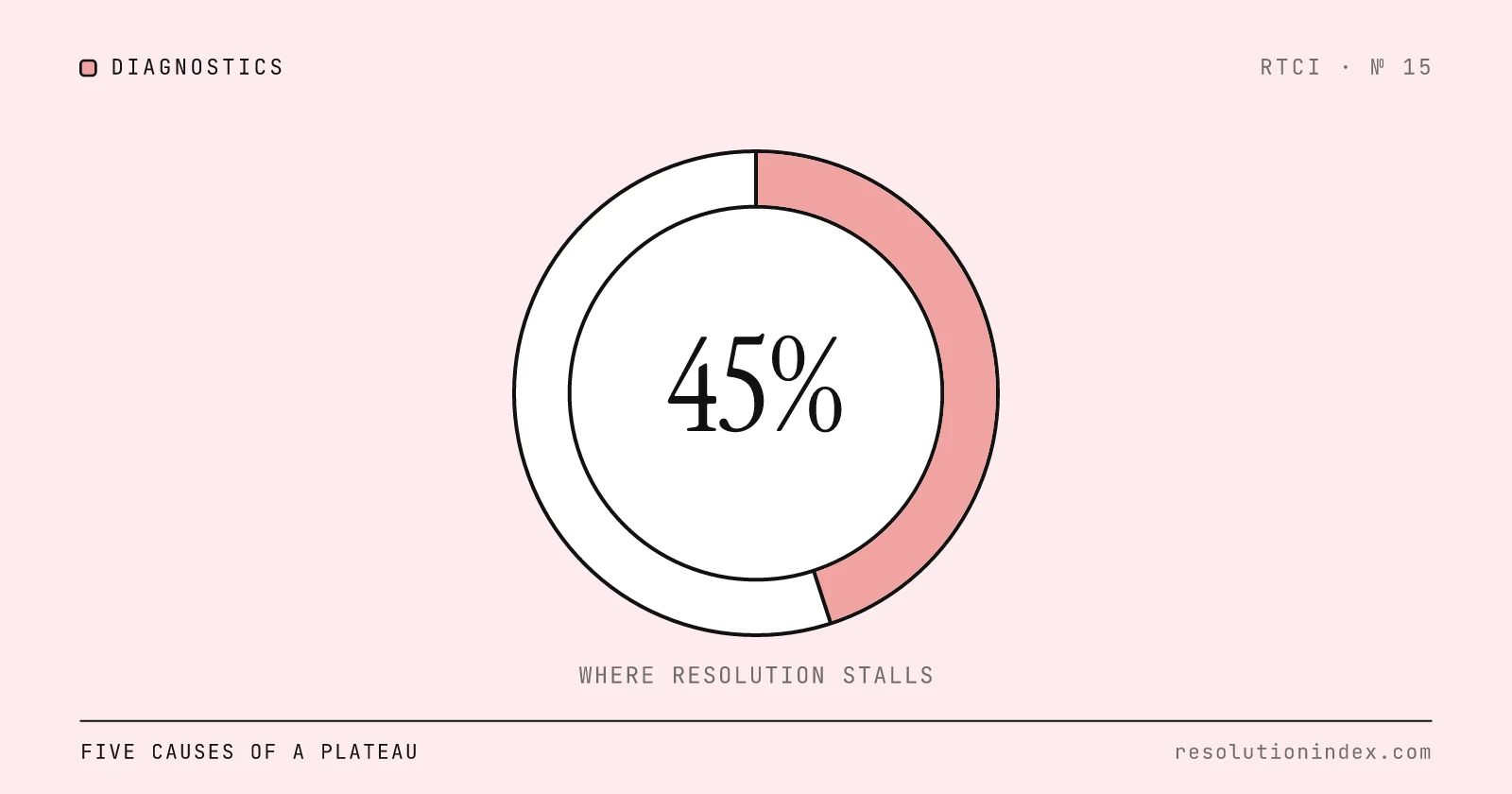
Why Resolution Stalls Around 45%: Diagnostics and Fixes
When verified AI resolution flattens in the 40s, the cause is usually one of five operational gaps. A five-question test finds yours, and each cause has its own fix.
How to Measure AI Resolution Rate Internally
Vendor dashboards report resolution rates that no two vendors calculate the same way. This is a practical, vendor-agnostic methodology to measure your own AI resolution rate using your own ticket data, built on RTCI's 72-hour verified resolution standard.
Cost Per Verified Resolution: A New Framework
Per-seat, per-ticket, and per-resolution pricing models all produce different numbers for the same underlying cost. RTCI's three-layer cost model normalizes any vendor's pricing into a single comparable metric: cost per verified resolution.