Published Aug 9, 2026 · Updated Nov 19, 2026 · 11 min read
Why Resolution Stalls Around 45%: Diagnostics and Fixes
When verified AI resolution flattens in the 40s, the cause is usually one of five operational gaps. A five-question test finds yours, and each cause has its own fix.
 Written by Andrew Hall, Editor
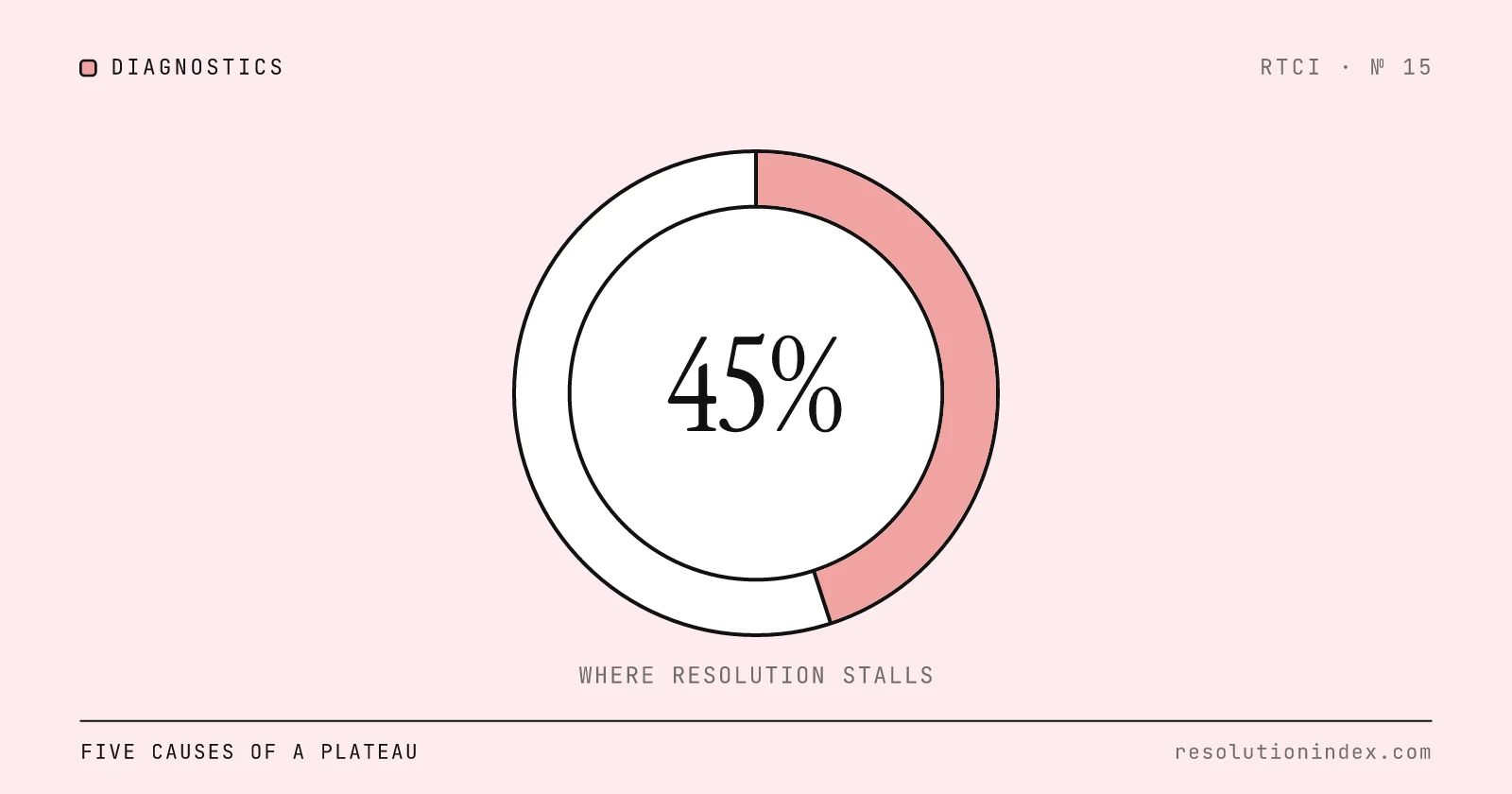
AI resolution usually stalls because the agent has already closed the tickets your knowledge base, policies and system permissions cover, and the rest fail for one of five reasons: missing or stale knowledge, ambiguous policy, missing tool access, escalations that never feed back into the agent, or customer language that has drifted from what the agent was set up on. Find which one dominates your unresolved tickets and fix that first. Prompt rewrites and bigger models rarely move a plateau whose cause sits in one of those five places.
RTCI has not tracked deployments over time, so 45% in this post is a worked figure, not a measured plateau. It was picked because it sits inside the realistic ranges the RTCI index gives several platforms, including Zendesk AI (36–46%) and Salesforce Agentforce (44–54%). The diagnostic works the same way if your rate has flattened at 30% or 60%.
What does a stalled resolution rate look like?
The curve rises quickly while the agent picks up simple, well-documented intents, then flattens. Each round of prompt changes or extra examples moves it a point or two, and it drifts back. The flat line is stable because the tickets left over are a different kind of conversation, not harder versions of the ones already solved.
The unresolved tickets cluster. One or two categories, such as password resets under SSO, refunds above an approval limit or order changes after dispatch, often make up a large share of what is left. Replays show the agent trying the same two or three turns before handing off, and reviewers mark the handoff notes as repetitive. Check how you count, too: a dashboard that reports contained or deflected conversations can show a much higher number while verified resolution sits in the 40s. How to Measure AI Resolution Rate explains the difference.
A second sign is a rate that briefly breaks above 50% and then falls back as reopenings arrive a few days later. The agent closed conversations it had not solved: it misread the intent, gave a plausible answer, or asked a closing question the customer ignored. When you compare against peers, use the same definition of resolved, as How to Benchmark Your AI Resolution Rate Against Industry Peers explains. Vendor dashboards often count different events than your QA team does, which Why Vendor-Claimed Resolution Rates Don't Match Reality covers.
Root cause 1: Is your knowledge base missing or out of date?
Most AI support agents answer by retrieving from your help center, macros and past tickets. When the right article does not exist, the agent either escalates or answers confidently from the nearest thing it can find. There are two kinds of gap. Absence gaps are topics nobody wrote down, usually because a few specialists handled them or because they appeared after the knowledge base was built. Freshness gaps are articles that were right once and now describe an old policy, UI path or product behavior.
The symptoms show up in unresolved tickets. The agent gives a partly correct answer and the customer corrects it. It quotes an article that a senior agent knows is out of date. Replays show it retrieving pages that have not been edited since before the last release. Categories that humans handle easily but rarely document, such as internal tools, partner integrations and regional exceptions, resolve poorly.
How to test it: for each unresolved ticket in your top categories, record which article the agent retrieved and when that article was last edited, or note that it retrieved nothing. If the unresolved categories line up with missing articles or articles last edited before a product or policy change, this is your cause. Refresh those articles first, then compare resolution in those categories with the previous review cycle. The knowledge base readiness guide has the full audit.
Root cause 2: Is the policy too vague for the agent to act on?
Even with the right facts, the agent needs a decision rule. Many tickets left over at this stage need a judgment call: approve a refund, extend a trial, waive a fee, honor an expired promotion, or make an exception for a long-standing customer. If the policy is written as examples rather than rules, the agent takes the safest action, which is to escalate, because it cannot judge the risk of being wrong.
The ambiguity sits in words like generally, usually and at manager discretion. Experienced agents know what those mean in practice. An AI agent choosing from a fixed list of actions does not, so a ticket that could close in one turn collects follow-ups, a supervisor tag and a delay. To the customer it feels like the bot is reading a script it is not allowed to finish.
The signature is a high escalation rate on tickets the agent understood. Intent classification is correct, the requested action is simple, and the conversation still ends in a handoff with reason codes like policy review, approval needed or exception requested. Fix it by turning soft language into explicit thresholds, pre-approved bands and exception paths with named owners, so the agent knows which side of a line each case falls on.
Root cause 3: Can the agent take the action that closes the ticket?
Many stalls happen because the agent can answer the question but cannot finish the job. It can explain a password reset but not trigger one, confirm a delayed order but not reschedule it, or spot a billing error but not issue the credit. Each gap forces a human takeover at the moment the customer wants it done.
The limits come in layers. There may be no integration with the system that fixes the problem. The integration may be read-only. Actions with a dollar value, legal exposure or account-level risk may require a human approval step. Or the agent cannot verify the customer's identity to the level the downstream system demands, so it stops there.
The diagnostic sign is a drop-off at the action step: conversations reach the point where a tool call should happen, then repeat the previous message or hand off. If you log tool calls, look for high failure or rejection rates from backend systems.
Worked example: assume 10,000 AI-handled conversations a month at 45% verified resolution, so 4,500 resolved and 5,500 not. Suppose a tag review shows 1,100 of the 5,500 (20%) end at a refund or credit step where the agent's only option is to file a request for manual approval. If auto-approving small, identity-verified credits lets the agent close half of those, that adds 550 resolutions: 5,050 of 10,000, or 50.5%. The 20% and the half are assumptions for illustration. Put in your own tag counts.
Root cause 4: Do escalations ever teach the agent anything?
Escalation should rescue hard cases, but a badly designed handoff becomes a loop. The agent routes a ticket to a person, the person solves it, and the answer never reaches the agent's knowledge, policy rules or examples. The next customer with the same problem hits the same wall. Over months the human queue fills with cases the agent should already handle.
Aggregate metrics hide this. Resolution stays flat, escalation volume stays flat, and QA scores look fine because people handle the escalations well. The signal is in the reason codes: if the same codes appear month after month, these are unlearned patterns, not edge cases. Long escalated conversations are another sign, since the agent tries several plausible turns before giving up.
How to test it: list the top ten escalation reason codes for each of the last three months. If the same codes hold their rank while your agents keep resolving them, the answers exist and are not reaching the AI. Build a weekly path from closed escalations to new articles, rules or examples, and track whether those codes shrink after each cycle.
Root cause 5: Has customer language drifted from what the agent was set up on?
Drift is the quietest cause. The agent's intents, examples, prompts and routing rules were written against tickets from some months ago. Since then the product changed, a plan was renamed, a campaign introduced new terms, or you entered a new market. The agent still handles the old questions and misses the new ones, and because the misses are spread across intents they look like noise.
Signs of drift: top unresolved intents include topics that barely existed when the agent was configured; customer messages use product names, abbreviations or regional phrasing the agent does not map correctly; misclassification rises between intents that used to be distinct. The agent's confidence stays high while accuracy falls, so it stops asking clarifying questions.
A hypothetical case: a retailer expands from North America to the UK and Australia. Customers name local carriers and cite local consumer law, and the agent's examples and routing were written for US phrasing. The questions are no harder, but the agent maps them to the wrong intents. Region-specific examples and locale routing address it without changing the model.
Which cause is yours? Five diagnostic questions
Answer these from ticket data you already have. Question one: what are the top five unresolved categories by volume, and does each have a current article or workflow the agent can use? If not, or if you are unsure, start with knowledge gaps. Question two: for each of those categories, is there a written decision rule, or does the agent keep handing off for approval? If approval dominates, the cause is policy ambiguity.
Question three: at what turn do unresolved conversations end, and what action was the agent trying to take? If they collapse just before a backend change, tools or permissions are the constraint. Question four: what are the top ten escalation reason codes, and how stable are they month to month? Stable codes point to a feedback loop problem; new codes point to new complexity. Question five: when were the agent's intents and examples last refreshed, and has customer language changed since? If it has, you have drift.
Score each question from zero (no evidence) to two (strong evidence). The highest score is where the first fix goes. Most teams find one or two dominant causes. Working on all five at once spreads effort thin and hides which change moved the number. Before you commit engineering time, put a cost on each unresolved bucket with the Cost per Verified Resolution Calculator.
How do you fix each cause?
Knowledge gaps: take a large recent sample of unresolved tickets, tag each by topic, and check whether the retrieval index holds a current article that answers the customer's final question. Rank the missing topics by ticket volume and fill the largest first. Keep articles short, single-topic and versioned, and tie them to release notes so a product change triggers a review.
Policy ambiguity: turn each soft policy into a decision table. Replace discretion words with thresholds. Where a person must still approve, make that path explicit and give the agent a set of actions it may take on its own. A workable rule: if a supervisor would approve a decision more than 90% of the time, let the agent make it and log it for review.
Tool limits: map the action that closes each top unresolved category, such as the API call, status change or refund. Decide whether the blocker is a missing integration, a missing permission or missing identity verification. Permission changes are usually faster than new integrations, and a common middle step is letting the agent prepare the action for a person to confirm in one click.
Escalation loops: every week, sample around 100 recently escalated tickets. When a reason code repeats often, turn the human resolution into an article, macro, rule or example, and ship it in the next update. Track how long each reason code persists, not only the overall rate.
Drift: refresh the agent's examples and intents on a fixed schedule, such as quarterly. Retire examples from older product versions, weight recent tickets more heavily, and add examples for new intents until real volume builds. A simple monitor that compares the vocabulary of incoming tickets with the examples the agent was set up on tells you when a review is due.
When should you accept the plateau?
Not every plateau needs breaking. A flat rate can be the right one if the remaining tickets are high-risk, low-volume, or need judgment that customers prefer from a person: legal disputes, complex account migrations, complaints about service failures, or customers on bespoke contracts. Pushing automation there can raise cost, risk and churn.
Push when the unresolved bucket is large, the failures cluster around one cause, and the fix costs less than continuing to handle those tickets by hand. Accept when the bucket is small and mixed, a wrong automated answer is costly, or a human touch is part of what you sell. Revisit the decision each quarter, since the ticket mix and the cost of automation both change.
Worked example: at 10,000 AI-handled conversations a month, each point of verified resolution is 100 tickets that no longer need a person. Assume a human-handled ticket costs $6 in loaded labor (use your own figure). Moving from 45% to 55% shifts 1,000 tickets, about $6,000 a month in labor, before the AI vendor's fee on those 1,000 extra resolutions. If the fix costs less than that gap over a few months, push. The Cost per Verified Resolution Calculator runs the same math with your volume, labor cost and pricing.
FAQ
Q: Is 45% resolution good or bad? A: It depends on what is being counted. If 45% is verified resolution, it sits inside the realistic ranges RTCI gives several platforms in the index. If it is deflection or contained conversations, verified resolution is likely lower. Compare like with like using the definitions in How to Measure AI Resolution Rate.
Q: Why does tuning the prompt not fix the plateau? A: Prompt changes can improve tone, formatting and clarifying questions, but they cannot supply facts, permissions or policies the agent does not have. A plateau caused by knowledge, tools or policy will not move until those change.
Q: Should I switch to a larger model? A: A larger model can help with reasoning and complex instructions, but it cannot fill a missing article, grant a permission or settle a vague policy. Run the five-question test first. If none of the five causes scores high, a model change is worth testing on a held-out set of your own tickets.
Q: How long does it take to break through a plateau? A: RTCI has no dataset on this. Measure the categories you fixed after one full review cycle, against the cycle before, so you can see whether the change moved them.
Q: Can I push past 70%? A: Some platforms do: RTCI's November 2026 tests measured 73% for Sierra AI and 80% for Decagon. Each extra point usually needs deeper tool integration, more delegated policy, or handling more complex and emotional conversations, so the cost per point rises. Model it with the Cost per Verified Resolution Calculator before committing.
Q: What if several root causes look equally important? A: Pick the one with the most unresolved volume and the clearest fix. Fixing the biggest bottleneck often makes the next one easier to see.
Change log
- Removed unsourced findings (a 0.72 correlation across twenty teams, three unnamed case studies and a model-upgrade lift) and replaced them with worked examples and checks you can run on your own tickets; reframed 45% as a worked figure rather than an observed plateau.
- Published.
Read next
Keep reading
Picked for this article: the pieces it cites and the ones that answer the next question buyers usually ask.
Most related
Knowledge Base Readiness for AI Support
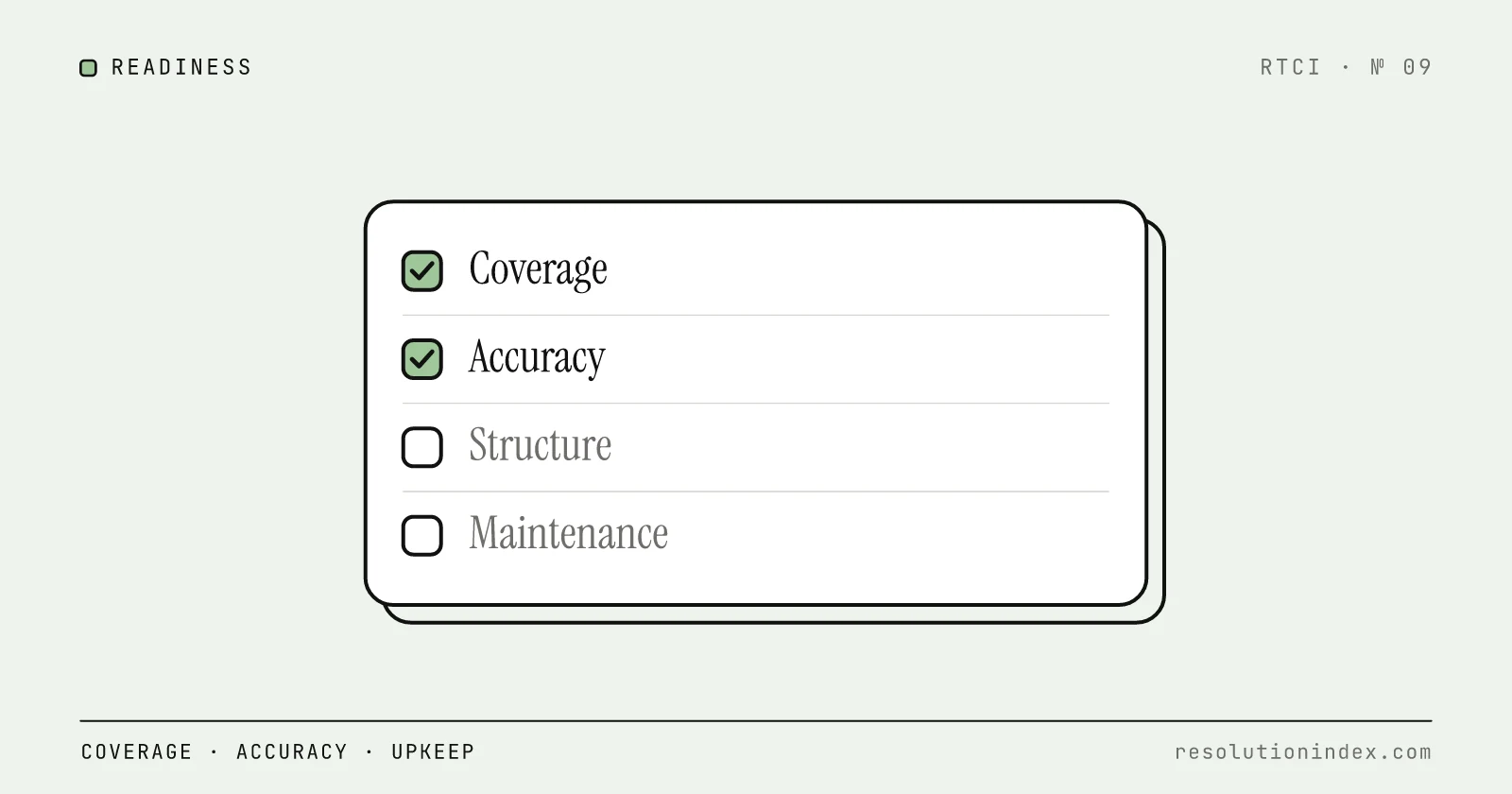
An AI support agent is only as good as the knowledge base it reads. This guide defines "ready" across coverage, accuracy, structure, maintenance and technical setup, with an audit and a weighted scorecard you can run on your own content.
AI Resolution Rates: Why Vendor Claims Are Often Inflated
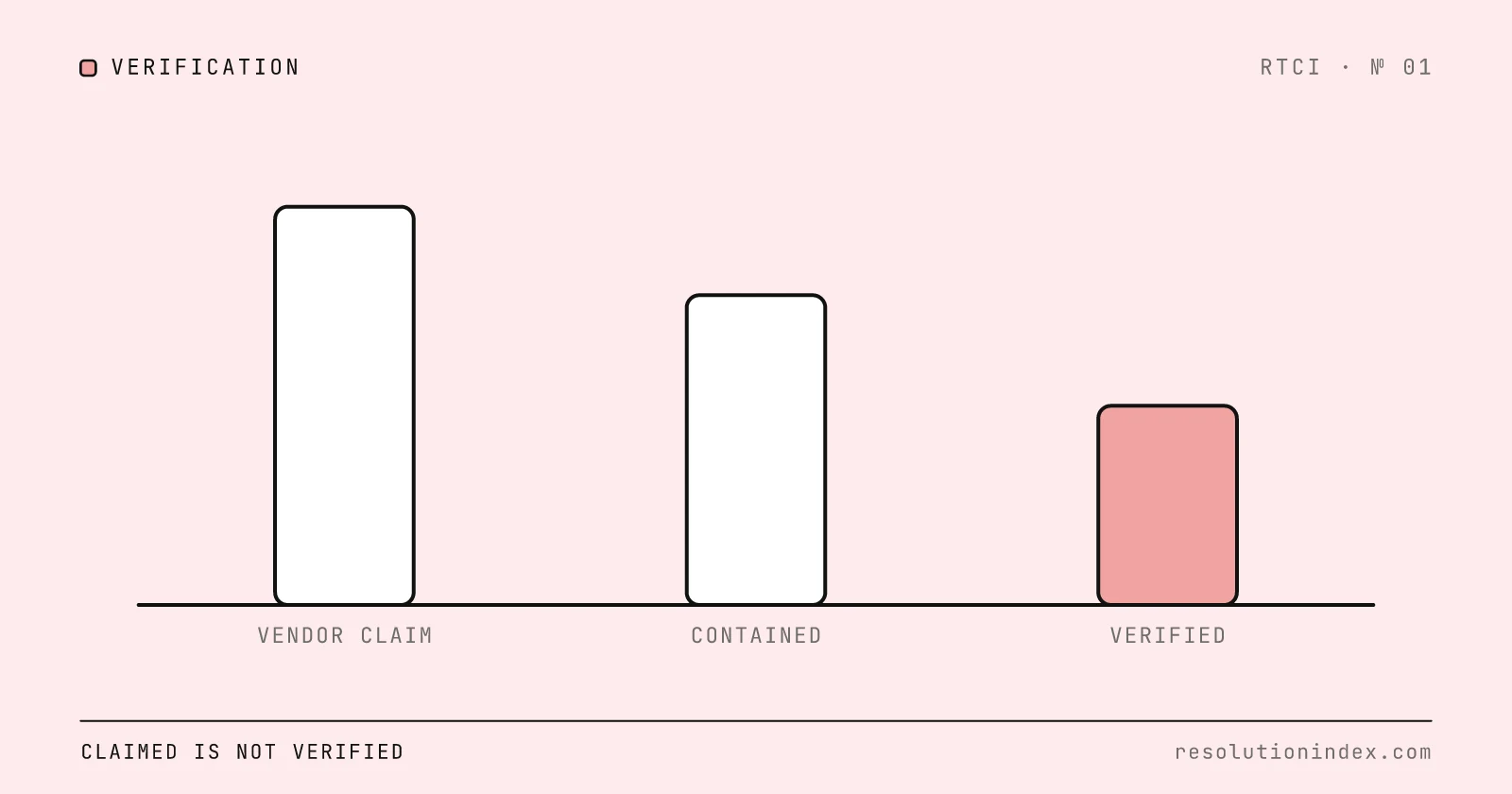
See how AI support vendors blur resolution, containment and deflection, how RTCI discounts each claim, and the five questions to ask before you compare two rates.
How to Measure AI Resolution Rate Internally
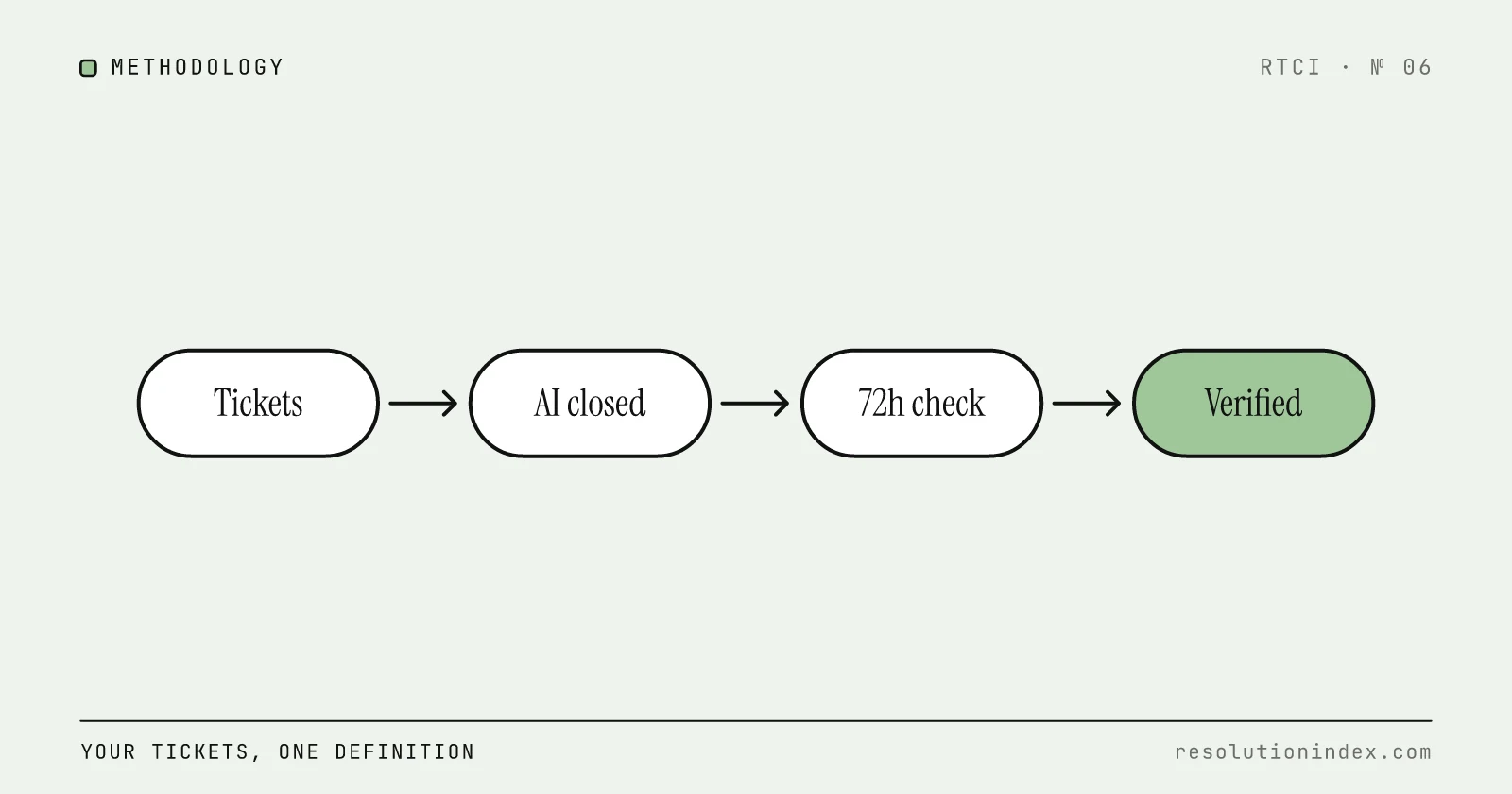
Vendor dashboards report resolution rates that no two vendors calculate the same way. This is a practical, vendor-agnostic methodology to measure your own AI resolution rate using your own ticket data, built on RTCI's 72-hour verified resolution standard.
How to Benchmark Your AI Resolution Rate Against Industry Peers
How to compare your AI resolution rate with peers: fix the definition and denominator, then benchmark against RTCI's 58% median realistic rate and Comm100's 44.8% cross-customer figure.
AI Support Cost Per Resolution by Industry (2026)
How fully loaded cost per verified resolution changes by industry, built from BLS wage data for customer service representatives, published AI pricing and stated assumptions you can replace with your own.