Published Nov 20, 2026 · Updated Nov 20, 2026 · 28 min read
Customer Service Email Templates: 30 Copy-Paste Replies for Humans and AI Agents (2026)
30 customer service email templates with subject lines and merge fields, from first response and order status to refund denials, outages, fraud locks and angry customers. Each says when to use it, when not to, and whether an AI agent may send it on its own, after verification, or never.
 Written by Andrew Hall, Editor
Below are 30 customer service email templates you can copy, each with a subject line, a body with {merge_fields}, a line on when to use it and when not to, and a rating for whether an AI agent may send it on its own. 13 are safe for an AI to send, 12 only after a system confirms the identity, order or completed action the email describes, and 5 should always come from a named person. Every one doubles as a helpdesk macro for your human team.
They cover the tough situations too: refund denials, double charges, outages, suspected fraud, angry customers, declined exceptions and the moment an AI hands a conversation to a person.
All 30 templates at a glance
| # | Template | AI may send? |
|---|---|---|
| 1 | First response (acknowledgement) | Yes |
| 2 | Need one more detail | Yes |
| 3 | Order status: in transit (WISMO) | With verification |
| 4 | Order status: tracking stalled | With verification |
| 5 | Delay or backorder: first notice | With verification |
| 6 | Delay or backorder: second notice | With verification |
| 7 | Refund approved | With verification |
| 8 | Refund denied | No |
| 9 | Return approved, with label | With verification |
| 10 | Exchange confirmed | With verification |
| 11 | Billing error: checking the charge | Yes |
| 12 | Double charge refunded | With verification |
| 13 | Outage: incident acknowledged | Yes |
| 14 | Outage: resolved | Yes |
| 15 | Bug acknowledged | With verification |
| 16 | Fix shipped | Yes |
| 17 | Feature request: no | With verification |
| 18 | Feature request: not yet (logged) | Yes |
| 19 | Password reset help | Yes |
| 20 | Suspected fraud: account locked | No |
| 21 | Angry customer | No |
| 22 | We got it wrong | No |
| 23 | Escalation to a specialist | Yes |
| 24 | AI-to-human handoff | Yes |
| 25 | Follow-up and closing | Yes |
| 26 | Re-contact after no reply | Yes |
| 27 | CSAT request | Yes |
| 28 | Cancellation confirmed | With verification |
| 29 | Retention offer | With verification |
| 30 | Policy exception declined | No |
Use the number to jump to a template. Ratings are RTCI's recommendation for a typical team; tighten them for regulated industries, never loosen them without the checks described next.
What "AI may send?" means
Each template carries one of three ratings. They describe what has to be true before an AI agent sends it with no person reviewing it.
| Rating | Rule | Typical templates |
|---|---|---|
| Yes | The email states status or asks a question. Every field comes from a system record or the ticket, and nothing in it commits money, access or a decision. | Acknowledgement, incident updates, follow-up, CSAT, handoff |
| With verification | The email reports an action or account fact. The AI sends it only after identity is verified and the action (refund, return label, cancellation, trace) has returned success, with fields filled from that response. | Order status, refunds, returns, double charge, cancellation |
| No | The email carries a judgement or a commitment: a denial, an admission of fault, compensation, a declined exception, a fraud lock. A named person writes or approves it. The AI sends template 24 instead. | Refund denied, angry customer, fraud, exception declined |
The most common way a templated AI reply goes wrong is a "With verification" email sent without the verification: "your refund has been issued" when no refund ran. That is the failure the customer service QA scorecard auto-fails as an action without verification, and it is why the rating is tied to the system response rather than to the model's judgement.
Disclose the AI. Where an AI sends the email, sign it as an AI assistant, as template 24 does. Article 50(1) of the EU AI Act says people must be "informed that they are interacting with an AI system" unless that is obvious from context, and the AI Act text on artificialintelligenceact.eu gives August 2, 2026 as the date Article 50 applies. Outside the EU it is still the honest default, and it makes the handoff email make sense.
Merge fields used in these templates
Field names are in {snake_case} so you can map them to your helpdesk's placeholder syntax. The shared ones:
| Field | What goes in it | Source |
|---|---|---|
| {first_name} | Customer's first name, or "there" if you do not have it | CRM or helpdesk contact |
| {ticket_id} | The ticket reference the customer can quote | Helpdesk |
| {issue_summary}, {issue_short} | One sentence, and three to five words, in the customer's terms | Agent or AI, from the conversation |
| {order_number}, {item_name} | Order and product | Commerce system |
| {refund_amount}, {refund_id}, {payment_method} | Amount with currency, refund reference, and a masked method ("Visa ending 4242") | Payment system response |
| {response_due} | A date and time, never "soon" | SLA settings for the queue |
| {signature} | A person ("Priya, Support") or the AI ("Ava, {company}'s AI assistant") | Sender |
| {agent_name} | A person's name only. Templates signed with it are human-only | Sender |
Lines ending in _line, such as {credit_line} or {refund_line}, are optional sentences. Delete the whole line when it does not apply rather than leaving an empty field.
Acknowledgement and first response templates
These two cover the first reply when you cannot solve the issue in one go. The only promise in either is a time, so make sure it is real.
1. First response (acknowledgement)
Subject: We've got your request ({ticket_id})

Hi {first_name},

Thanks for getting in touch about {issue_summary}. Your reference is {ticket_id}.

{next_step_sentence}

You'll hear from us by {response_due}. If anything changes before then, reply to this email and it stays on the same ticket.

{signature}
- Use when: The ticket needs work that cannot be finished in the first reply, and you can name a real time for the next update.
- Don't use when: You can solve it now. Solve it instead of acknowledging it.
- AI may send? Yes. It promises nothing except a response time, and {response_due} should come from your SLA settings, not the model.
2. Need one more detail
Subject: One thing we need to sort out {issue_short}

Hi {first_name},

To {goal}, we need {missing_info}.

{where_to_find_it}

Once we have it, {next_step}. A screenshot is fine if that's easier.

{signature}
- Use when: You cannot act without a specific detail, such as an order number, device model or screenshot.
- Don't use when: The detail is already in the ticket, the account or the order history. Asking for something the customer already gave you is the fastest way to annoy them.
- AI may send? Yes. Safe as long as it asks for one or two named items and never for a password, full card number or one-time code.
Order status, delay and backorder templates
Order-status questions ("where is my order", or WISMO) are where AI agents earn their keep, because the answer is in a system the AI can read. The risk is the AI quoting a date the data does not support.
The two delay notices follow the structure of the US FTC's Mail, Internet, or Telephone Order Merchandise Rule as summarised in the FTC's business guide (dated September 2011, edited January 2025). If you cannot ship within the time you promised, or 30 days if you promised none, the guide says you must give a revised date or say you cannot, and offer a free way to cancel for a full, prompt refund.
Fill {no_reply_line} in the first notice by the rule: if the revised date is 30 days or less after the original, the guide says you can tell the customer that no reply means they agree to wait. If it is longer or unknown, the notice must say the order will be cancelled automatically unless they agree to the delay. On the second notice, the guide says silence cannot be treated as consent, which is why template 6 asks for an answer.
This is a summary of a US rule for US orders, not legal advice. Other countries set their own delivery and cancellation rules, so check yours before you load these.
3. Order status: in transit (WISMO)
Subject: Your order {order_number} is on its way

Hi {first_name},

Your order {order_number} shipped on {ship_date} with {carrier}. The latest tracking update ({tracking_last_update}) says: {tracking_status}.

Expected delivery: {delivery_estimate}
Track it here: {tracking_url}

If it hasn't arrived by {delivery_estimate_plus_buffer}, reply to this email and we'll open a trace with {carrier}.

{signature}
- Use when: Tracking shows normal movement and the delivery estimate has not passed.
- Don't use when: The last scan is older than your stalled-parcel threshold or the estimate has passed. Use template 4.
- AI may send? With verification. The order must be matched to the sender (the email on the order or a logged-in session), and every date must come from live order and carrier data, never from the model.
4. Order status: tracking stalled
Subject: Order {order_number}: we're checking with {carrier}

Hi {first_name},

Tracking for order {order_number} hasn't updated since {tracking_last_update}, which is longer than it should be. We've opened a trace with {carrier} (reference {trace_id}).

What happens next:
- If {carrier} finds it, we'll send you the new delivery date.
- If they can't locate it by {trace_deadline}, we'll {resolution_offer}.

You don't need to do anything right now. We'll update you by {next_update_date} either way.

{signature}
- Use when: Tracking has stalled past your threshold and the carrier has not marked the parcel delivered.
- Don't use when: The carrier shows it delivered and the customer says it never arrived. That is a missing-parcel claim with its own checks.
- AI may send? With verification. Send only after the trace is actually opened, and only if {resolution_offer} matches policy. Replacing or refunding a lost parcel is a money action.
5. Delay or backorder: first notice
Subject: Your order {order_number} is delayed: new date {revised_ship_date}

Hi {first_name},

We can't ship {item_name} by the date we gave you. {delay_reason} The new expected ship date is {revised_ship_date}.

You have two options:
1. Wait for it. {partial_ship_status}
2. Cancel the delayed item for a full refund of {refund_amount} to your original payment method. Reply "cancel" or use {cancel_link}. Cancelling costs you nothing.

{no_reply_line}

Sorry for the wait.

{signature}
- Use when: You cannot ship within the time you promised.
- Don't use when: You have no revised date. Replace the date sentence with a plain statement that you cannot give one yet, and say why. Never fill {revised_ship_date} with a guess.
- AI may send? With verification. The revised date must come from the inventory or supplier system, and the cancel link must perform a real cancellation.
6. Delay or backorder: second notice
Subject: Order {order_number}: still delayed. Do you want to wait?

Hi {first_name},

We told you {item_name} would ship by {previous_revised_date}, and we've missed that date. {delay_reason}

{new_date_or_unknown_line}

Because this is the second delay, we need your answer:
- To keep waiting, reply "wait" or use {consent_link}.
- To cancel, reply "cancel" or use {cancel_link}, and we'll refund {refund_amount} in full.

If we haven't heard from you and haven't shipped by {auto_cancel_date}, we'll cancel the item and refund you automatically.

{signature}
- Use when: You missed the revised date from the first notice.
- Don't use when: The item has shipped since. Send the in-transit template instead.
- AI may send? With verification. Same checks as the first notice, plus the automatic cancellation must actually be scheduled in the order system.
Refund, return and exchange templates
Every template here describes money or stock moving. The rule for AI is simple: the email reports what the system did, so it can only go out after the system has done it.
7. Refund approved
Subject: Your refund of {refund_amount} has been issued

Hi {first_name},

We've refunded {refund_amount} for {refund_reason_short} on order {order_number}. It went back to {payment_method} on {refund_date}.

Your bank usually shows it within {bank_processing_time}. If you don't see it by {refund_check_date}, reply here and we'll send the refund reference ({refund_id}) to give your bank.

{signature}
- Use when: The refund has been processed in the payment system and you have a refund ID.
- Don't use when: The refund is still pending approval, or it is partial and you have not stated the amount and the reason for the difference.
- AI may send? With verification. Send only after the refund action returns success and {refund_id}. An AI writing "we've refunded" with no completed transaction is the exact failure to prevent.
8. Refund denied
Subject: About your refund request for order {order_number}

Hi {first_name},

I've looked at your request for a refund on {item_name}, and we can't refund it. {policy_reason}

Here's what we can do instead: {alternative_offer}

If there's something I've missed, such as {example_missing_info}, reply with it and {reviewer_role} will look at it again.

{agent_name}
- Use when: The request is clearly outside policy and you have a specific alternative to offer.
- Don't use when: The reason is vague, or local consumer law may give the customer a right your policy does not mention (statutory warranties, for example). Check before you deny.
- AI may send? No. A denial is a judgement customers often dispute. A named person should own it and be there for the reply.
9. Return approved, with label
Subject: Your return for order {order_number} is approved

Hi {first_name},

Your return for {item_name} is approved. To send it back:

1. Pack the item {packing_condition}.
2. Print this label: {return_label_url}, or show code {return_code} at {drop_off_location}.
3. Drop it off by {return_deadline}.

Once it reaches us and passes inspection, we'll refund {refund_amount} to {payment_method}. {restocking_fee_line}

{signature}
- Use when: The order is inside the return window and the returns system has generated the label.
- Don't use when: The item is outside the window, final sale or damaged in a way your policy excludes. Those go to a person.
- AI may send? With verification. Eligibility and the label must come from the returns system. The AI only fills in what that system returned.
10. Exchange confirmed
Subject: Your exchange for order {order_number}: {new_item} is reserved

Hi {first_name},

We've set up your exchange: {old_item} for {new_item}. {new_item} is reserved for you until {hold_until}.

{exchange_steps}

{price_difference_line}

{signature}
- Use when: The replacement is in stock and the exchange order exists.
- Don't use when: The replacement is out of stock. Offer a return instead of an exchange you cannot fill.
- AI may send? With verification. The stock reservation and any price difference must come from the commerce system.
Billing error and double charge templates
Keep the acknowledgement and the fix separate. The first can go out in minutes; the second only once billing has confirmed what happened.
11. Billing error: checking the charge
Subject: Checking the {charge_amount} charge on {charge_date}

Hi {first_name},

Thanks for flagging this. You've told us the {charge_amount} charge on {charge_date} {what_looks_wrong}.

Our billing team is checking it now. We'll reply by {response_due} with either a corrected invoice and refund, or a line-by-line explanation of the charge.

{signature}
- Use when: A customer disputes a charge and you need billing to look before you answer.
- Don't use when: You have already confirmed the error. Use template 12 or a corrected invoice instead of making them wait for a second email.
- AI may send? Yes. It acknowledges and routes. It admits no error and promises no refund, so nothing in it depends on the facts of the charge.
12. Double charge refunded
Subject: Duplicate charge refunded: {refund_amount}

Hi {first_name},

You were charged twice for {order_or_invoice} on {charge_date}. That was our error. We've refunded the duplicate {refund_amount} to {payment_method} (refund reference {refund_id}).

If the second charge shows as pending rather than posted, it may disappear as a released authorisation instead of showing up as a refund.

{prevention_line}

Sorry about this.

{signature}
- Use when: Both charges are confirmed in the payment system and the duplicate is refunded.
- Don't use when: Only one charge appears on your side. The customer may be seeing a pending authorisation, so ask for a statement screenshot first.
- AI may send? With verification. Both charges and the completed refund must be confirmed in the payment system before the email says either.
Outage, bug and fix-shipped templates
Incident emails should copy from the status page, not paraphrase it. If support and the status page say different things, customers trust neither.
13. Outage: incident acknowledged
Subject: [Investigating] {incident_title}

Hi {first_name},

{affected_feature} isn't working for some customers since {start_time} {timezone}. It's a problem on our side, and you don't need to {unnecessary_action}.

What we know: {known_scope}
What to do meanwhile: {workaround}
Live updates: {status_page_url}

We'll email you again when it's fixed, or by {next_update_time} if it isn't.

{signature}
- Use when: The incident is confirmed and published on your status page.
- Don't use when: The incident is unconfirmed, or it involves customer data. A security or data incident needs wording from legal and comms, not a support template.
- AI may send? Yes. Only when every field is pulled from the published incident record. The AI must not guess the cause or an ETA.
14. Outage: resolved
Subject: [Resolved] {incident_title}

Hi {first_name},

{affected_feature} is working again as of {resolved_time} {timezone}. The problem lasted {duration}.

What happened: {plain_cause}
What you may need to do: {customer_action_or_none}
{credit_line}

If something still looks wrong on your side, reply with {what_to_send} and we'll check your account specifically.

{signature}
- Use when: The incident is marked resolved on the status page.
- Don't use when: Some customers are still affected. Send an update, not a resolution.
- AI may send? Yes. Without {credit_line}. Service credits are a billing action and need the same verification as a refund.
15. Bug acknowledged
Subject: We've reproduced the problem with {feature}

Hi {first_name},

Thanks for the detail. Our team reproduced it: {bug_summary}. It's logged as {bug_id}.

Until it's fixed, {workaround}.

{fix_timing_line}

When the fix ships, we'll email you on this ticket.

{signature}
- Use when: Engineering has reproduced the bug and it has an ID linked to the ticket.
- Don't use when: Nobody has reproduced it yet. Ask for details with template 2. And never put a date in {fix_timing_line} that engineering has not committed to.
- AI may send? With verification. Only after a bug record exists and is linked to the ticket. The AI must not claim "reproduced" on its own judgement.
16. Fix shipped
Subject: Fixed: {bug_title}

Hi {first_name},

The problem you reported on {report_date} ({bug_summary}) is fixed in {release_version}, released {release_date}.

{customer_action}

If you still see it, reply here. The ticket reopens and goes straight back to {owner_team}.

Thanks for reporting it in enough detail for us to reproduce.

{signature}
- Use when: The linked bug is closed and the fix is live for this customer.
- Don't use when: The fix is rolling out gradually and has not reached this customer yet.
- AI may send? Yes. When triggered by the status change on the linked bug, not by the AI deciding the fix applies.
Feature request templates: no, and not yet
A clear no beats a vague maybe. Both templates avoid the phrase "we'll pass it on to the team", which customers have learned to read as a no anyway.
17. Feature request: no
Subject: About your request for {feature_request}

Hi {first_name},

Thanks for explaining what you need. We're not planning to build {feature_request}. {honest_reason}

What some customers do instead: {workaround_or_integration}

I know that isn't the answer you wanted. We'd rather tell you now than leave the request open with no plan behind it.

{signature}
- Use when: Product has decided against the feature and you can give the reason in one or two sentences.
- Don't use when: Product has not decided. Use template 18. And never say "we'll pass it on" if nobody reads the feedback.
- AI may send? With verification. Only when the request matches an entry on your documented "not building" list. Anything else goes to a person.
18. Feature request: not yet (logged)
Subject: Your request for {feature_request} is logged

Hi {first_name},

Thanks for this. I've added your request to {feedback_tool} under "{request_title}", with your use case: {use_case_summary}.

To be straight with you: it isn't scheduled, and I can't give you a date. {current_status_line}

If it gets scheduled, you'll hear from us on this ticket.

{signature}
- Use when: The request is real, undecided and now recorded where product will see it.
- Don't use when: The feature is already scheduled with a public date. Link the roadmap entry instead.
- AI may send? Yes. Only if it actually creates or links the feedback record. It must not hint at a timeline.
Account and security templates
Both templates repeat that you never ask for passwords or codes. That line is there because phishing emails imitate support emails, and a consistent statement gives customers something to check against.
19. Password reset help
Subject: Resetting your {company} password

Hi {first_name},

To reset your password, go to {reset_url} and enter the email address on your account. The reset link expires after {link_expiry}.

If the email doesn't arrive, check spam for a message from {sender_address}.

We will never ask for your password or the code we send you, by email, chat or phone.

If you no longer have access to that email address, reply and we'll take you through {account_recovery_process}.

{signature}
- Use when: The customer cannot log in but still controls the email address on the account.
- Don't use when: They have lost access to the email address or their two-factor device. That is account recovery, which needs identity proof.
- AI may send? Yes. It points to self-service and changes nothing itself. Account recovery stays with people.
20. Suspected fraud: account locked
Subject: We've locked your {company} account to protect it

Hi {first_name},

We saw {suspicious_activity_plain} on your account at {event_time} that doesn't match how you usually use it, so we've locked the account as a precaution. {what_is_paused}

If this was you: {unlock_steps}
If it wasn't you: {secure_steps}

We will never ask for your password, full card number or one-time codes. If anyone contacting you as {company} asks for those, don't reply.

{security_team_signature}
- Use when: A security rule has locked the account. Send it only to the verified address on file.
- Don't use when: You are replying to an inbound message from a different address than the one on file. Never confirm account details to it.
- AI may send? No. Fraud cases need a person who can verify identity through a separate channel, and an AI that can be prompted into unlocking or confirming details is an attack surface.
Angry customer and apology templates
An apology works when it names what went wrong and what you did about it. "We apologise for any inconvenience" does neither. Both templates are signed by a person, and neither should be sent by an AI.
21. Angry customer
Subject: Re: {original_subject}

Hi {first_name},

You've had {what_went_wrong_specific}, and you've had to contact us {contact_count} times to get it sorted. That shouldn't have happened.

What I've done today: {action_taken}
What happens next: {next_step}, by {next_step_date}.

I'm keeping this ticket with me until it's closed, so you won't have to explain it again. If you'd rather talk it through, {callback_option}.

{agent_name}
- Use when: The customer is angry with good reason and you have already taken a concrete action.
- Don't use when: You have taken no action yet (an apology with nothing behind it reads as stalling), or the message contains abuse or threats. Follow your abuse policy for those.
- AI may send? No. An upset customer should get a named person who owns the ticket. Strong negative sentiment belongs on the AI's handoff triggers.
22. We got it wrong
Subject: We got this wrong: {short_issue}

Hi {first_name},

On {incident_date}, {what_we_did_wrong}. That was our mistake, not yours.

We've fixed it: {fix}. {compensation_line}

To stop it happening again, {process_change}.

Sorry for the trouble.

{agent_name}
- Use when: An error on your side affected this customer and it is now fixed.
- Don't use when: The fix is not done. Send an update with a date instead, and save the apology for when you can say what changed.
- AI may send? No. Admitting fault and offering compensation are commitments a person should approve.
Escalation and AI-to-human handoff templates
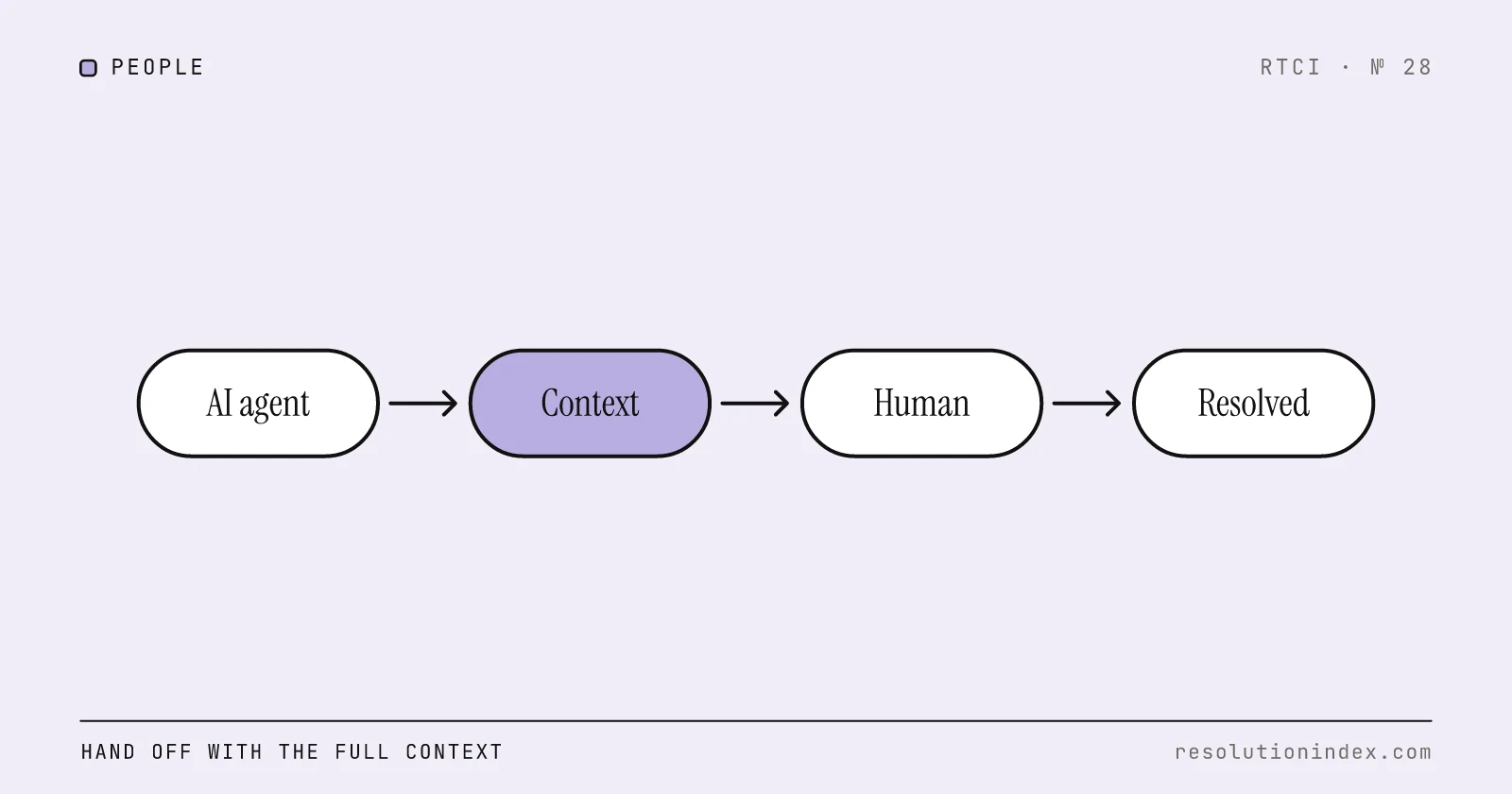
Template 24 is the one most teams are missing. When a conversation moves from the AI to a person, the customer should see that it happened, who has it, and what was passed on. Train the team on AI handoff workflows covers the handoff packet behind the email, and reducing escalations without adding headcount covers how to need fewer of them.
23. Escalation to a specialist
Subject: Your request is with our {specialist_team} team

Hi {first_name},

{issue_summary} needs our {specialist_team} team, so I've passed it to {specialist_name_or_team}. They have the full history, including {key_details}, so you won't need to repeat anything.

They'll reply by {response_due}. Your reference is still {ticket_id}.

{signature}
- Use when: The ticket has been routed to a specialist queue and the history is attached.
- Don't use when: The specialist queue has no response target you can quote. Find out before you promise one.
- AI may send? Yes. Sent when routing completes, with {response_due} taken from the specialist queue's SLA.
24. AI-to-human handoff
Subject: A member of our team is taking over ({ticket_id})

Hi {first_name},

You've been talking to {assistant_name}, our AI assistant. {handoff_reason_plain}, so {human_name} from our {team} team is taking over from here.

{human_name} can see the full conversation, including:
- What you asked: {issue_summary}
- What we've checked: {checks_done}
- What's still open: {open_question}

{human_name} will reply {expected_response_time}. You don't need to repeat anything.

{assistant_name} (AI assistant), {company}
- Use when: Any handoff trigger fires: the customer asks for a person, a "No" template would be needed, a verification fails, or confidence drops below your threshold.
- Don't use when: Nobody is available within the time you would quote. Give the real time instead of implying someone is there now.
- AI may send? Yes. This is the one the AI should always send itself, with the context lines filled from the conversation so the customer sees what was passed on.
Follow-up, re-contact and CSAT templates
These are the safest templates to automate, because they report status and ask a question. The customer service survey questions bank has more wording for the CSAT line, and CSAT vs NPS covers which survey to send after which ticket.
25. Follow-up and closing
Subject: Is {issue_short} sorted?

Hi {first_name},

On {resolution_date} we {resolution_action}. I wanted to check it's working for you now.

If it is, you don't need to reply. This ticket will close on {close_date}. If it isn't, reply here and it reopens with everything we've done so far.

{signature}
- Use when: You have taken the resolving action and want confirmation before the ticket closes.
- Don't use when: The customer has already confirmed it works. Close the ticket and skip the check-in.
- AI may send? Yes. It makes no new promise, and the close date comes from your automation rules.
26. Re-contact after no reply
Subject: Still need help with {issue_short}?

Hi {first_name},

We asked for {pending_item} on {ask_date} and haven't heard back, so the ticket is still waiting on that.

{pending_item_reminder}

If you've already sorted it, no reply is needed and we'll close the ticket on {close_date}. Replying after that reopens it with the history attached.

{signature}
- Use when: The ticket is waiting on the customer and your first reminder window has passed.
- Don't use when: The ticket is waiting on you, not the customer. Answer it instead of nudging them.
- AI may send? Yes. Set the number of reminders in automation (RTCI suggests no more than two) so the AI cannot keep nudging.
27. CSAT request
Subject: How did we do with {issue_short}?

Hi {first_name},

Your ticket {ticket_id} about {issue_short} is closed. One question:

How satisfied were you with the support you received today?
{csat_scale_links}

If something wasn't right, reply to this email. It goes to {owner_team}, not a no-reply inbox.

{signature}
- Use when: The ticket has closed and the customer has not been surveyed recently.
- Don't use when: The ticket closed because the AI marked its own conversation resolved and the customer never confirmed. Wait for the ticket to close properly.
- AI may send? Yes. Triggered by ticket close, with the resolution type passed as a hidden field so AI and human scores can be compared.
Cancellation, retention and policy exception templates
Cancellation is where support emails most often get pushy. The rule in all three: make the customer's requested outcome the easiest one to reach.
28. Cancellation confirmed
Subject: Your {plan_name} subscription is cancelled

Hi {first_name},

We've cancelled your {plan_name} subscription, as you asked on {request_date}.

- Your last charge was {last_charge}. You won't be charged again.
- You keep access until {access_end_date}.
- {data_retention_line}
- {refund_line}

If you change your mind, you can restart at {reactivate_url}. {what_carries_over}

{signature}
- Use when: The cancellation is complete in the billing system.
- Don't use when: The customer asked a question about cancelling but did not ask to cancel. Answer the question.
- AI may send? With verification. The requester must be verified as the account owner, and the cancellation must be complete in billing before the email says so.
29. Retention offer
Subject: Before you go: {offer_summary}

Hi {first_name},

You asked to cancel because {cancel_reason}. If {reason_specific_fix}, we can offer {offer_details}, valid until {offer_expiry}.

If you'd still like to cancel, reply "cancel" or use {cancel_link} and it's done today. No further questions.

{signature}
- Use when: The stated reason is one an offer actually addresses, such as price or a temporary pause.
- Don't use when: The customer has already declined an offer, or the reason has nothing to do with what you can offer. And never make the offer a step the customer has to get past to cancel.
- AI may send? With verification. Only offers from a preset list the customer qualifies for. The AI must not invent discounts, and must cancel at once if the customer says cancel.
30. Policy exception declined
Subject: About your request for {exception_requested}

Hi {first_name},

I asked {approver_role} about {exception_requested}, and we can't make an exception this time. {policy_reason_plain}

I understand {acknowledge_specific_situation}. What we can do is {alternative}.

If {condition_that_would_change}, reply and I'll take it back to them.

{agent_name}
- Use when: Someone with authority has reviewed the exception and said no.
- Don't use when: Nobody has reviewed it yet. "We can't make exceptions" before anyone has looked is a policy wall, not a decision.
- AI may send? No. Exception decisions belong to a named person who can be asked again.
How to adapt the templates: tone, length and personalisation
Tone. Write the way a capable colleague talks. Use "I" when a person sends the email and "we" for the company. Cut "we apologise for any inconvenience", "please do not hesitate to contact us" and "rest assured". Each takes a line and says nothing. If your brand voice is warmer, add warmth to the first sentence, not padding to every sentence.
Length. Keep the shape: what happened, what you did, what happens next, and by when. If an edit pushes a template past about ten lines of body, the extra is usually explanation the customer did not ask for. For chat or messaging, drop the subject and greeting and send the middle.
Subject lines. Put the order number, the amount or the issue in the subject. "Your refund of $42.00 has been issued" can be found in an inbox later; "Update on your request" cannot.
Personalisation fields. Split them into required fields (names, references, amounts, dates) and judgement fields ({policy_reason}, {honest_reason}, {acknowledge_specific_situation}). Required fields come from systems. Judgement fields are where personalisation lives: one specific sentence about this customer's situation does more than any number of merge fields.
Never ship a gap. Configure the helpdesk or AI platform so an email with an unfilled {field} cannot send. A customer who receives "Hi {first_name}" has learned the email was automated and nobody checked it.
How to load them as macros and as AI-approved answers
The steps are the same whatever helpdesk or AI platform you use. Names for each step vary (macros, saved replies, canned responses, snippets, approved answers, procedures).
- Create each template as a macro in your helpdesk, named with its number and title so agents and reports use the same label.
- Map the fields to your helpdesk's placeholders. Fields with no placeholder, such as {refund_id}, need an integration or the agent fills them by hand.
- Tag each macro with its AI rating. Yes, With verification or No, so the rating travels with the template.
- Load the Yes templates into the AI platform as approved responses or knowledge it may use word for word.
- Bind each With verification template to its action. The AI may send it only after the named action returns success, and fills the fields from that response. If verification fails or a field is empty, it hands off.
- Make each No template a handoff trigger. When the AI reaches a situation that needs one, it sends template 24 and routes the ticket with context.
- Test on past tickets before going live: run a set of real conversations through and check the AI picks the right template and refuses the wrong ones.
- Give every template an owner and a version, and log which version was sent, so QA can trace a bad reply to a template change.
A With verification rule written down for the AI platform looks like this:
template: 7 Refund approved
ai_send: with_verification
requires:
  - customer identity verified (order email or logged-in session)
  - refund action returned status = succeeded
fill_from: refund action response
  refund_amount, refund_id, payment_method, refund_date
on_missing_field: hand off (template 24)
on_failed_check: hand off (template 24)
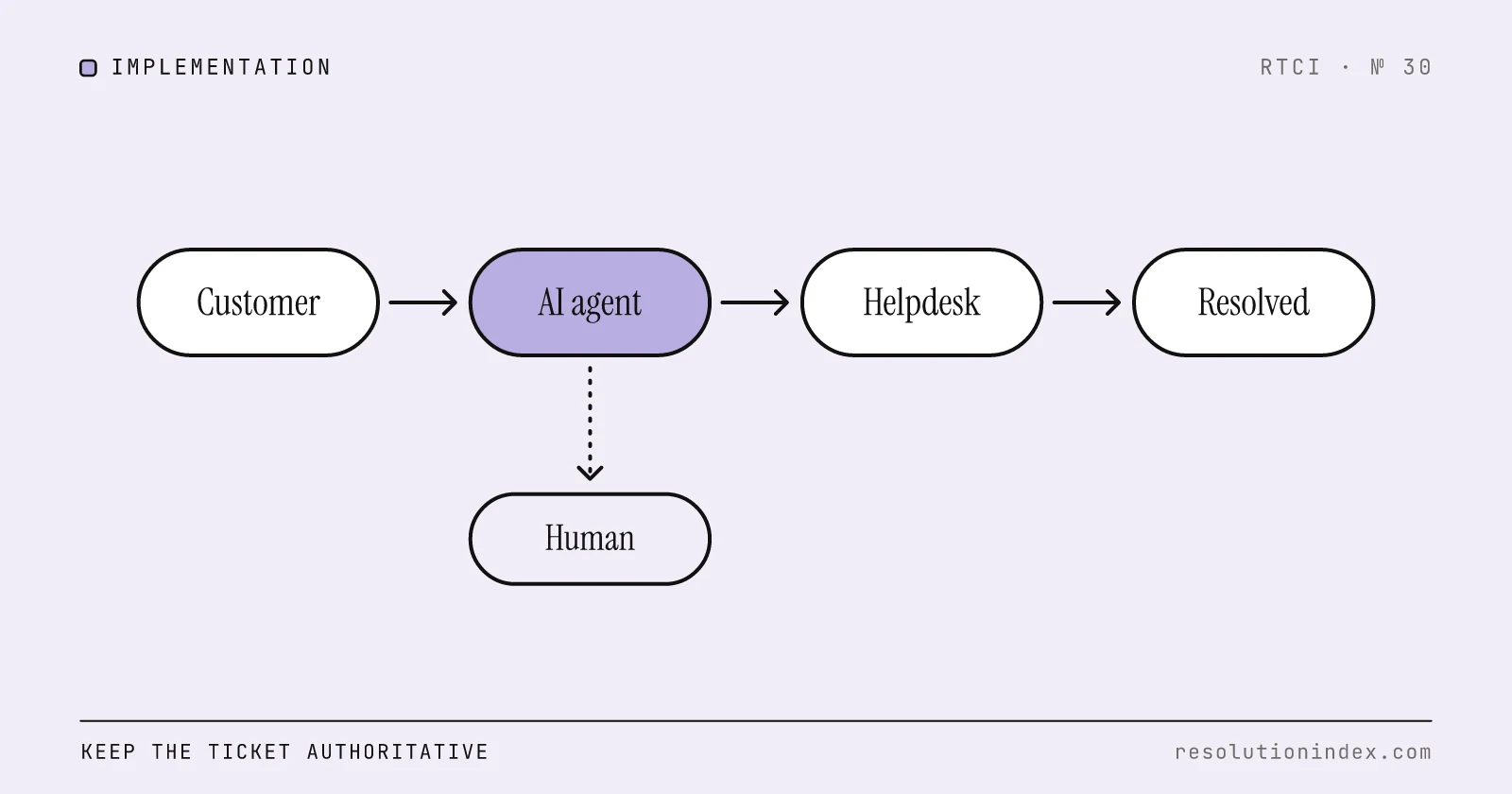
Where the AI sits relative to your helpdesk decides how steps 4 to 6 are wired. Integrate AI support with your existing helpdesk covers the patterns and the shadow-mode test before go-live, and train the team on AI handoff workflows covers what the person receiving template 24's ticket should see.
How to QA templated replies
Templates fail in predictable ways, so sample for them. Add three checks to your regular review of human and AI conversations:
- Wrong template. The reply used a template in its "Don't use when" situation, such as an in-transit email for a stalled parcel.
- Unverified claim. A With verification template went out without the action behind it. Check the payment, returns or order record, not the email.
- Rating breach. The AI sent a No template, or a person rewrote a template into a commitment nobody approved.
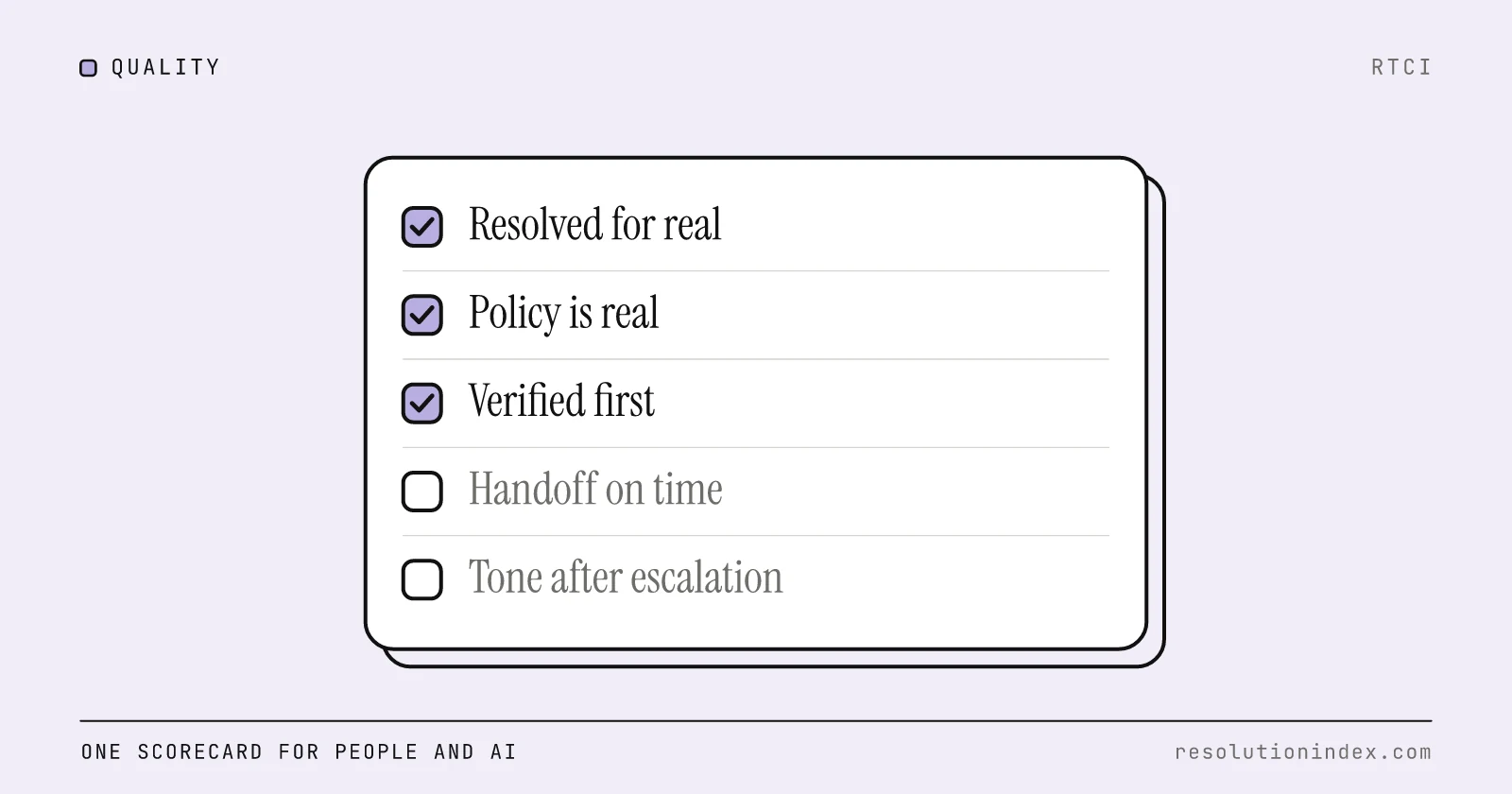
The customer service quality assurance guide has a scorecard that grades human and AI conversations on the same criteria, with auto-fails for false resolutions and unverified actions. Score templated replies on it like any other conversation, and when one template keeps failing, fix the template rather than coaching around it.
Frequently asked questions
What should a customer service email template include?
A specific subject line, a body that says what happened, what you did and what happens next with a date, and merge fields for names, references and amounts. Each template should also state when to use it and when not to, and, if an AI agent may send it, what has to be verified first.
How do you write a customer service email for a tough situation?
Name the problem in the customer's terms, say what you have already done about it, and give the next step with a date. Keep the apology to one sentence and put the action before it. Refund denials, fraud locks, declined exceptions and angry-customer replies should be signed by a named person who can handle the response.
Can an AI agent send customer service email templates?
Yes, with rules. Of the 30 templates here, RTCI rates 13 safe for an AI to send on its own, 12 safe only after identity is verified and the underlying action (refund, return, cancellation) has succeeded, and 5 as human-only because they carry a judgement or a commitment.
Do I have to tell customers an email was written by AI?
In the EU, Article 50(1) of the AI Act requires that people are informed they are interacting with an AI system unless it is obvious from context, and the AI Act text gives August 2, 2026 as the date Article 50 applies. Elsewhere, RTCI recommends signing AI-sent emails as an AI assistant anyway. Check the rules where your customers are.
What should a shipping delay email say?
In the US, the FTC's business guide to the Mail, Internet, or Telephone Order Merchandise Rule says a delay notice must give a revised shipping date or say you cannot give one, and offer a free way to cancel for a full, prompt refund. A second delay needs the customer's active consent to keep waiting. Templates 5 and 6 follow that structure.
How many times should you follow up when a customer doesn't reply?
RTCI suggests no more than two reminders, then close the ticket with a line saying a reply reopens it. Set the count in automation rather than leaving it to an agent or an AI, so it stays consistent.
Change log
- Published.
Read next
Keep reading
Picked for this article: the pieces it cites and the ones that answer the next question buyers usually ask.
Most related
Train the Team on AI Handoff Workflows
What a clean AI-to-human handoff packet contains, how to measure handoff quality, what vendors bill when a conversation is handed off, and how handoffs move cost per verified resolution.
Integrate AI Support with Your Existing Helpdesk
A phased plan for adding AI resolution to Zendesk, Freshdesk, Intercom or Salesforce Service Cloud without replacing the helpdesk: integration patterns by helpdesk type, a deflect/draft/escalate/auto-resolve decision table, a 25-item readiness checklist and cost math.
Customer Service Quality Assurance: A QA Scorecard for Human and AI Conversations (2026)
One QA program that grades human agents and the AI agent on the same scorecard: nine weighted criteria with pass/fail definitions, five auto-fail checks for false resolutions, invented policy, missed handoffs, unverified actions and tone after escalation, the sample-size math, calibration with an agreement-rate example, and a cadence by team size.
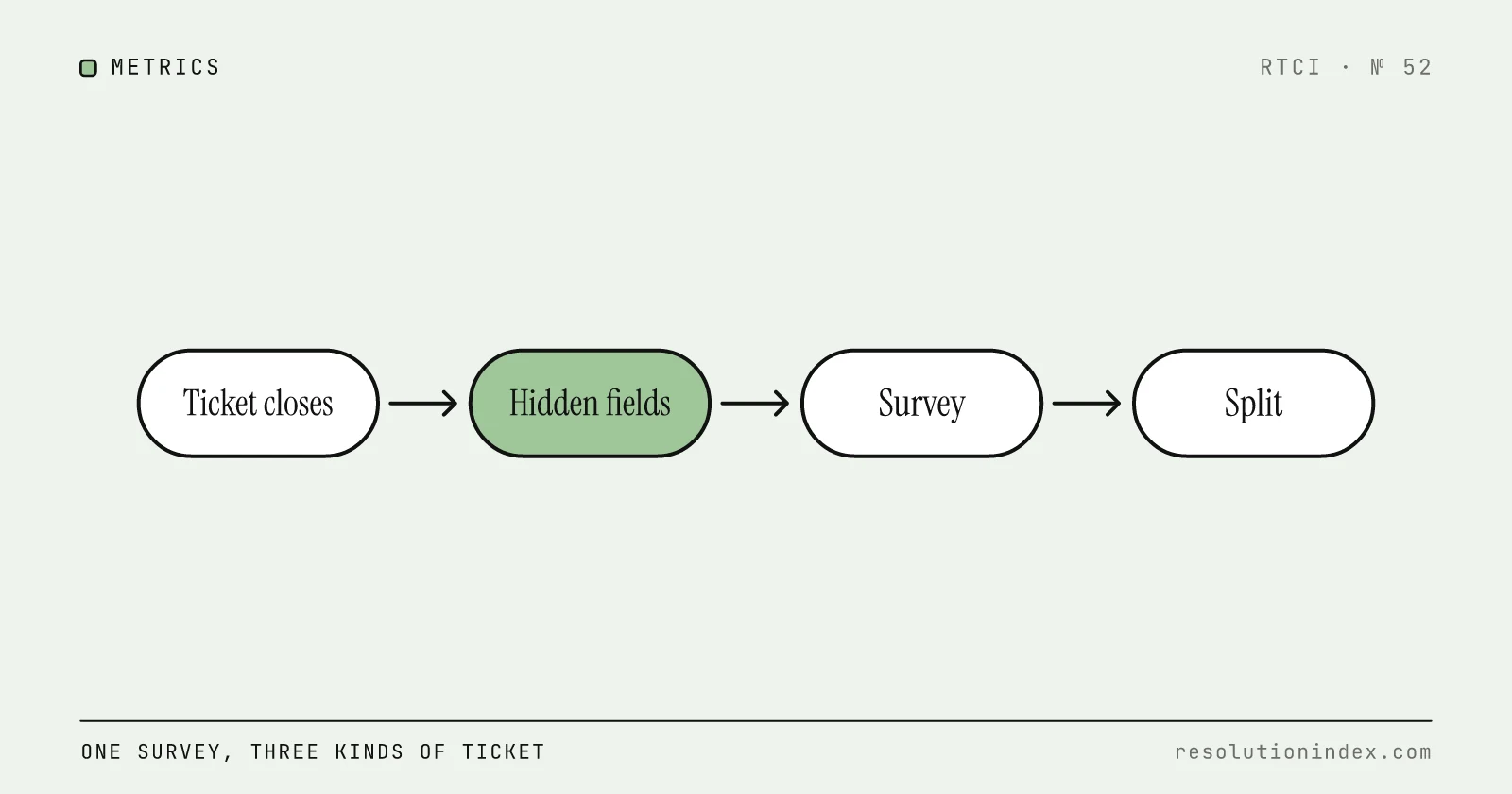
Customer Service Survey Questions: 35 Customer Satisfaction Survey Questions for Services, With AI-Handled and Human Tickets
A 35-question bank for the survey that goes out when a support ticket closes: CSAT, effort, yes/no and open-text wording, separate lines for AI-handled and hand-off conversations, the hidden fields to tag, and how many responses a CSAT gap needs before it means anything.
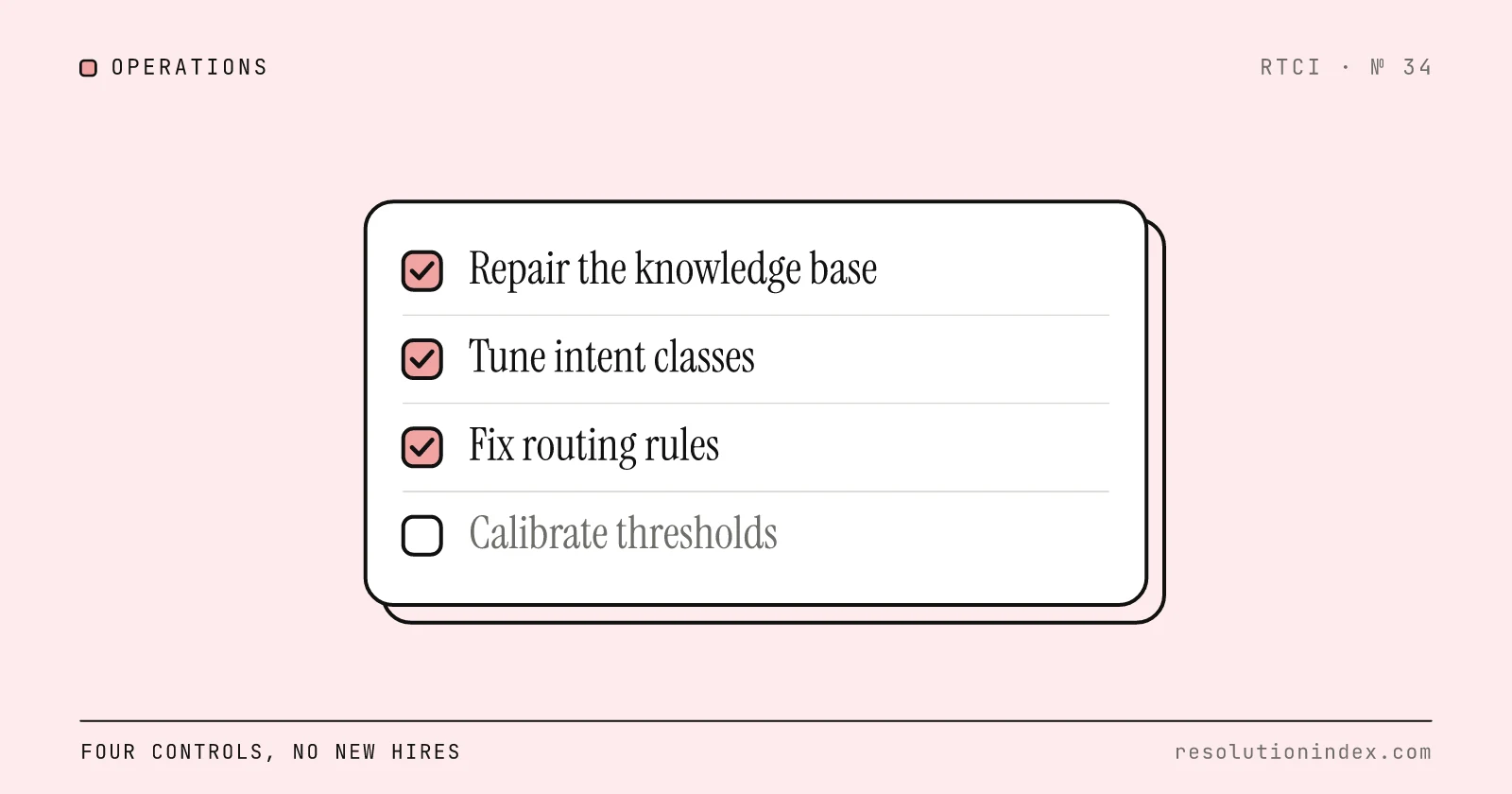
Reduce AI-to-Human Escalations Without Adding Headcount
Tag a sample of escalations by root cause, fix the knowledge gaps and routing errors behind the avoidable ones, then set confidence thresholds by risk. A four-step loop with an audit template, threshold table and worked cost math.