Published Sep 16, 2026 · Updated Nov 19, 2026 · 8 min read
Customer Effort Score for AI Support: Formula, Survey, and Benchmark
Measure customer effort after AI support with a reproducible CES survey, segmentation worksheet, confidence labels, and guardrails against false resolution claims.
 Written by Andrew Hall, Editor
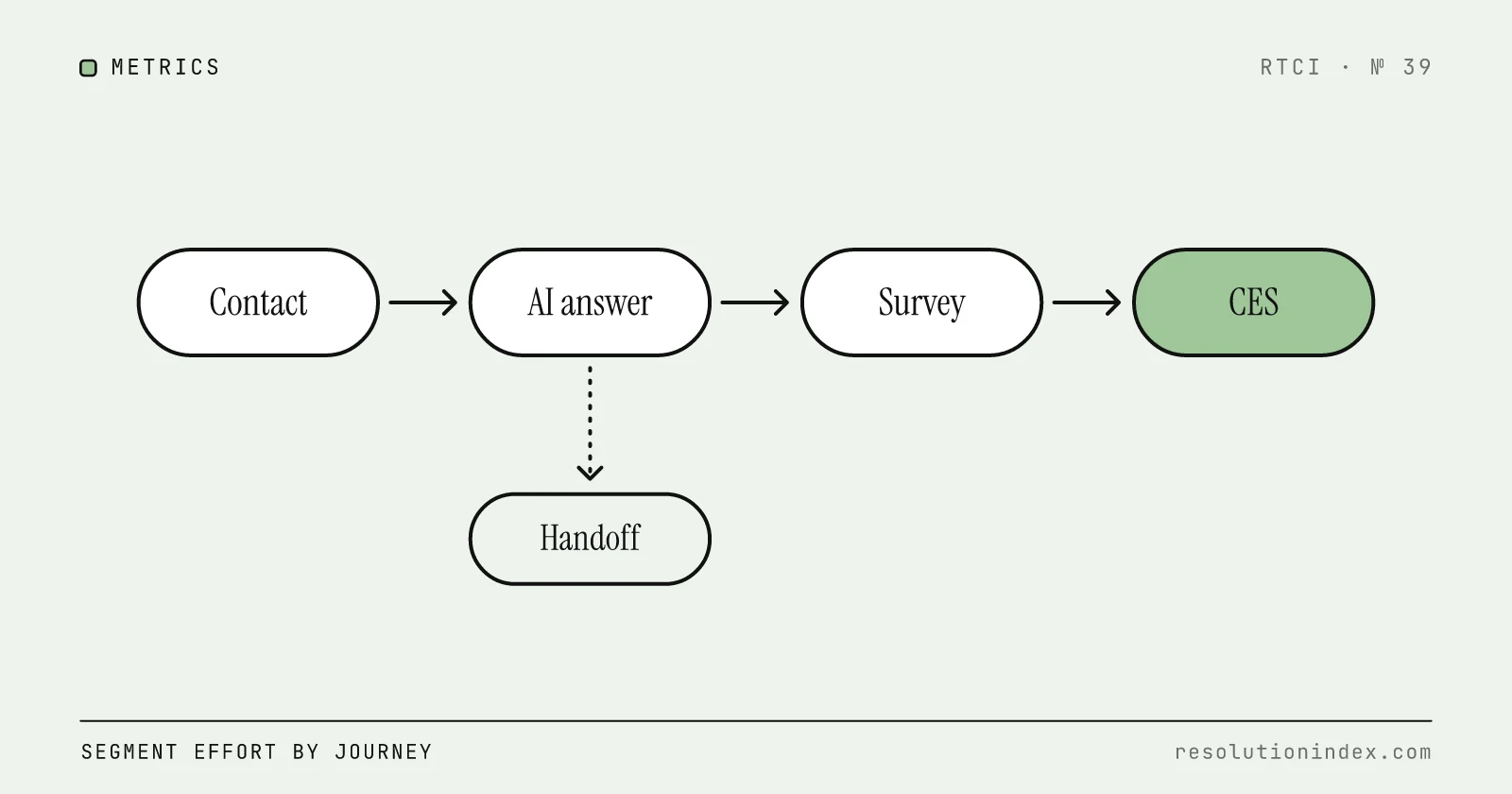
Calculate CES as the mean of valid responses on one declared scale (or the share of favorable responses), send the survey only after a ticket reaches a terminal state, and split results by AI-only, human-handoff, and same-issue re-contact cohorts. There is no portable cross-company benchmark, so compare against your own baseline. A single blended number can improve while the AI creates more hidden work. Copy-ready CES wording for AI, hand-off and human tickets follows the formula section.
Choose one formula and publish it
One usable statement is “The company made it easy for me to handle my issue,” answered on a declared scale. If 7 means strongly agree, report the mean as sum of valid response values ÷ count of valid responses. RTCI uses 6–7 as an editorial favorable-share convention for this worksheet, not as a universal CES standard; label any threshold separately.
Never compare a 1–5 low-is-good scale with a 1–7 high-is-good scale without transformation and disclosure. Keep non-response separate; silence is not a favorable score.
CES survey questions you can copy (AI, handoff and human tickets)
Ask one effort item as soon as the ticket reaches a terminal state, keep the wording identical across cohorts, and change only the noun that names who helped: the assistant or the team. RTCI suggests a 1–7 agree scale where 7 means strongly agree, so a higher number always means less effort.
Customer effort as a service metric comes from Corporate Executive Board (CEB) research that Matthew Dixon, Karen Freeman and Nick Toman published in Harvard Business Review in 2010, Stop Trying to Delight Your Customers. Every wording below is an RTCI suggestion, not a quoted standard.
Core item (RTCI suggestion): “[Company] made it easy for me to handle my issue.” Label all seven points: 1 Strongly disagree, 2 Disagree, 3 Somewhat disagree, 4 Neither agree nor disagree, 5 Somewhat agree, 6 Agree, 7 Strongly agree. Unlabelled middle points mean different things to different customers.
If you prefer a question to a statement, or your platform caps scales at five points, use “How easy was it to get your issue handled today?” from 1 Very difficult to 7 Very easy, or 1 Very difficult to 5 Very easy. On every variant, a higher number means easier.
Some respondents agree with whatever statement they are shown, which Pew Research Center calls acquiescence bias, so the question form suits surveys that avoid agree/disagree items. If an older item runs the other way, such as 1 Very low to 5 Very high effort, reverse it before reporting it beside this one.
Count 6–7 as favorable on the 1–7 scale, as in the formula above, and 4–5 on a 1–5 scale. The CSAT calculator runs the same top-box arithmetic if you want to check a favorable share.
The item stays the same across ticket types; only the noun and the follow-up change. Tag each response with the path the ticket took, so the cohorts in the worksheet below can be split.
| Resolution path (resolution_type) | Effort item, 1–7 agree | Follow-up, only if the score is 4 or lower | Do not ask |
|---|---|---|---|
| AI-resolved (ai_resolved) | “The assistant made it easy for me to handle my issue.” | “What, if anything, made this harder than it needed to be?” | “Did our AI do a good job?” It leads the customer and rates the technology, not the effort. |
| AI then human (ai_then_human) | “The assistant and our team made it easy for me to handle my issue.” | “Which part took the most effort: the assistant, the hand-off, or the team?” (single choice) | Two separate surveys for the same ticket, one per agent |
| Human-only (human_only) | “Our team made it easy for me to handle my issue.” | “What, if anything, made this harder than it needed to be?” | “How much effort did you put in?” with no labelled ends |
| Any path, re-contact within 72 hours (reopened_within_window = true) | Same item as the original path | Same follow-up as the original path | “Did you have to contact us again about this issue?” The hidden field already records it. |
The follow-up wording repeats on purpose, so open-text themes can be compared by path. Send at most one survey per issue: if a response already exists for the conversation, suppress the re-contact survey and let the hidden field carry the re-contact.
Take the hidden fields from the helpdesk, not from the customer. RTCI suggests the same schema used for CSAT and NPS, so all three scores join on one record:
- conversation_id, to join the response back to the ticket
- resolution_type: ai_resolved, ai_then_human or human_only
- escalated and escalation_reason, to separate requested hand-offs from failed answers
- channel: chat, email, messaging or voice
- intent, so AI and human tickets are compared within the same topic
- reopened_within_window, set to the 72-hour window used in the worksheet
- closed_at and survey_sent_at, to show the send delay
- survey_version and language, because changed or translated wording is a different question
Without resolution_type, the cohort worksheet below cannot be filled.
Five rewrites cover most CES items that produce unreadable data:
- Unclear direction. “How much effort did you put in?” with only numbers shown leaves customers guessing whether 1 is good. Fix: the agree item, with 1 labelled Strongly disagree and 7 labelled Strongly agree.
- Two questions in one. “How easy and fast was our support?” cannot tell you which half the score describes. Fix: the effort item alone; if speed matters, ask a separate yes/no line.
- Leading wording. “Our AI assistant solved your problem easily, right?” supplies the answer. Fix: “The assistant made it easy for me to handle my issue.”
- Wrong trigger. A survey that fires when the bot ends the chat scores conversations that may not be resolved. Fix: send only on a terminal state, as set out in the guardrails below.
- Mixed scales. A 1–5 scale in chat and a 1–7 scale in email cannot be averaged. Fix: one scale everywhere; if history forces two, report them separately and never blend them.
Add at most one optional open-text item, such as “Anything else we should fix?” Every extra question is another place for the customer to stop. With the item, scale and fields fixed, the arithmetic below is the same for every path.
Worked example
Suppose ten valid 1–7 responses are 7, 6, 6, 5, 5, 4, 4, 3, 2, 1. Their sum is 43, so mean CES is 43 ÷ 10 = 4.3. Under RTCI’s declared 6–7 convention, three of ten are favorable, so favorable share is 30%. Report both as “mean 4.3/7; 30% favorable; n=10” rather than collapsing them into one unlabeled score.
If 100 contacts were eligible but only ten responded, response rate is 10%. The mean describes respondents, not all eligible customers. Compare respondent and non-respondent issue mix where possible and do not call this small example decision-grade.
Source basis and editorial conventions
For general CES definitions and formula variants, RTCI rechecked Qualtrics’ Customer Effort Score guide and SurveyMonkey’s CES overview on September 27, 2026. These explain the measure but do not create a universal cross-company benchmark.
RTCI’s 6–7 favorable threshold, 72-hour re-contact window, cohort labels, and sample-size labels are editorial operating conventions for this worksheet. They are not claims from those sources and are not substitutes for a sampling plan, confidence interval, or non-response analysis.
Original asset: the CES cohort worksheet
| Cohort | Eligible contacts | Responses | Mean CES | Favorable share | 72h same-issue re-contact |
|---|---|---|---|---|---|
| AI-only verified resolution | ___ | ___ | ___ | ___ | ___ |
| AI then human handoff | ___ | ___ | ___ | ___ | ___ |
| AI ended; customer re-contacted | ___ | ___ | ___ | ___ | ___ |
| Human-only control | ___ | ___ | ___ | ___ | ___ |
Publish the survey question, scale direction, send trigger, field period, response rate, duplicate-response rule, cohort definition, and re-contact window. The 72-hour re-contact window and the worksheet labels “under 30 directional, 30–99 provisional, 100+ decision-grade after bias review” are RTCI editorial conventions, not validated statistical cutoffs. Report confidence intervals where appropriate, and inspect non-response bias before making a decision.
Guardrails against false resolution
- Do not fire the survey merely because the bot ended the chat.
- Reconcile against reopened tickets and same-issue re-contact.
- Preserve whether a human touched the case.
- Exclude internal tests and duplicate responses with a declared rule.
- Review low-effort and suspiciously high-effort transcripts for policy or factual failures.
CES is a perception measure. A customer may find a wrong answer easy. Treat any factual, identity, policy, or money-movement failure as a hard fail even when the survey score is high. For the CSAT, yes/no and open-text lines that sit beside a CES item, use the same post-ticket customer service survey questions for every cohort.
To decide which score goes on which ticket type, see CSAT vs NPS vs CES. If you also track NPS for the same cohorts, give both groups the same post-ticket NPS question wording and check its margin of error with the Net Promoter Score calculator before reading a small change as real.
A benchmark you can defend
Use your own prior four-week baseline before external benchmarks. Compare the same channel, issue mix, scale, wording, trigger, and response window. Annotate releases, knowledge-base changes, outages, and routing changes.
A useful experiment changes one thing, holds eligibility constant, and reports CES beside verified resolution, re-contact, containment, and human handle time. State the result across cohorts: effort improved, and failures did not move into another cohort.
Frequently asked questions
How do you calculate Customer Effort Score?
Choose a declared scale, compute the mean response or favorable-response share, and publish the question, scale direction, window, sample size, and response rate beside the result.
What is a good Customer Effort Score?
There is no portable universal benchmark because wording, timing, channels, scales, and ticket mix differ. Use a stable internal baseline and segmented trend.
Does low effort prove the AI resolved the issue?
No. CES captures perceived ease. Pair it with verified resolution, re-contact, factual accuracy, and policy compliance.
What is a good customer effort score question?
One item on a labelled scale where a higher number means easier, asked right after the issue is closed: the statement “[Company] made it easy for me to handle my issue” from 1 Strongly disagree to 7 Strongly agree, or the question “How easy was it to get your issue handled today?” from 1 Very difficult to 7 Very easy. Keep it identical across AI and human tickets.
Change log
- Tightened the opening answer and the benchmark section; removed contrast-style phrasing. No figures changed.
- Added copyable CES questions for AI-resolved, handoff and human tickets.
- Published.
Read next
Keep reading
Picked for this article: the pieces it cites and the ones that answer the next question buyers usually ask.
Most related
The Net Promoter Score Question: Exact Wording for Support Teams, With AI-Resolved and Human Tickets
The standard NPS question and follow-up quoted from the source, how to word post-ticket NPS when a bot or a person handled the conversation, when to send it, and how many responses each group needs before a gap means anything.
CSAT vs NPS (and CES): Which Score to Track for AI-Resolved and Human Support Tickets
What CSAT, NPS and CES each measure, which one to send after AI-resolved, handoff and human tickets, what a good CSAT score really means, and how many responses each group needs before a gap is real.
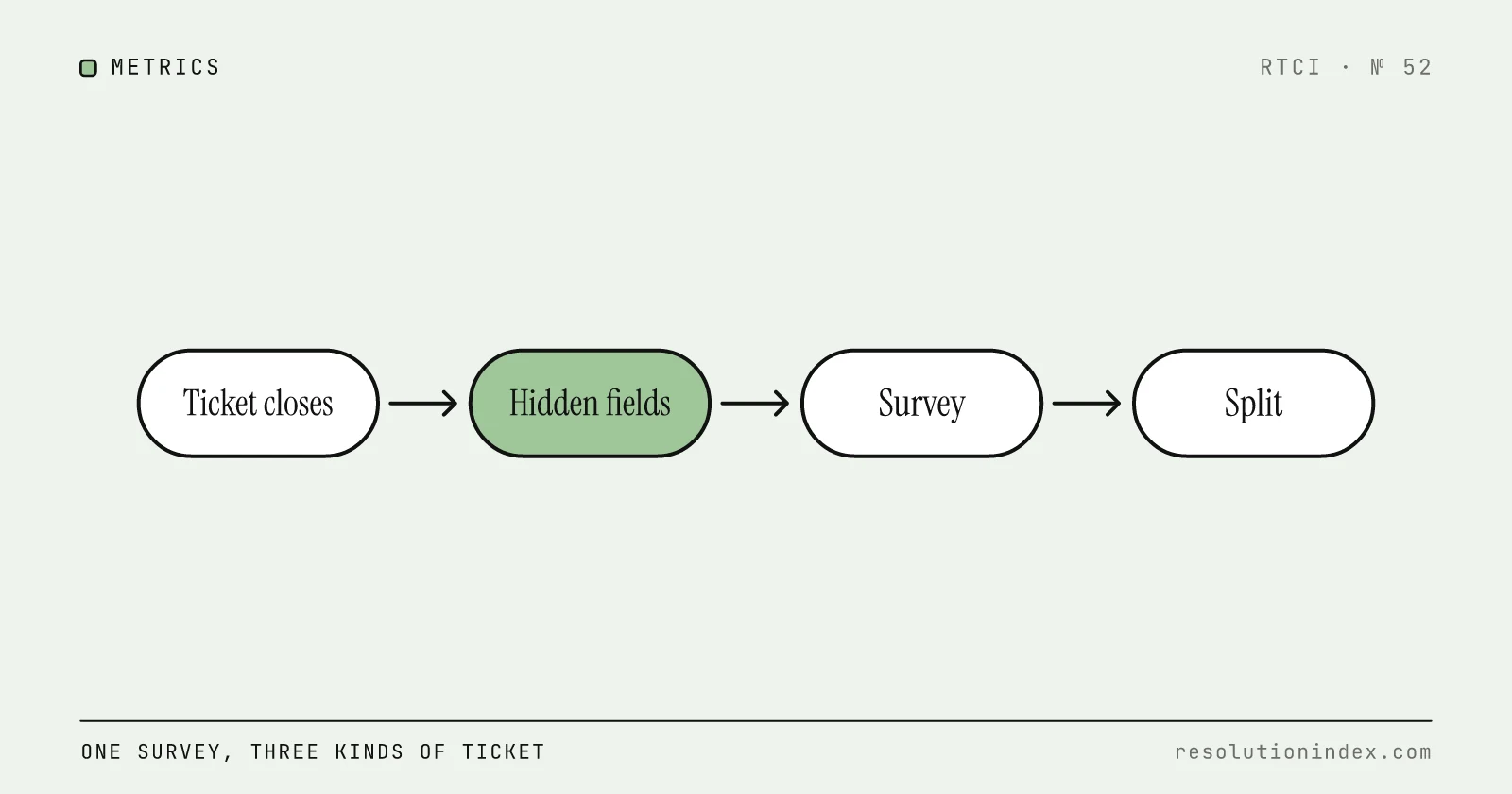
Customer Service Survey Questions: 35 Customer Satisfaction Survey Questions for Services, With AI-Handled and Human Tickets
A 35-question bank for the survey that goes out when a support ticket closes: CSAT, effort, yes/no and open-text wording, separate lines for AI-handled and hand-off conversations, the hidden fields to tag, and how many responses a CSAT gap needs before it means anything.
Average Handle Time After AI Automation: Formula and Benchmark Model
Calculate blended AHT without hiding AI work, human handoff, after-contact work, or same-issue re-contact. Includes a reproducible cohort model and scenario worksheet.
Intercom Pricing 2026: What Fin Really Costs Per Resolution
Intercom pricing as of November 2026: seats from $29, Fin at $0.99 per outcome, the add-ons, and a worked cost per resolution for three team sizes.